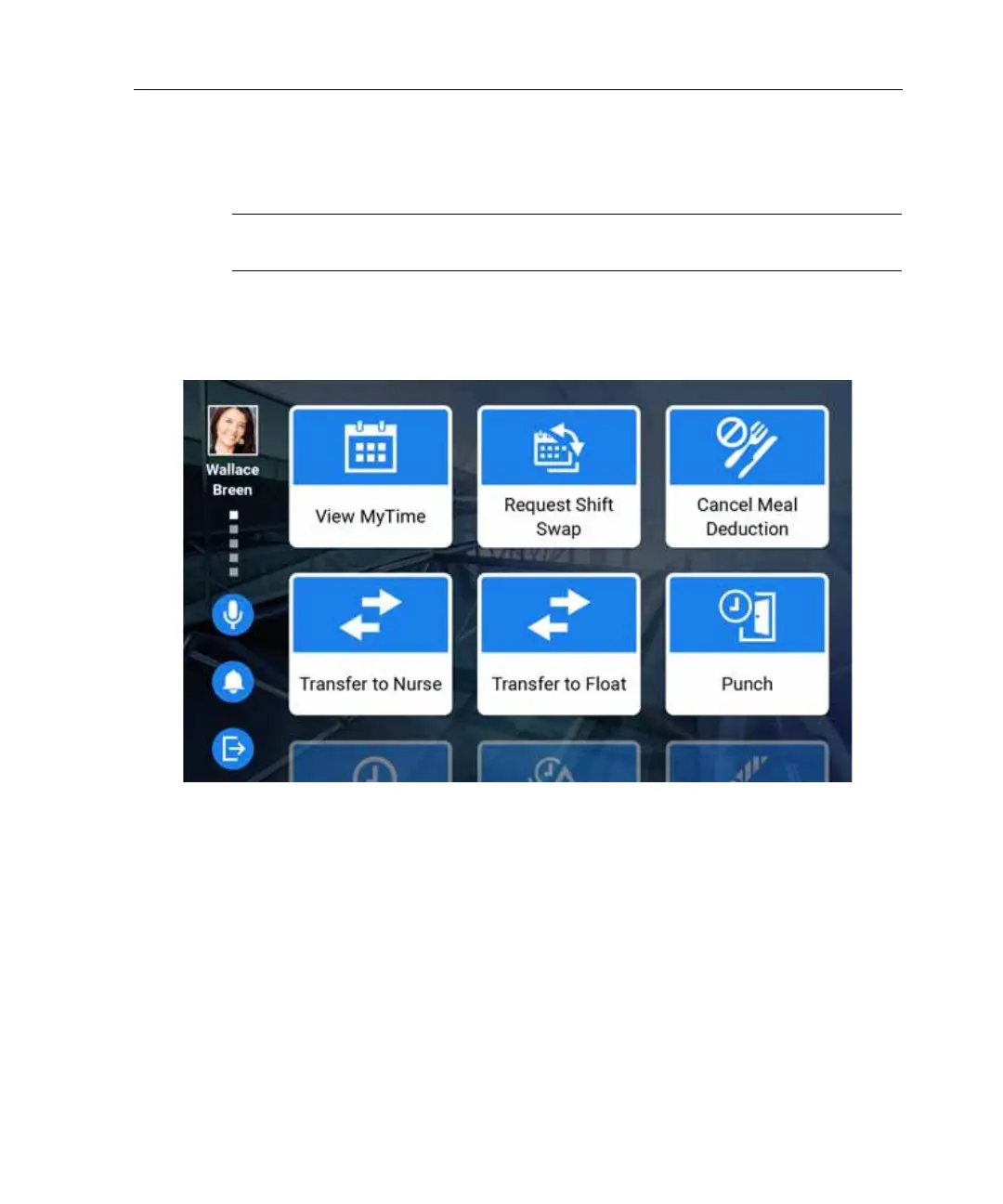
Access your employee home page
31
Access your employee home page
Note: This section assumes that your administrator has configured a punch as the
default transaction for a badge swipe or finger scan.
Your employee home page contains your photo or initials, a link to the Message
Center (if configured), and a log-out button.
Community home page
There are three ways to access your employee home page when the timeclock is
configured to display the community home page.



 To Next Page