Badges
19
Badges
Integrated badge readers
The InTouch DX is equipped with one of the following integrated badge readers:
•HID
®
Prox
• Smart card: MIFARE/DESFire, iCLASS, or FIPS 201
•Bar code
• Magnetic stripe
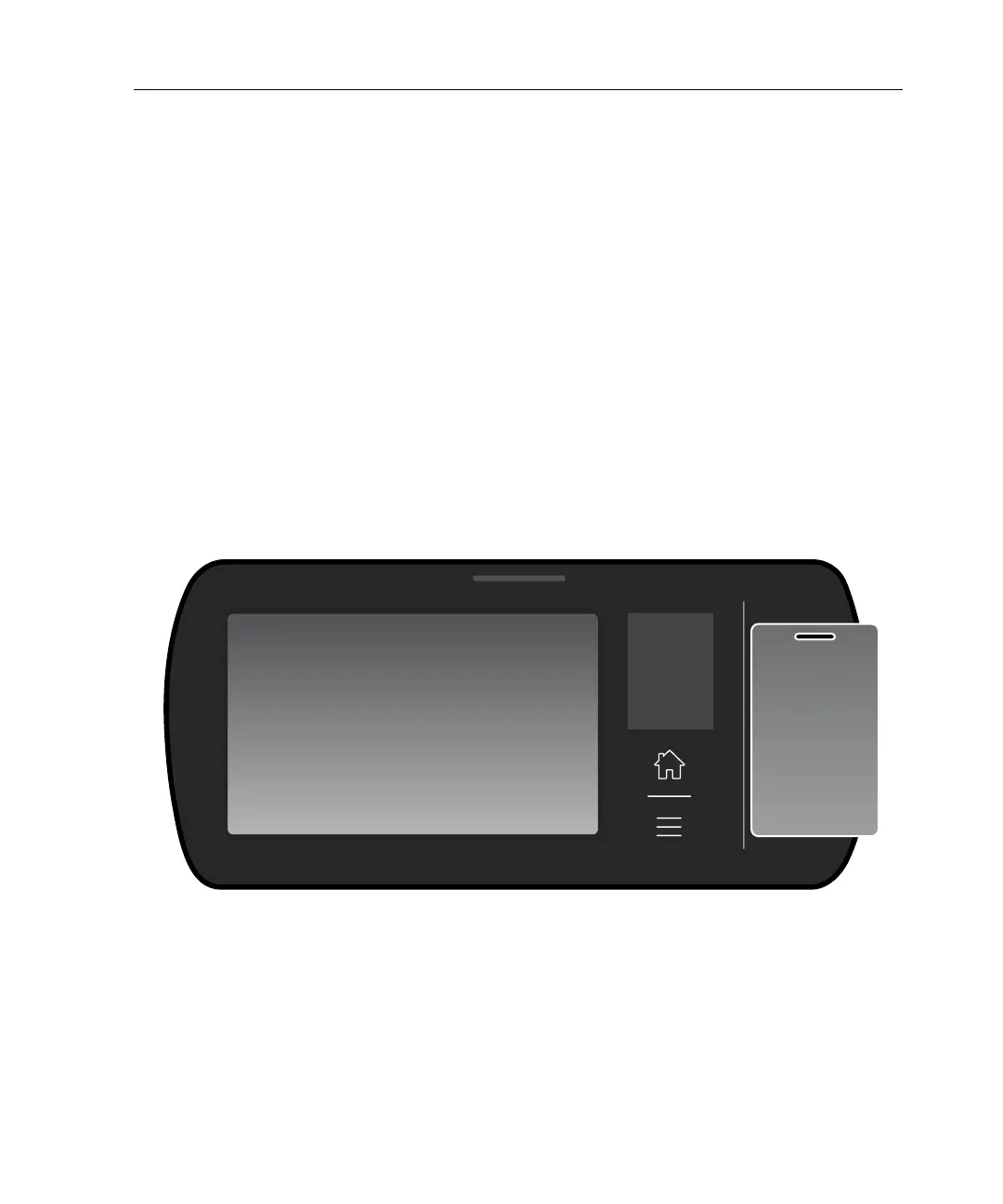
If the timeclock is equipped with a proximity or smart card reader, hold the badge
within one inch of the timeclock, as shown in the following illustration.
If the device is equipped with a bar code reader or a magnetic stripe reader, swipe
the badge through the reader to perform transactions.
If the device reads the badge successfully, the LED flashes green, and the speaker
emits a tone. If the badge read is unsuccessful, the LED flashes red, the speaker



 To Next Page