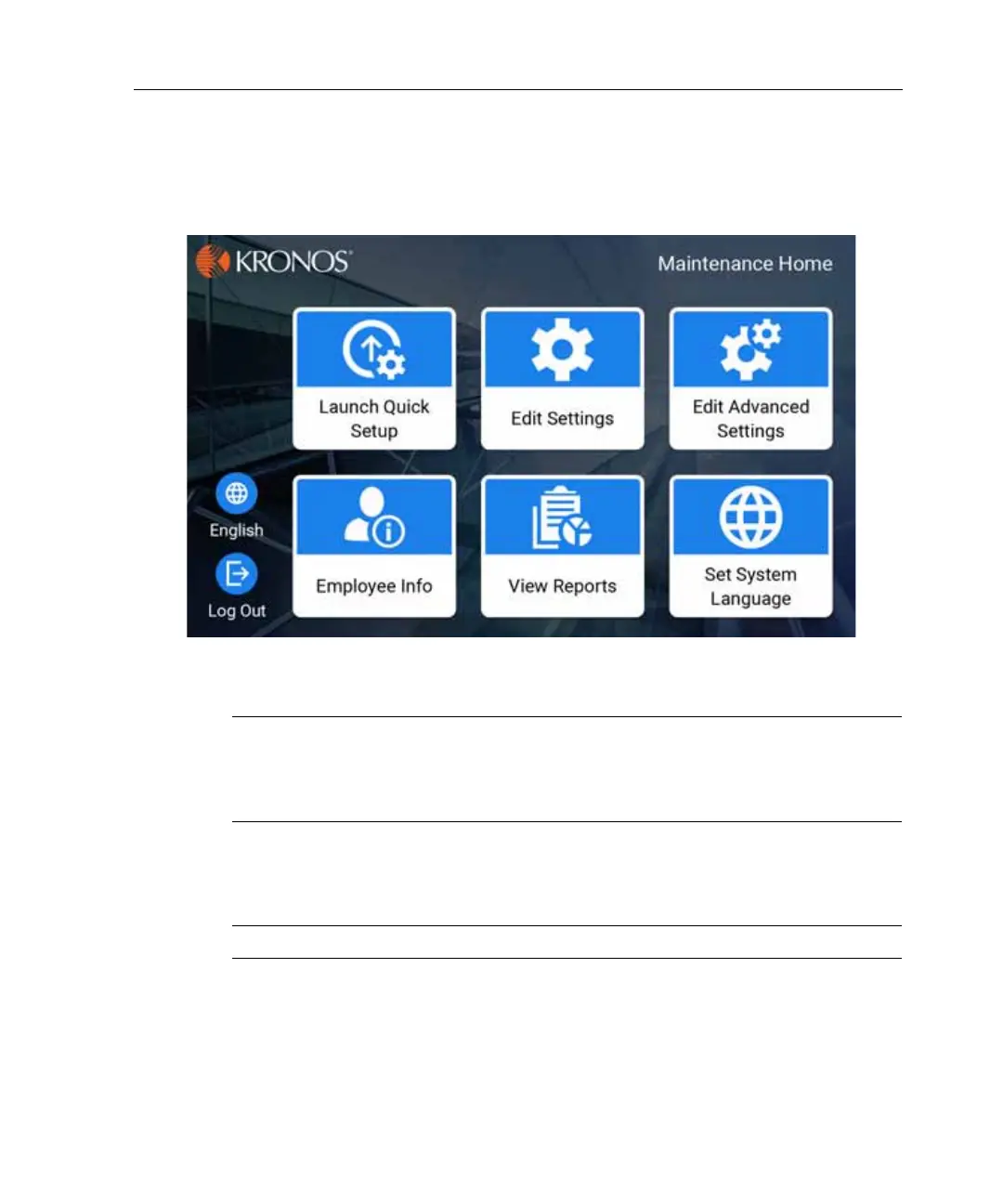
Access maintenance mode
99
Access maintenance mode
There are three ways to access maintenance mode, as described in the following
sections.
Note: To exit maintenance mode, press the Home icon on the front of the
timeclock; the timeclock reverts to employee mode. If the timeclock is idle for 45
seconds without any input from a user, it automatically exits maintenance mode
and reverts to employee mode.
Use a Maintenance badge
Note: Some InTouch DX configurations do not ship with a Maintenance badge.
Swipe the Maintenance (“M”) badge within two inches of the target area.
Depending on how the timeclock is configured, the system prompts you for a
password.



 To Next Page