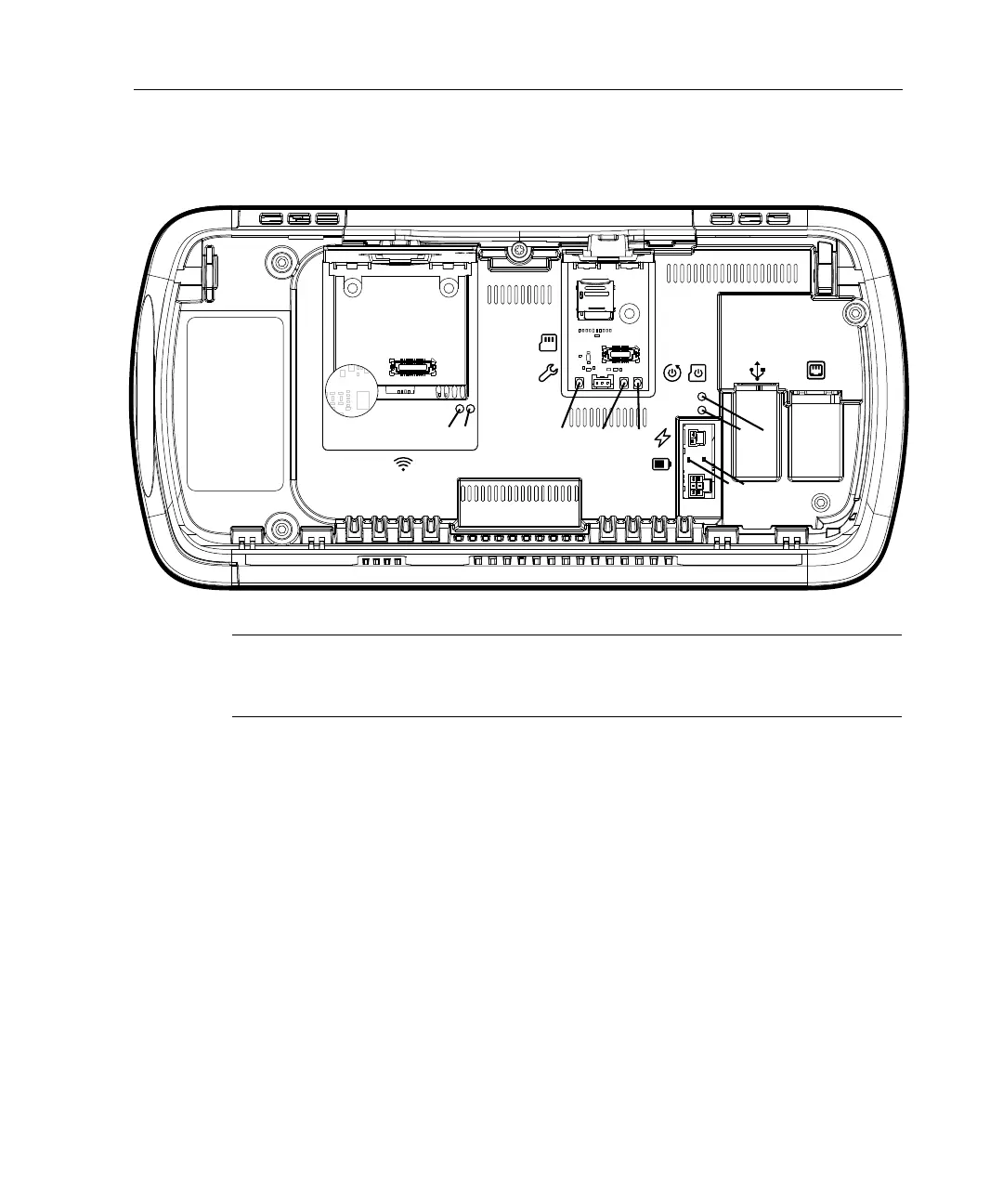
Access maintenance mode
103
Note: If you are prompted to calibrate the touchscreen, contact your Kronos
Representative before proceeding. For more information, see “Calibrate the
touchscreen” on page 202.
5. Slightly rotate the timeclock assembly into view to confirm that the timeclock
is in maintenance mode.
6. Close the cover of the microSD card compartment.
7. Close the timeclock assembly, and fasten the two screws on the mounting
bracket.



 To Next Page