Smart View transactions
47
Navigation
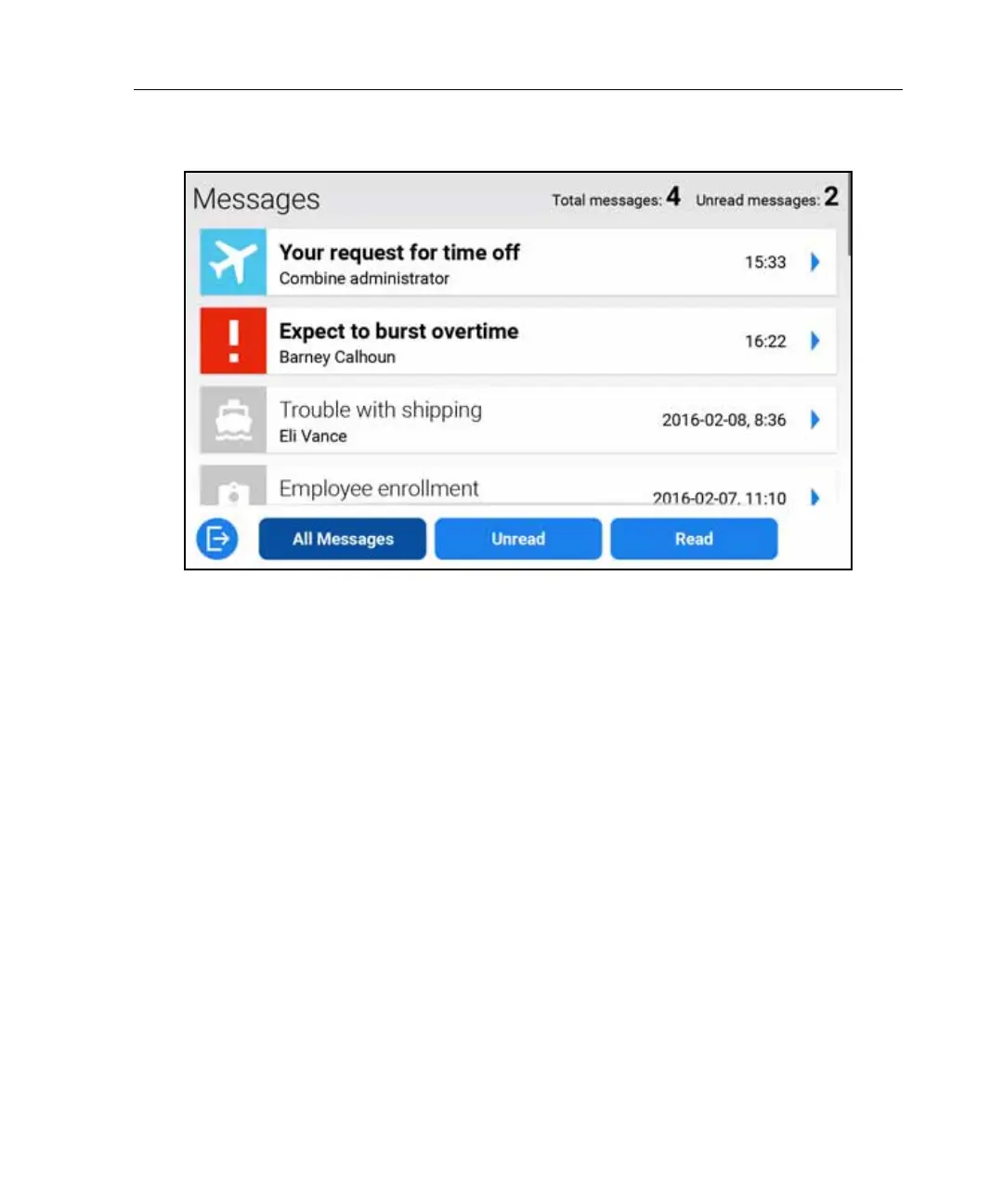
• Unread messages contain bold text and color graphics. Messages that you
have read are grayed out.
• By default, all messages appear in the list, but you can view only unread or
only read messages by tapping the appropriate button (if configured).
• To view the contents of a message, tap its row.
• Some messages, such as requests for time-off, allow you to view the original
transaction without exiting the Message Center.



 To Next Page