Troubleshooting
7-12
1
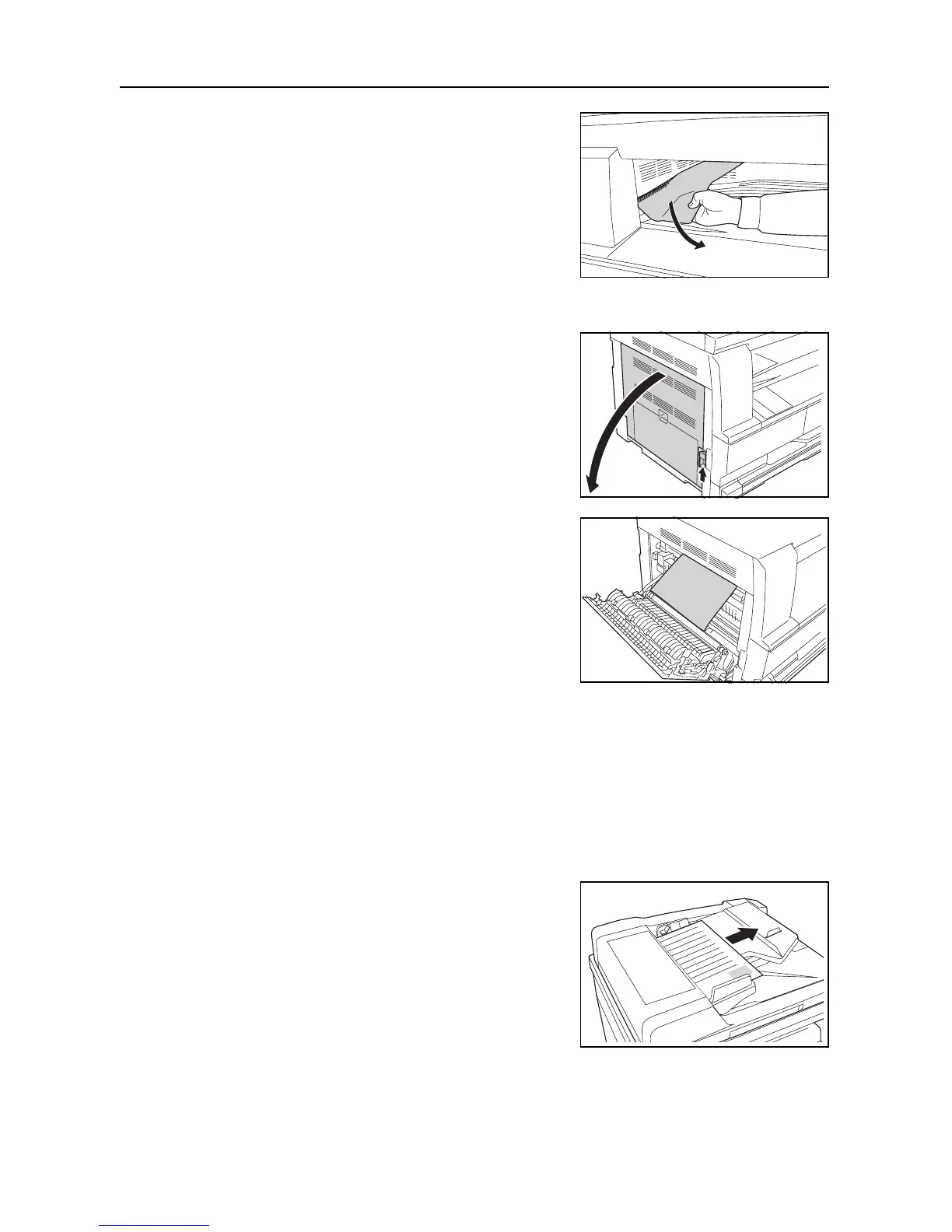
If jammed paper is seen through the paper output slot,
pull it out to remove it.
Note If the paper does happen to tear, remove any loose scraps from inside the machine.
2
Pull the left cover handle up to open the left cover.
3
Remove any jammed paper without tearing it.
Note If the paper does happen to tear, remove any loose scraps from inside the machine.
4
Close the left cover.
J70 to J75 and J78: Paper Jam in the Optional Document
Processor
Perform the following procedure to remove the jammed original(s).
1
Remove all of the originals remaining in the original
table.











 To Next Page