12
Wind Speed History and Alerts
WIND
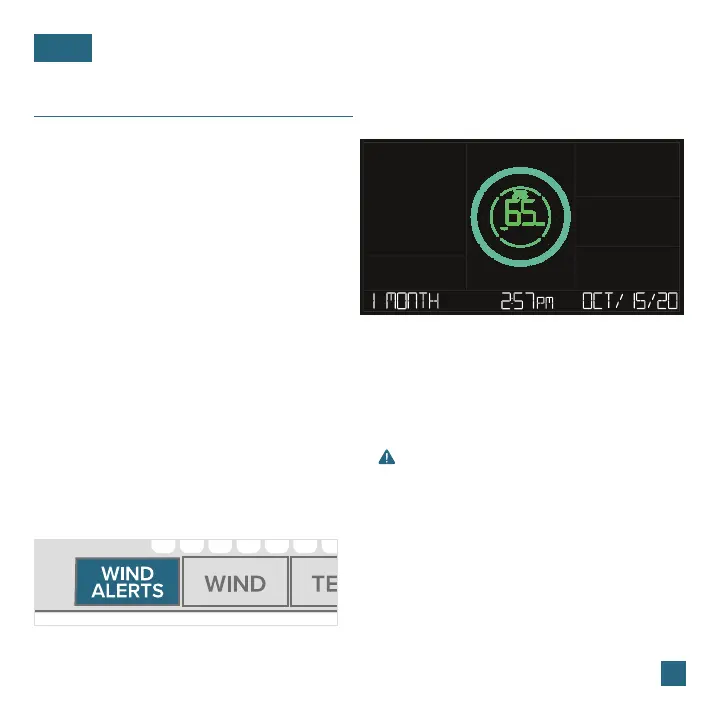
Viewing Wind Speed History Records
Activate/Deactivate Wind Speed Alert Important Notes:
Press the WIND button to toggle
through wind speed history records
with time and date stamps.
The wind speed records include:
past 24 hours, 7 days, 1 month, & 1 year.
Press the WIND ALERTS button to activate/
deactivate the alert. WIND SPEED ALERT ON or
OFF will appear on the bottom of the LCD.
• The alert is defaulted to be o.
• When the armed alert value is reached, the station
will beep and the icon will flash. Press any button
to stop the alert sound.
• The Alert Icon will remain flashing until out of the
alert range.
• This Wind Speed Alert is for the station only
and will not aect the app.
1. Hold the WIND ALERTS button to enter the Alert Settings Menu.
2. Use the +/- buttons adjust wind speed alert settings. Press the WIND ALERTS
button to confirm your selection.
3. Your wind speed alert is active when the icon on.
Setting the Wind Speed Alert
Monthly Wind Speed Record Example















 To Next Page