14
Temperature & Humidity Records
TEMPERATURE & HUMIDITY
Viewing Records
Resetting Individual Temperature &
Humidity Records
Records Viewing Order
“Feels Like” Temperature
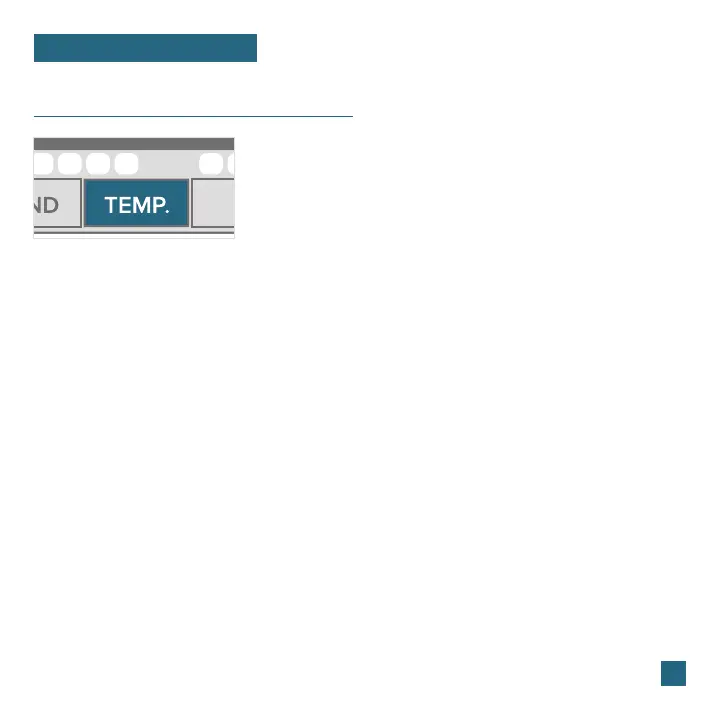
Press the TEMP button to toggle through indoor/
outdoor temperature & humidity history records
with time and date stamps.
Press the TEMP button to view the
individual temperature & humidity values
you’d like to reset.
Next, hold the MINUS (-) button until
dashes appear on the LCD.
This reading is now reset to your
current temperature or humidity value.
This reading indicates both Wind Chill and Heat index values when
conditions are met.
• Outdoor High Temperature
• Outdoor Low Temperature
• Outdoor High Humidity
• Outdoor Low Humidity
• Indoor High Temperature
• Indoor Low Temperature
• Indoor High Humidity
• Indoor Low Humidity
• “Feels Like” High Temperature
• “Feels Like” Low Temperature
• Dew Point
1.
2.
3.
• Wind Chill: When temperature is below 50°F and there is 5 MPH sustained wind speed.
• Heat Index: When temperature is above 80°F.
• Current Temperature: When the temperature is between 51°F and 79°F, the reading will
remain the same as the outdoor value regardless of humidity or wind speed.















 To Next Page