84
Display Operating Procedure
Description
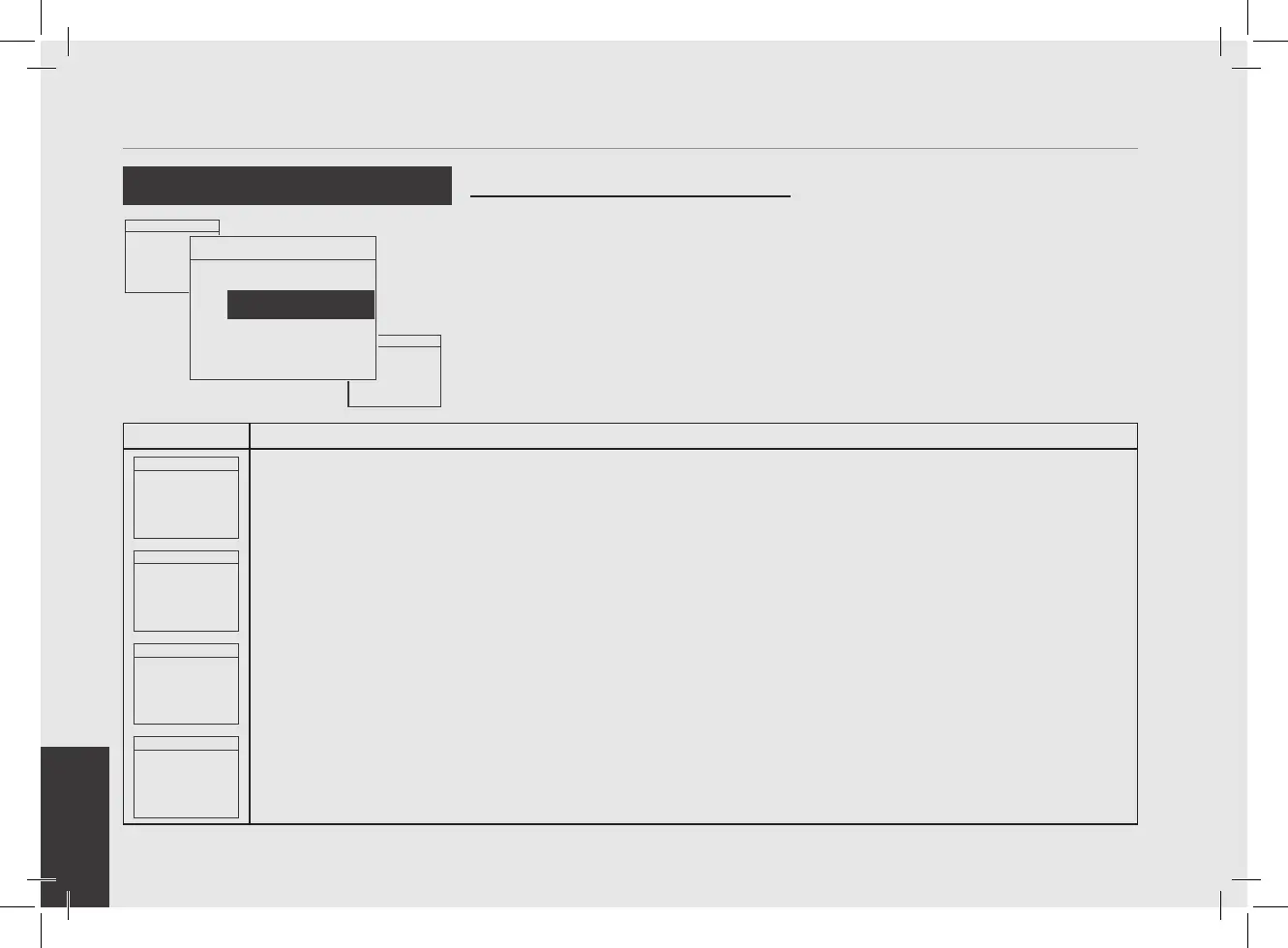
“Technical” Programming
Menu 93.2°C
Enter Password
0000
1
After entering the password and accessing the "Technician" programming menu, rotate the Encoder Knob until
the following is displayed.
Menu 93.2°C
Accessory Board
Settings
2
Press the Encoder Knob to access the menu.
Menu 93.2°C
Force FW Upgrade
On Next Startup
DISABLED
3
Press the Encoder Knob to access the menu, rotate the Encoder Knob to choose between ENABLED and DISABLED,
press the Encoder Knob to conrm the option.
Menu 93.2°C
Steam Board
FW v0.0.0
HW v2
4
Rotate the Encoder Knob to display the hardware and rmware version for the Steam Board.
• This parameter allows the technician
to display the hardware and rmware
version for all the electronic boards
installed on the espresso machine.
Displaying the Firmware
Menu 93.2°C
Leva Heater
Settings
Menu 93.2°C
Coffee Doses
Counter
Menu 93.2°C
Accessory Board
Settings



 To Next Page