89
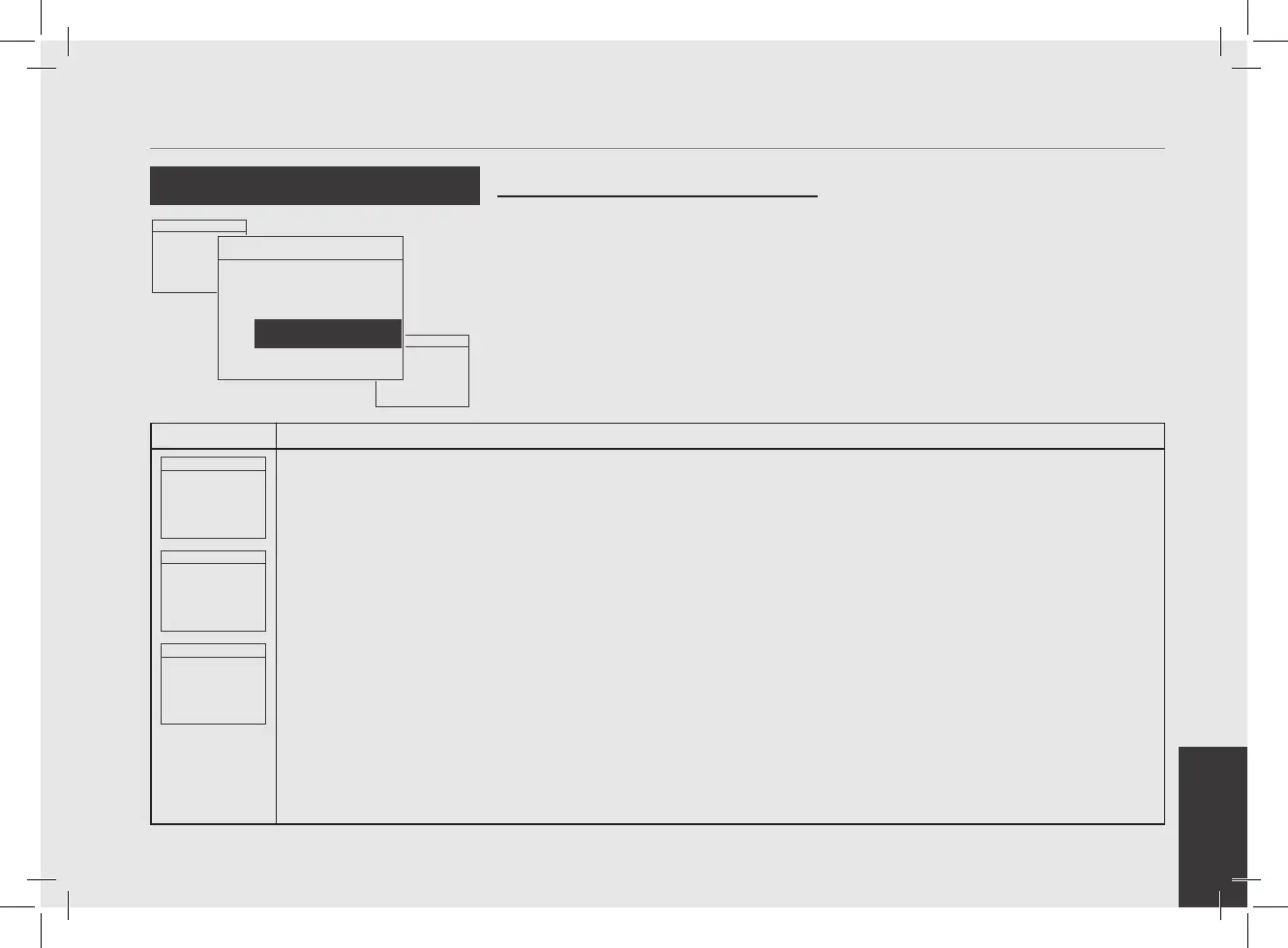
Display
Operating Procedure
Description
“Technical” Programming
Menu 93.2°C
Enter Password
0000
1
After entering the password and accessing the "Technician" programming menu, rotate the Encoder Knob until
the following is displayed.
Menu 93.2°C
Display Max
Brightness
100%
2
Press the Encoder Knob to enter the menu, rotate the Encoder Knob to set the desired value, press the Encoder
Knob to conrm the value.
Menu 93.2°C
Exit
Menu
3
You must scroll to the exit menu to exit the programming mode, or press the Encoder Knob for 2 seconds.
Menu 93.2°C
Display AutoDim
ENABLED
• This parameter allows the operator to
adjust the brightness of the screen.
Display Brightness
Menu 93.2°C
Leva Heater
Settings
Menu 93.2°C
Display Max
Brightness
100%



 To Next Page