90
Display Operating Procedure
Description
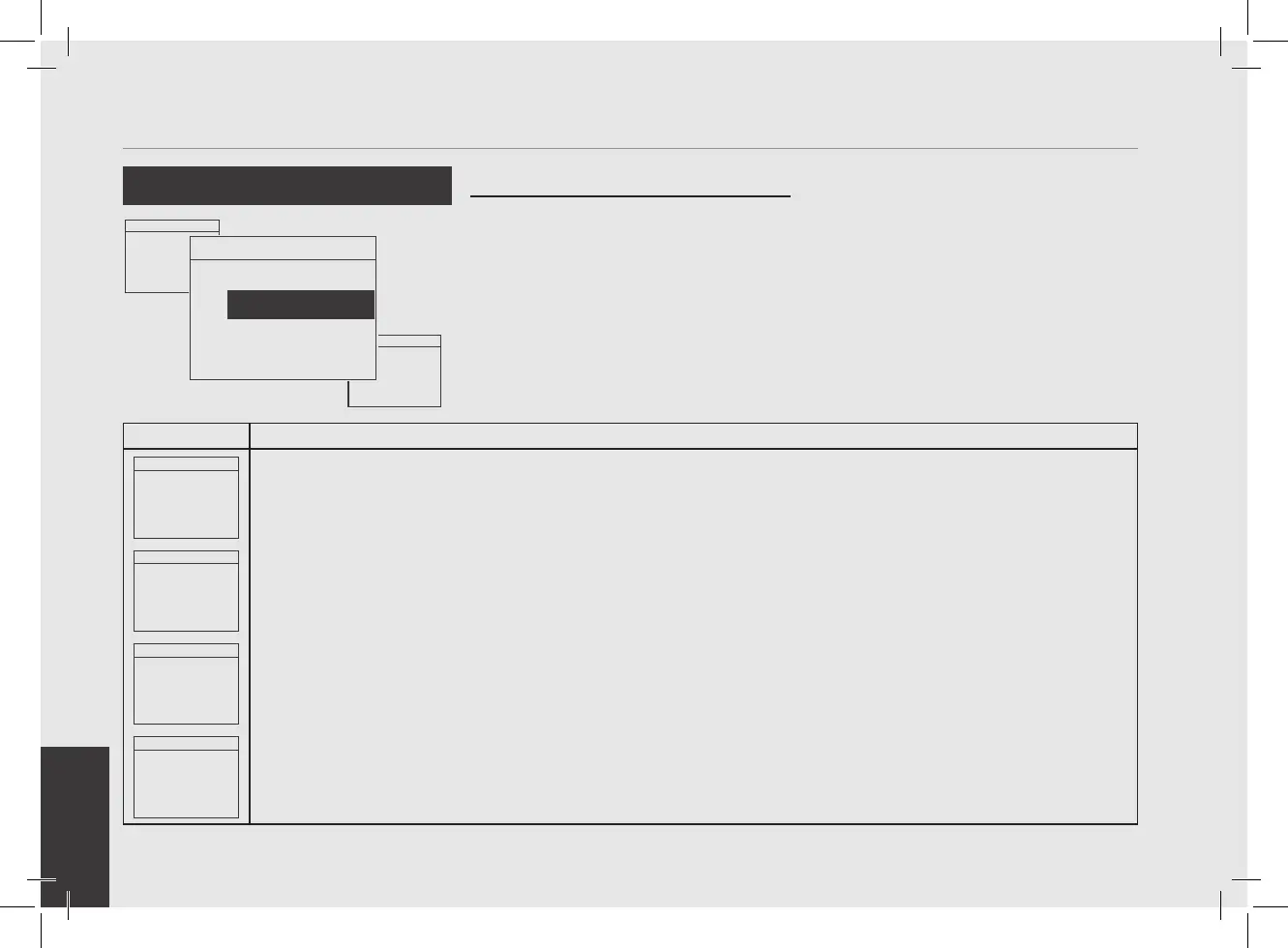
“Technical” Programming
Menu 93.2°C
Enter Password
0000
1
After entering the password and accessing the "Technician" programming menu, rotate the Encoder Knob until
the following is displayed.
Menu 93.2°C
Display AutoDim
ENABLED
2
Press the Encoder Knob to access the menu, rotate the Encoder Knob to choose between ENABLED and DISABLED,
press the Encoder Knob to conrm the option.
Menu 93.2°C
Inactive Brightness
50%
3
Press the Encoder Knob to enter the menu, rotate the Encoder Knob to set the desired value, press the Encoder
Knob to conrm the value.
Menu 93.2°C
Exit
Menu
4
You must scroll to the exit menu to exit the programming mode, or press the Encoder Knob for 2 seconds.
Menu 93.2°C
Bluetooth
ENABLED
• This parameter allows the operator
to set the reduction of the screen
brightness after a period of inactivity of
the machine.
• This feature can be enabled or disabled.
Auto-Oscura Schermo
Menu 93.2°C
Display Max
Brightness
100%
Menu 93.2°C
Display AutoDim
ENABLED



 To Next Page