95
Display
Operating Procedure
Description
“Technical” Programming
Menu 93.2°C
Enter Password
0000
1
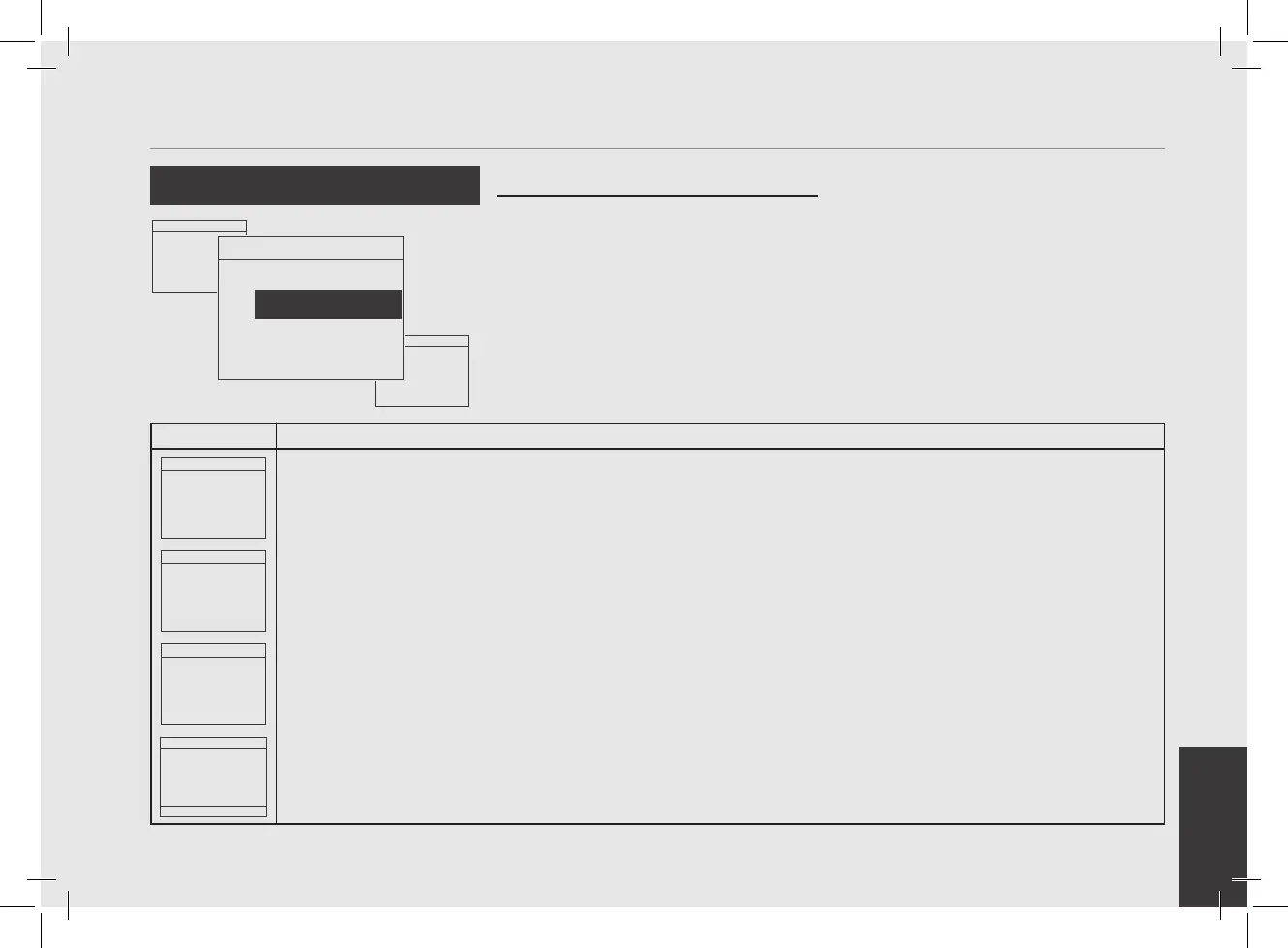
After entering the password and accessing the "Technician" programming menu, rotate the Encoder Knob until
the following is displayed.
Menu 93.2°C
Update
Firmware
2
Press the Encoder Knob to access the menu.
Menu 93.2°C
Insert USB Key
and Press Enter
3
Insert the USB Pendrive into the USB port and press the Encoder Knob.
Brewing 93.2°C
0 -0.1
SECONDS BAR
4
When the update is over, the espresso machine restarts. Set the switch to 0 (zero) and then again to 1.
Menu 93.2°C
Exit
Menu
Menu 93.2°C
Reset
Settings
Menu 93.2°C
Update
Firmware
• This parameter allows the technician to
update the control unit of the espresso
machine via a USB Pendrive.
Update Firmware



 To Next Page