5.1 Navigation
The exclusive features of the Dolby Lake Controller
PLM Edition software are accessed in two views:
Amplifier Module View and Amplifier Global View.
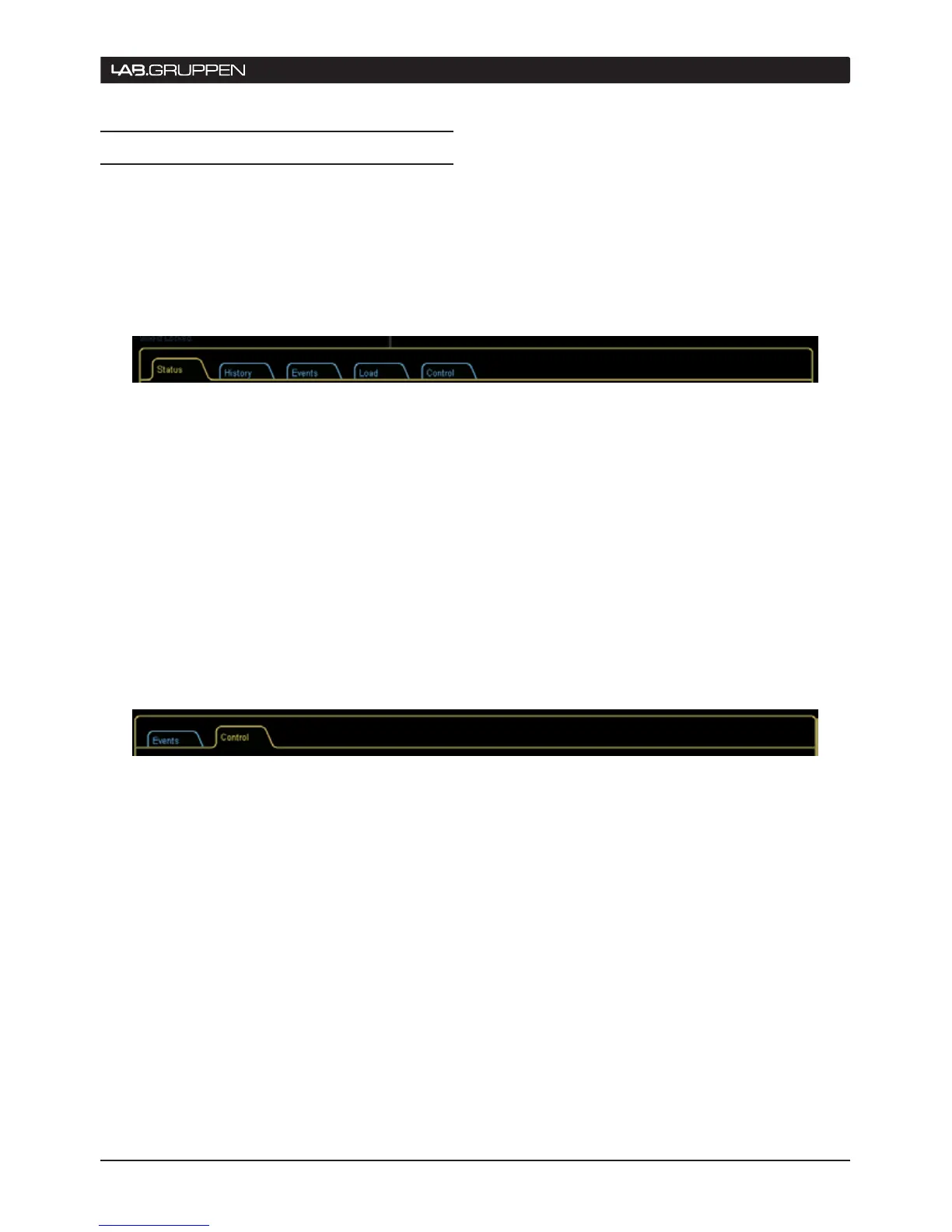
Each has further tabbed views.
To Access Amplifier Module View
Figure 5-1a: Amplier Module View tabs
Amplifier Module View
▸
is accessed from the
Main View by opening one of the Module icons,
selecting the Levels tab, then tapping on the
Lab.gruppen info button.
An alternative method is from Main page button
▸
bar menu. Tap the Modules button, select a
Module, and then tap the I/O Config button. The
I/O Config page opens; tap the Lab.gruppen info
button (F7).
Amplifier Module View
▸
is also accessed by
tapping one of the Module icons on the All tab.
Figure 5-1b: Amplier Global View tabs
To access Amplifier Global View
Amplifier Global View
▸
is accessed from the All tab.
Tap the Amplifier Menu button (F9), then tap the
Lab.gruppen info button in the button bar (F8).
operation 5


 To Next Page
 Loading...