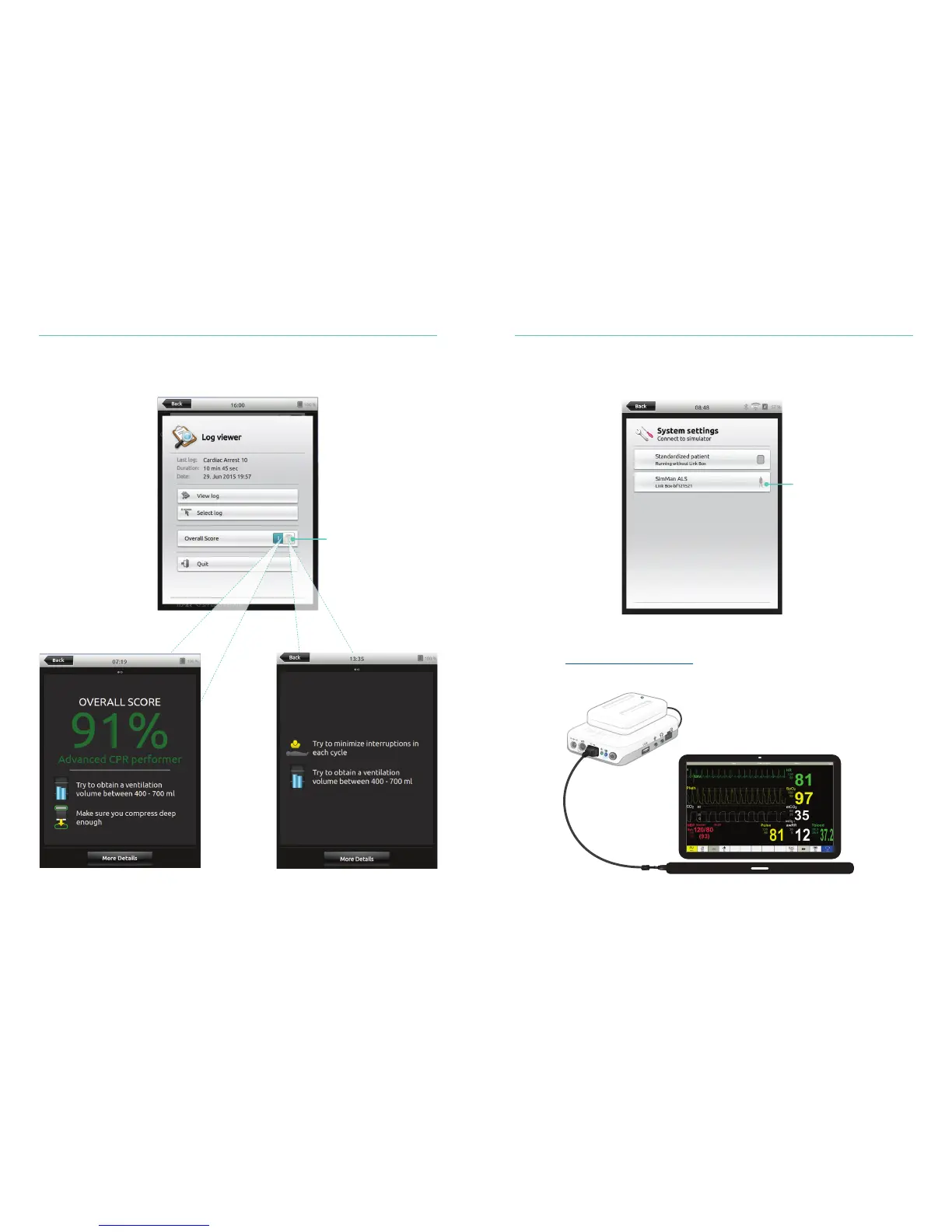
Connect a Simulated Patient Monitor
Ensure the simulated Patient Monitor PC and the SimPad PLUS System are connected
to the same network.
For more information on network connections, see Quick Setup Guide:
Connecting the SimPad PLUS Patient Monitor to the SimPad PLUS System
available at www.laerdal.com/downloads.
Using a direct network cable to connect the Link Box to the simulated Patient Monitor
is recommended to minimize WiFi traffic.
QCPR Simulated Patient Monitor
32
33
Toggle between displays
Display Choices
With overall score Without overall score
Select the appropriate
Simulator from the
connection menu















 To Next Page