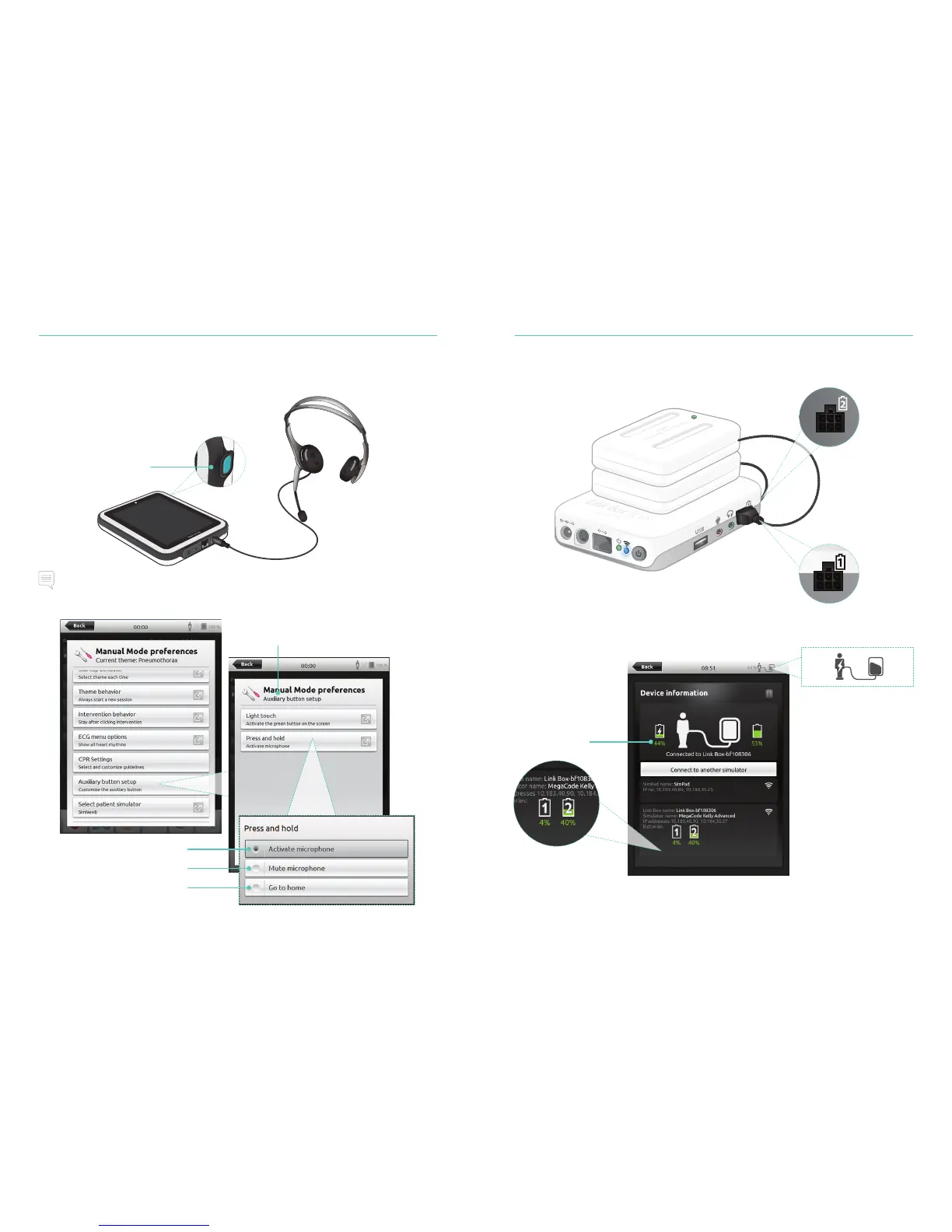
Auxillary Button
The Auxillary Button on SimPad PLUS can be configured in Manual Mode or Automatic
Mode preferences to enable and disable input from the headset.
Note
When SimPad PLUS is used wirelessly there is a short voice delay.
Configure the Auxillary Button
Press and hold to speak
Sounds
46
Connect Two Laerdal Li-Ion Batteries
Remaining battery
capacity
Batteries are
discharged
independently
44% 53%
Laerdal Li-Ion Battery
47
Press and hold to speak
(In default Activate
microphone mode)
Press and hold to mute
Return to Session Overview
Tap to view
Device information














 To Next Page