Software Sounds
44
45
Theme Editor
Theme Editor is a PC software tool for creating themes for the SimPad PLUS system.
It allows you to make new themes with states and interventions. Theme Editor can be
downloaded from www.laerdal.com/themeeditor/ and be used offline.
SimDesigner
SimDesigner is a PC software tool for creating Scenarios for the SimPad PLUS System.
It allows you to make new scenarios with states and Interventions. SimDesigner can be
downloaded from www.laerdal.com/SimPad.
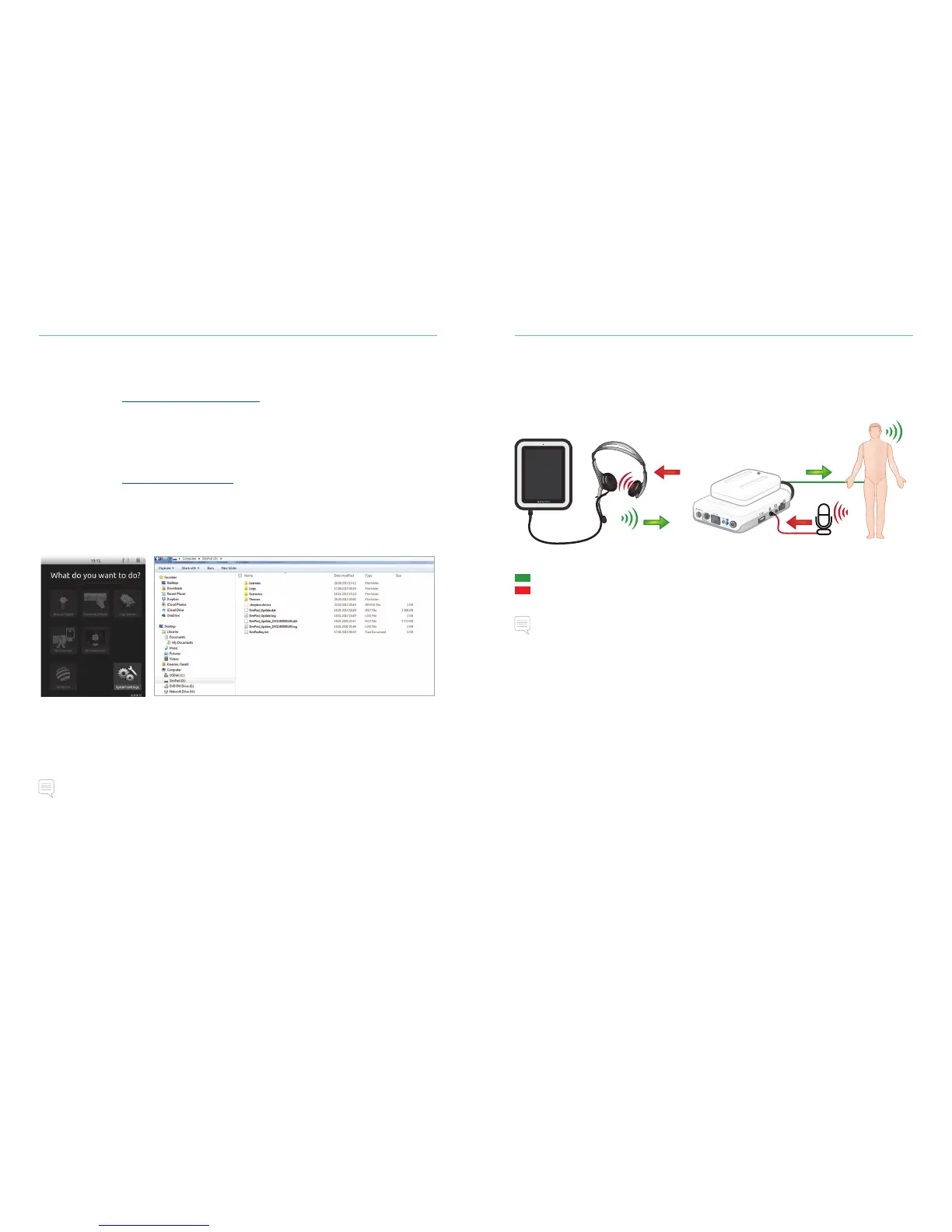
Transferring Logs, Themes and Scenarios to and from a PC
Connect SimPad PLUS to the PC using the included USB cable.
• Save new Scenarios in the Scenarios folder.
• Save new Themes in the Themes folder.
• Upload logs from the Logs folder.
• Disconnect the USB cable from the SimPad PLUS when transfers are finished.
Note
If SimPad PLUS is turned off, the battery can be charged from the USB connection.
Headset
Create two-way communication between the operator and simulator by connecting
a headset.
The headset microphone
will be routed to the manikin
Plug headset into SimPad
= From instructor to manikin
= From manikin (separate microphone) to instructor.
Note
The headset output on the Link Box duplicates the sound to the manikin. It can be used to
improve the sound by adding additional speakers around the manikin.
Vocal Sounds
Vocal sounds from the Patient Simulator such as crying, moaning etc. can be activated
from the SimPad PLUS directly or via Themes and Scenarios.
For more information about vocal sounds and to create user defined vocal sounds see
Feature section.















 To Next Page