Network Network
38
39
Connect to a Network
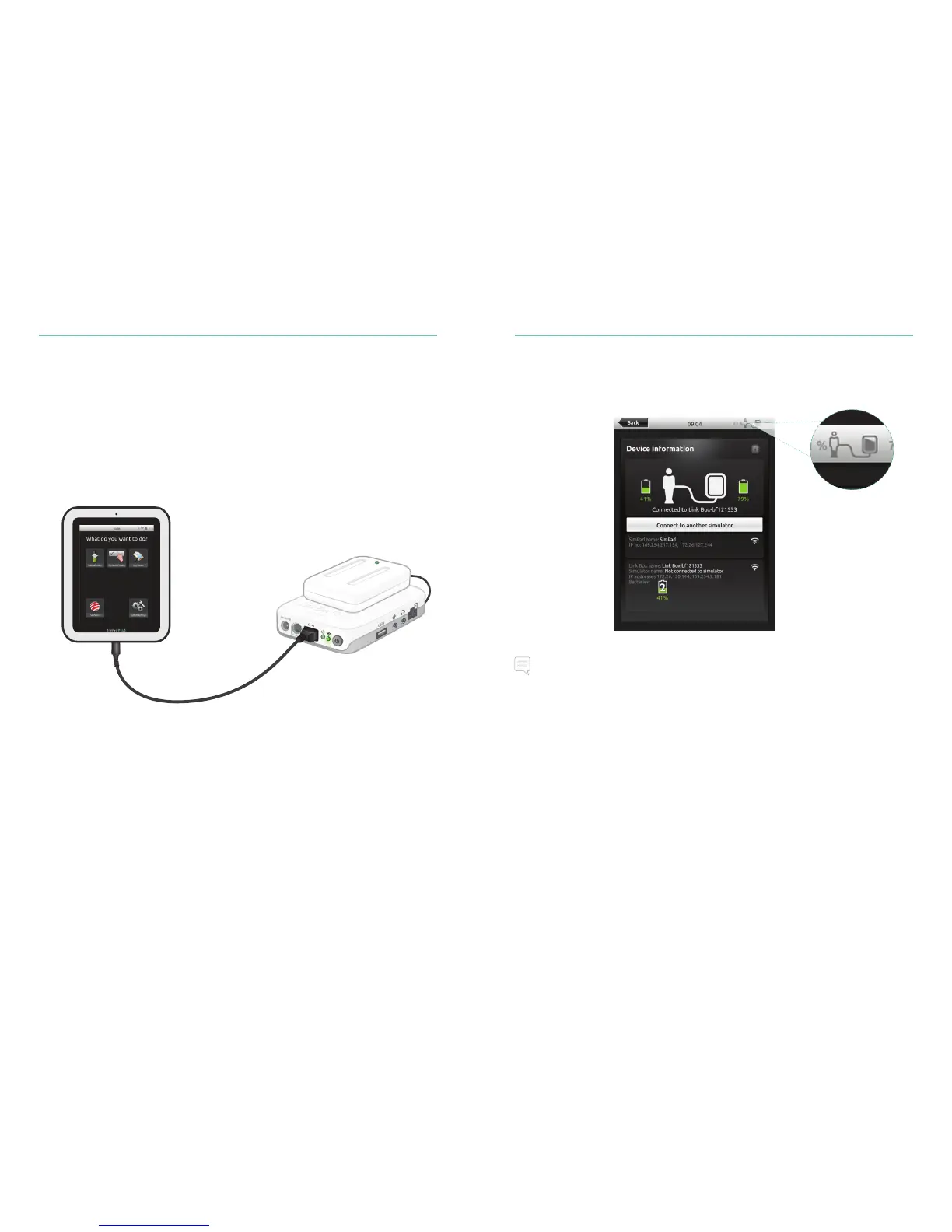
SimPad PLUS and Link Box PLUS are connected via SimLink (ad hoc network) by default.
SimPad PLUS and Link Box PLUS can also be connected in the following ways:
• Using a standard network cable
• On a wired Ethernet network
• On a WiFi network
Using a Standard Network Cable
Connect to Wired Ethernet Network
Connect SimPad PLUS and Link Box PLUS to network outlets. The network needs to have
DHCP service.
Note
It is possible to be on a wired network and a WiFi network simultaneously.
Connection by wire















 To Next Page