21
Adjustments
Your Laguna Tools machine comes fully adjusted from the factory, but it is good practice to double check these adjustments and make sure the
tool is in safe operating condition.
Fence Adjustments
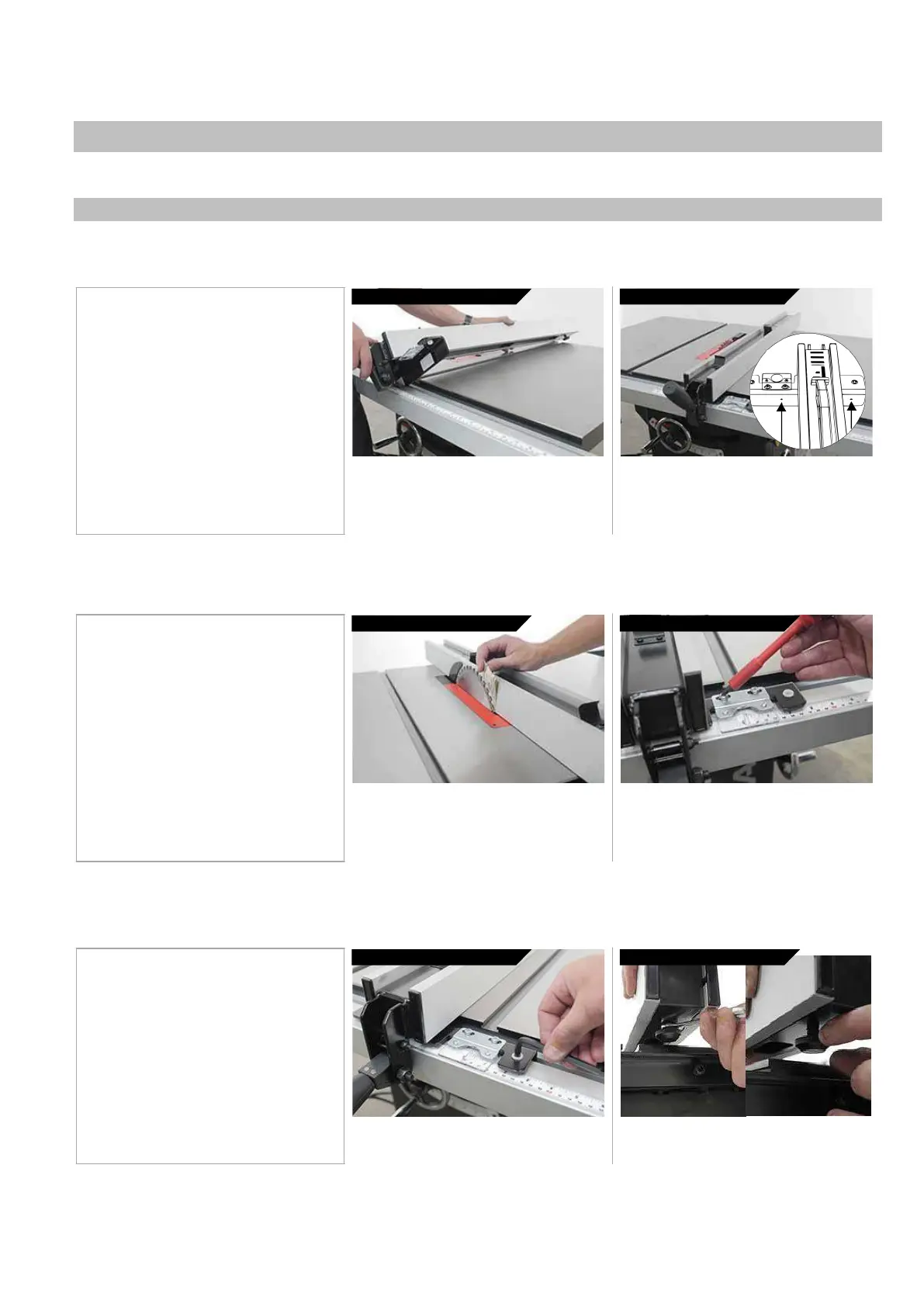
Fitting the
fence:
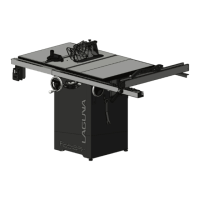
You will need to fit the fence to the right side of the blade to use the table saw. In the fit position, the fence can move freely with limited friction due
to the installed nylon and plastic glide bushings. The fence should not, at any times be used on the left side of the blade.
2.
Place fence
in
fence
guide 3.
Check Cam lock
action
1. Un-plug the tablesaw!
2. Hold fence with both hands, with cam
lock up.
3. Place fence in fence guide
4. Check cam lock action, adjust if
necessary.
While holding the fence and the cam lock, raise
the cam lock to engage the open position. Insert
the fence frame into the front rail.
The fence can slide freely in any position to the
right of the blade. If the fence does not lock, adjust
both blade paralleling set screws (located on the
back of the fence frame as shown) at the same
rate, as needed.
Adjusting the Scale
(rule):
The scale will need to be “zeroed” every time the fence guide is taken off the table or adjusted. The fence must be zeroed for accurate cuts when
using the scale.
1. Un-plug the tablesaw!
2. Position the fence up to blade.
3. Loosen the transparent viewport.
4. Adjust the view as needed
5. Tighten the view screws.
Place fence
in
fence
guide
Adjust the
Viewport
WARNING: MAKE SURE SAW IS UNPLUGGED.
With the blade in a high position, bring the fence
close to — but not touching — the blade. Use a
folded piece of paper between the blade and the
fence to ensure good distance.
Use a #2 Philips head driver to loosen (but do not
remove) the transparent scale reader. Adjust the
viewport as needed, tighten the screws. NOTICE:
If adjusting the viewport does not allow enough to
zero the scale, see step 8 of general setup.
Adjusting
the
Fence Glide
Bushings:
You may need to adjust the height of the bushings on either side or rear of the fence. The fence should be between 1/16” and 1/8” off the table to
prevent scratches and not to allow any thin stock to slip through.
Front
Bushings
Rear
Bushings
1. Un-plug the tablesaw!
2. Unlock the fence.
3. Use a hex key to adjust the front
bushing height.
4. Use a wrench to adjust the rear bushing
height.
To adjust the front bushings, use the
included hex key to raise or lower the
nylon bushings that make contact with
the front fence rail.
To adjust the rear bushing, loosen the
hex nut that locks the height position of
the bushing. Adjust the position and


 To Next Page