23
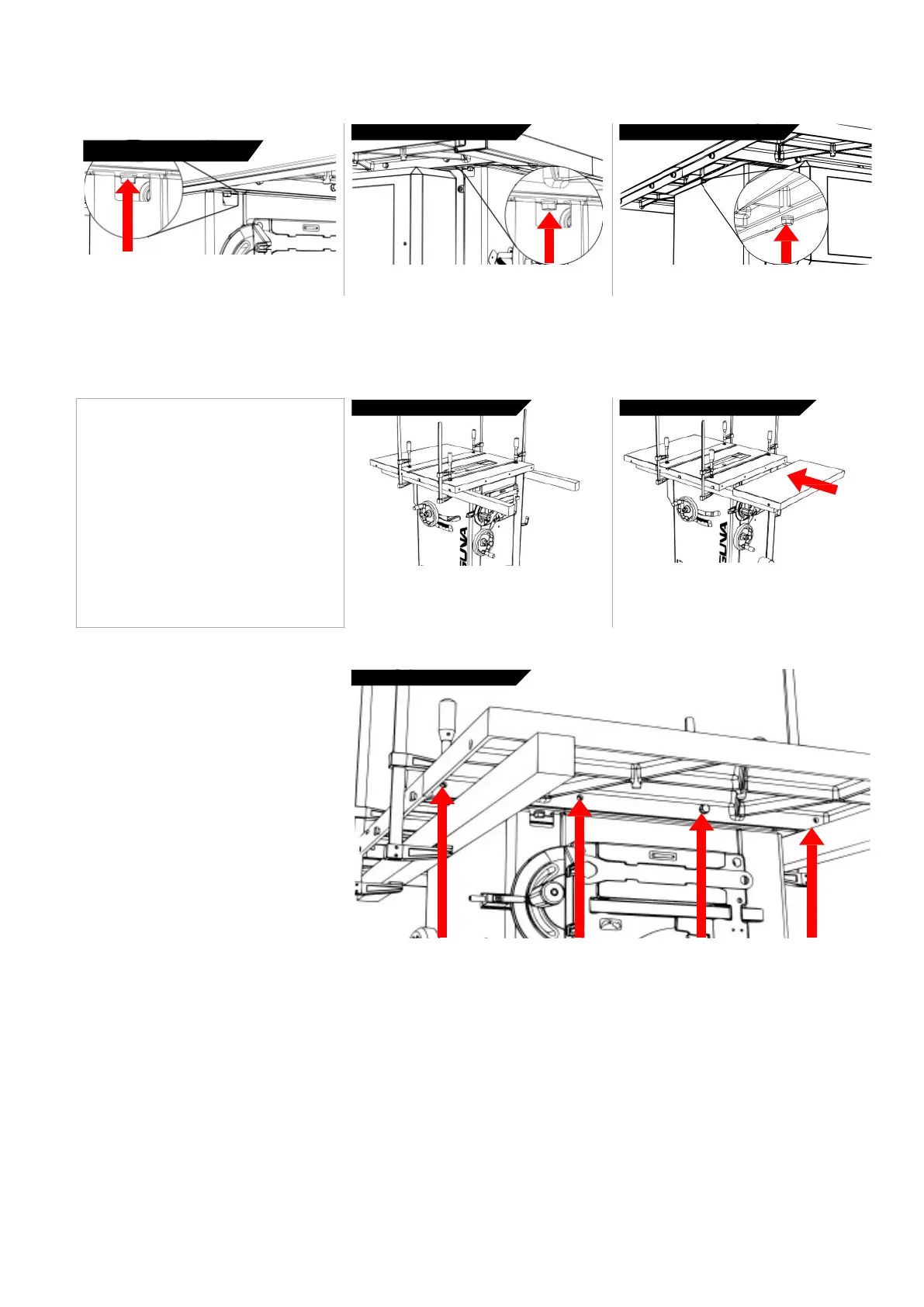
Loosen Table
Bolts
Loosen Table
Bolts
Loosen Table
Bolts
Locate and loosen right side table to cabinet bolt
(above the tool holder).
Locate and loosen left side table to cabinet bolt
(above the motor cover).
Locate and adjust the rear table to cabinet bolt.
Adjusting
or
Installing Extension
Wings:
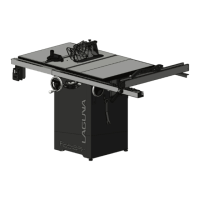
To install or remove the extension wings, an advised method is provided. This method makes it easy to make the extension wings flat with the
table but requires the use of two ridged supports and four clamps.
2.
Take initial
measurement 3.
Take relative
measurement
1. Un-plug the tablesaw!
2. Clamp supports to table.
3. Place extension wing on supports.
4. Join or adjust the wing with supplied
bolts.
NOTICE: The clamps may scratch the
tabletop! Use a cloth or soft wood between
the clamp and the iron surfaces.
WARNING: MAKE SURE SAW IS UNPLUGGED.
Clamp two wooden supports to the underside of
the tablesaw as shown. Straight 2x4 lumber will
work.
Place the extension wing on the supports and
place into position.
4.
Join
or
adjust
wing
You will need (4) m10 bolts and (4) washers to fasten each extension wing to the table top. Be sure to
align the extension wing to the table top prior to tightening the bolts.


 To Next Page