42 cHAPTER 4: Operation
Model 335 Temperature Controller
4.2 Front Panel
Description
This section provides a description of the front panel controls and indicators for the
Model 335.
4.2.1 Keypad
Definitions
The keypad is divided into two sections. The direct operation section includes all keys
to the right of the display, and the menu/number pad section includes the standard
12 number-pad keys and the Up, Down, Escape, and Enter keys (
FIGURE 4-2). The
direct operation keys provide one touch access to the most often used functions of
the Model 335. The number pad keys are dual function keys. If the instrument is in the
number entry mode, the keys are used to enter numbers. If it is in normal operating
mode, the number keys provide menu entry points. An abbreviated description of
each key is provided in the next sections. A more detailed description of each function
is provided in
section 4.3 to section 4.5.
4.2.1.1 Direct Operation Keys
4.2.1.2 Menu/Number Pad Keys
Key Function Refer to section:
A and B
Press these keys for quick access to information for the associated sensor input including the
sensor name, control loop information, sensor reading and Min/Max.
4.3.1.3
Setpoint Press this key to enter the control setpoint. 4.5.1.7.6
Proportional (P) Press this key to manually adjust the Proportional control parameter. 4.5.1.7.2
Integral (I) Press this key to manually adjust the Integral control parameter. 4.5.1.7.3
Derivative (D) Press this key to manually adjust the Derivative control parameter. 4.5.1.7.4
Heater Range
For current source output, press this key to select a High, Med, or Low heater range. For voltage
source output (Output 2, voltage mode), press this key to select Output On/Off (except when in
Monitor Out mode).
4.5.1.7.8
Manual Out Press this key to adjust the Manual Output setting of the currently displayed output, if applicable. 4.5.1.7.5
All Off Press this key to set the range for all outputs to Off (not applicable for Monitor Out mode). 4.5.1.7.9
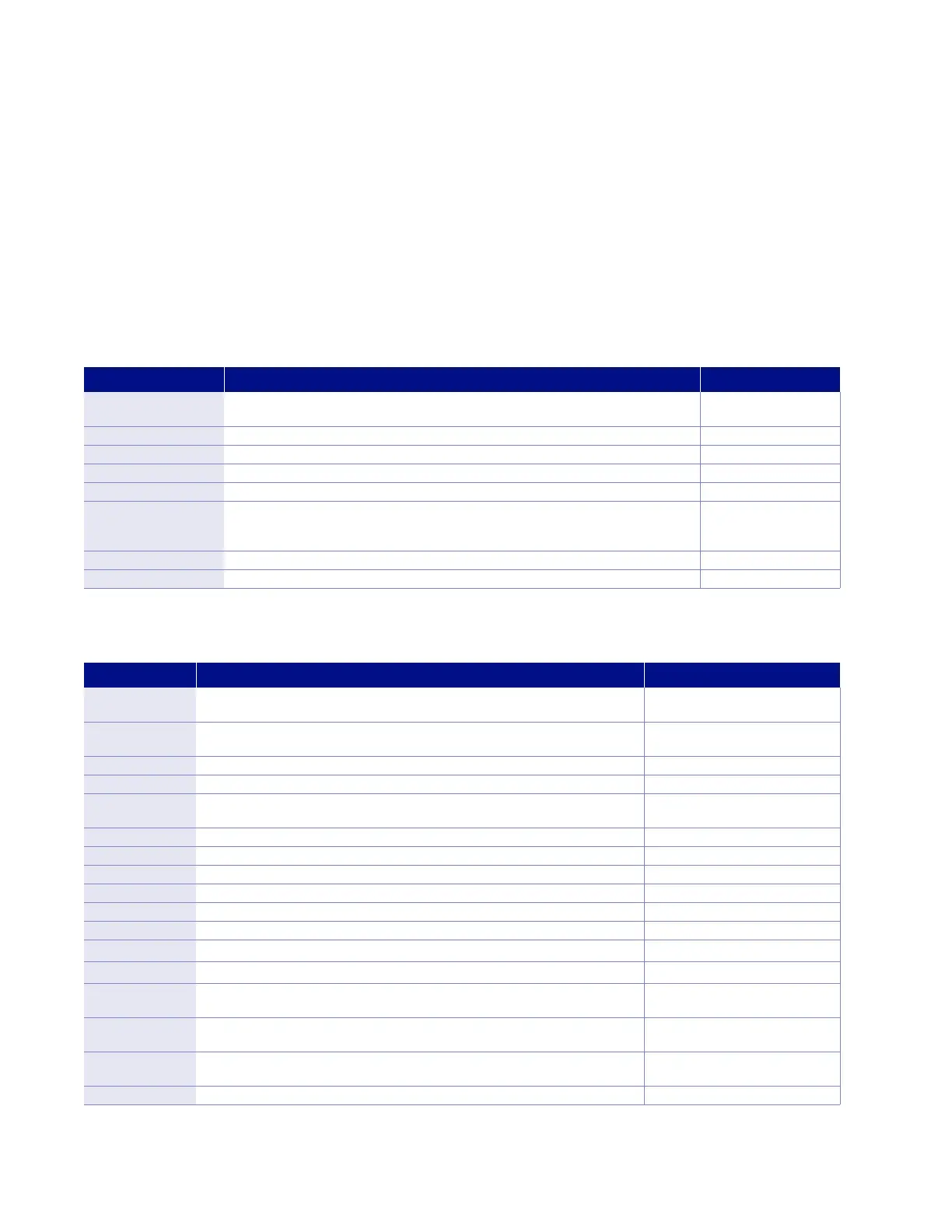
TABLE 4-2 Direct operation keys
Key Function Refer to section
Input setup
Press this key to configure features related to the inputs. 4.4 for sensor input setup;
4.4.7 for curve selection
Output setup
Press this key to configure features related to the outputs, including configuration of
control loops.
4.5
Display setup Presss this key to configure the display. 4.3
Max/Min reset Press this key to reset the maximum and minimum readings for both inputs. 4.4.12
Curve entry
Press this key to view, edit, copy, and erase temperature curves, and
to generate SoftCal curves.
5.9
Zone settings Press this key to enter user-specified control parameters for up to ten temperature zones. 5.3
Autotune Press this key to configure and execute the Autotune algorithm. 5.2
Remote/local Press this key to toggle the IEEE-488 Remote mode. 4.6.2.1
Interface Press this key to configure the USB, and IEEE-488 interfaces. 4.6.1 for USB; 4.6.2 for IEEE-488
Relays Press this key to configure the two rear-panel relays. 5.7.2
Alarm Press this key to configure the Alarm feature. 5.7.1
Press this key to navigate menus, and to select parameters. N/A
Press this key to navigate menus, and to select parameters. N/A
Escape (exit
menu)
Press this key to cancel a number entry or exit the menu. Press and hold for 3 s to reset
instrument parameters to factory default values.
N/A
Enter
Press this key to accept a number entry, or a parameter selection. Press and hold for 3 s to
lock or unlock the keypad.
N/A
0 – 9, +/-,.
Press these keys to enter numeric data. This includes a key to toggle plus (+) or minus (–),
and a key for entry of a decimal point.
4.2.3
Ramp rate Press this key to configure the ramp rate parameter for the displayed control loop. 4.5.1.7.7
TABLE 4-3 Menu/number pad keys



 To Next Page