LTI TruPulse 360R User’s Manual Page 25
Copyright (c) [2017] Laser Technology, Inc. All Rights Reserved. Unauthorized duplication, in whole or in part, is strictly prohibited.
Horizontal Angle Menu
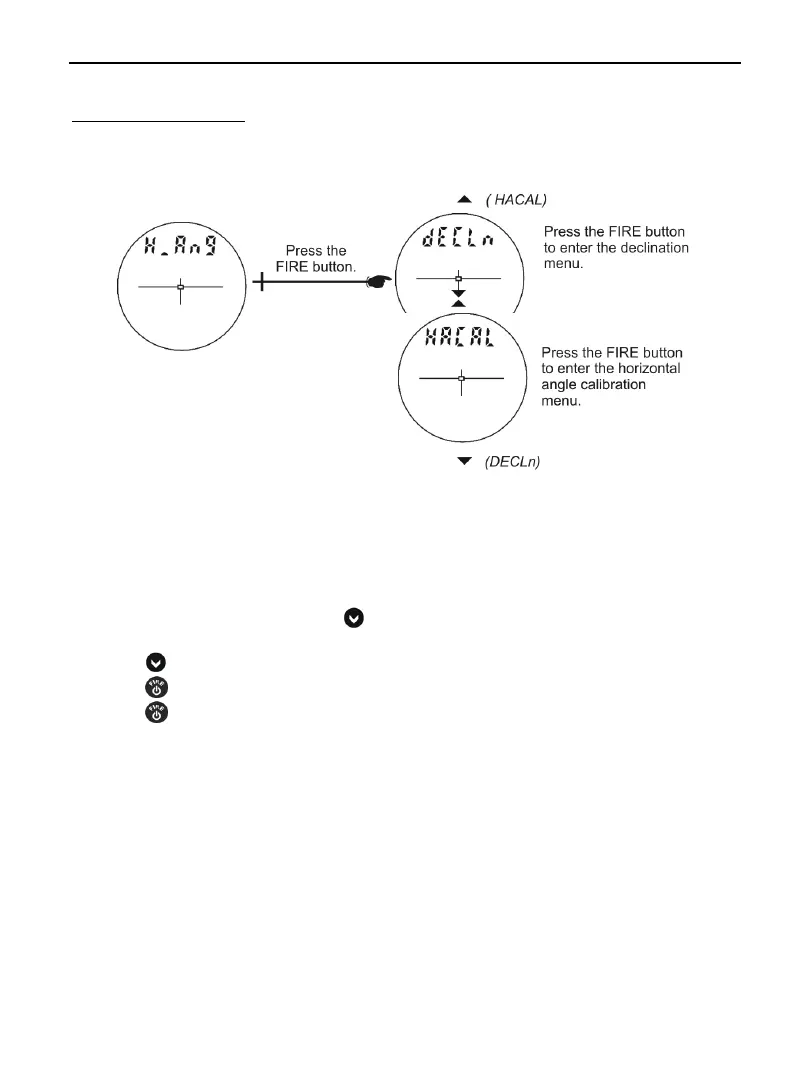
As shown in Figure #15, the Horizontal Angle Menu includes options that affect compass operation:
Declination Menu and Horizontal Angle Compass Calibration Menu.
Figure #15
Declination Menu
1. From the Measurement Mode, press
for 4 seconds to access the System Setup Mode.
“UnitS” will appear in the Main Display.
2. Press
to display the “H_Ang” option.
3. Press
to select the “H_Ang” option. The message “dECLn” appears in the Main Display.
4. Press
to select the “H_Ang” option. The message “no" "dECLn” appears in the Main
Display and the display should look similar to Figure #16 (see next page).












 To Next Page