PAGE 19
Status Check
The status of most user settings can be checked by pushing and holding the Func button
while pressing the relevant button for that setting. For example, to check to see what the current
SWR threshold value is, without changing the value, press and hold the Func button, and while
still holding the Func button, press the L Dn (Thresh) button. The display will show the
currently selected SWR threshold value.
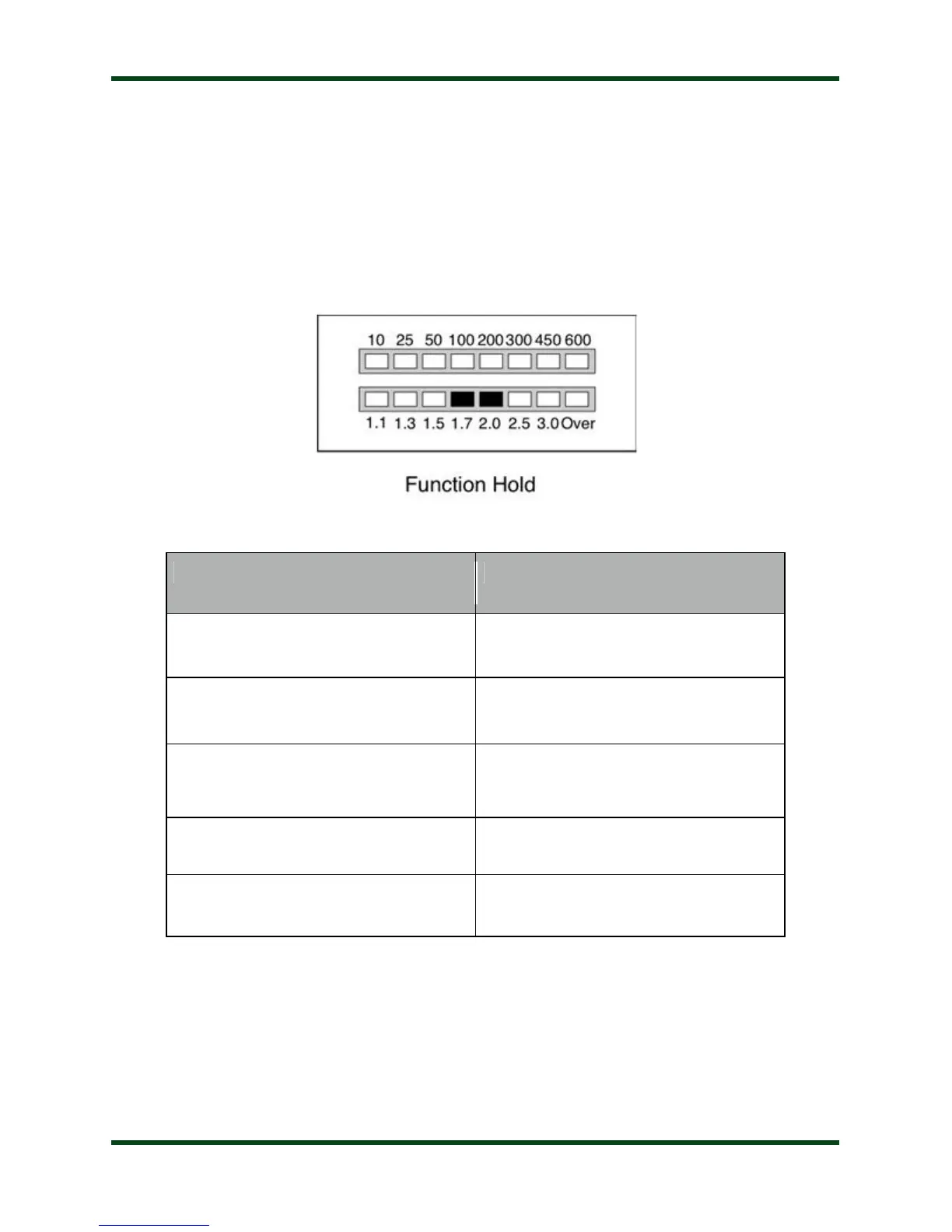
While holding the Func button, the bargraph display will show the following pattern, to
indicate that the AT-600Pro is waiting for you to push a button to check its status:
The following status items can be checked:
C Up / Peak Display Peak/Avg setting
C Dn / Auto Display Auto/Semi setting
L Up / Scale Display Power meter scale
L Dn / Thresh Display SWR tuning threshold
ANT / HiLoZ Display High / Low Impedance



 To Next Page