PAGE 24
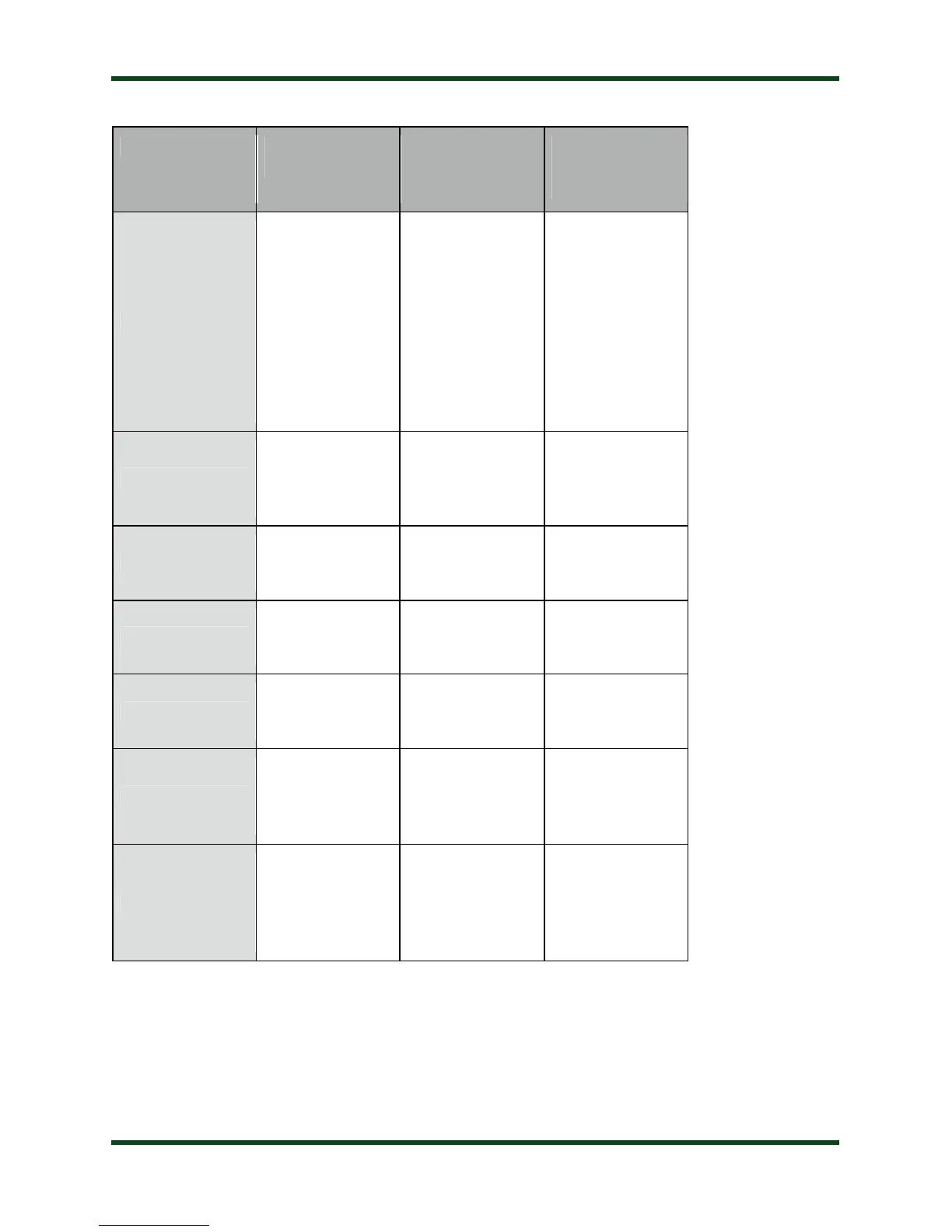
QUICK REFERENCE
Function
(Func Hold +
Button)
Tune
Full Tune (Long
Press)
Memory Tune
(Medium Press)
Bypass (Short
Press)
Manually Store
Tuning
Parameters
Display Relay
Settings
Ant
Toggle Antenna
Selection
Toggle
High/Low
Impedance
Display
High/Low
Impedance
C Up
Increase
Capacitance
Toggle Peak /
Average Power
Display PWR
Meter Mode
C Dn
Decrease
Capacitance
Toggle Auto /
Semi Mode
Display Auto /
Semi Selection
L Up
Increase
Inductance
Set PWR Meter
Scale
Display PWR
Meter Scale
L Dn
Decrease
Inductance
Set Auto Tuning
SWR Threshold
Display Auto
Tuning SWR
Threshold
Func
Select
Secondary
Button
Functions
A WORD ABOUT TUNING ETIQUETTE
Be sure to use a vacant frequency when tuning. With today’s crowded ham bands, this is
often difficult. However, causing interference to other hams should be avoided as much as
possible. The AT-600Pro’s very short tuning cycle, as little as a fraction of a second, minimizes
the impact of tuning transmissions.



 To Next Page