PAGE 6
function.
The power button on the AT-600Pro actually places the tuner in bypass and enters a low-
power sleep mode, rather than turning the unit fully off. Press the Power button for 3 seconds to
turn off, or momentarily to turn on.
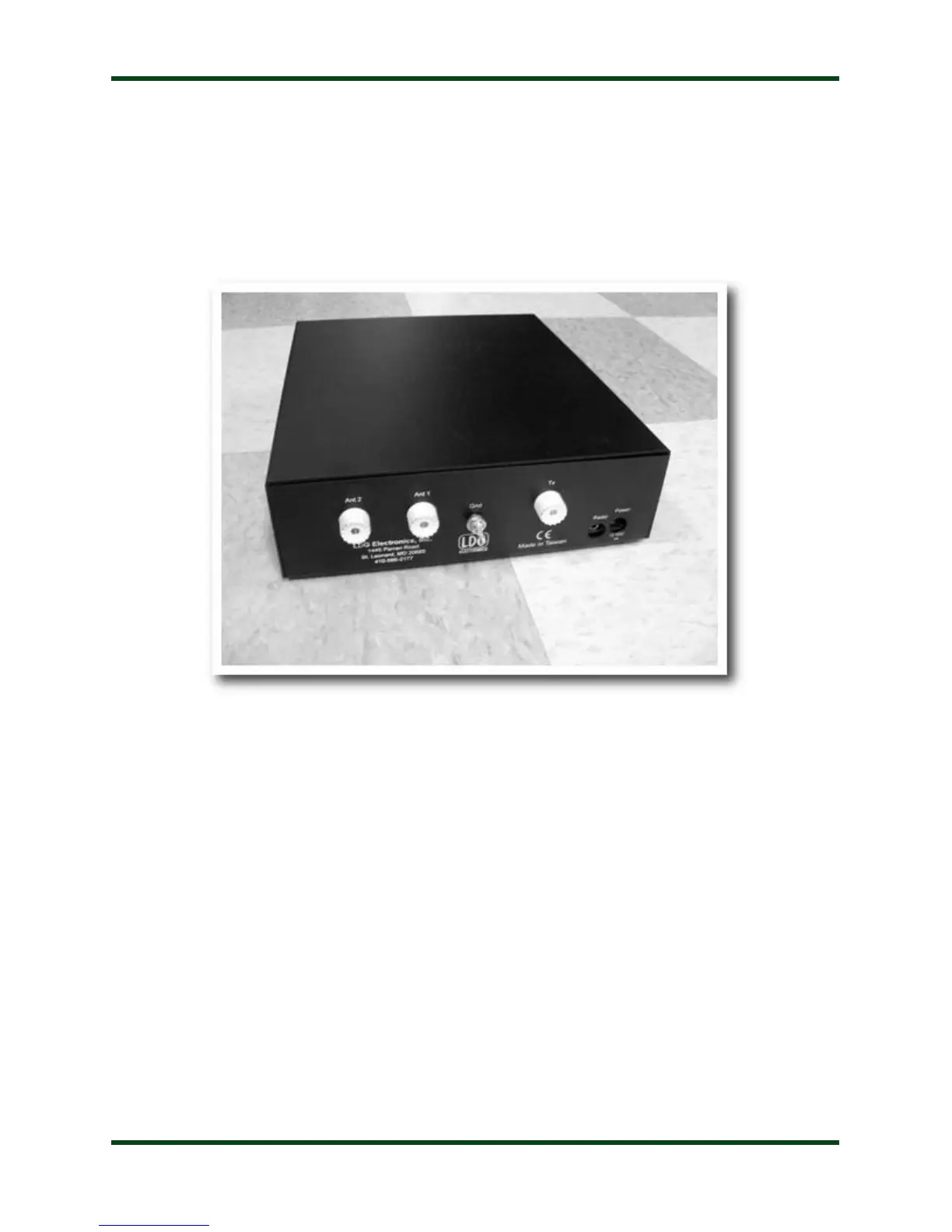
Back Panel:
The rear panel of the AT-600Pro has six jacks.
Ant 1: Connect a 50 ohm antenna coax feedline to this SO-239 connector.
Ant 2: Connect a second 50 ohm antenna coax feedline to this SO-239 connector.
Gnd (wing nut): Connect to the antenna system ground.
Tx: Connect a 50 ohm jumper coax from this jack to the ANT jack on the rear of the transceiver.
Radio: Connect the optional IC-PAC Icom radio interface cable or optional Yaesu interface
cable to a supported ICOM or Yaesu radio.
Power: Connect the supplied DC coaxial power cable to this connector, and connect to a source
of 11-16 VDC @ 1A. Center pin is positive.



 To Next Page