4. Before You Begin Measuring
4-3
4.3 Applying SDI Input Signals
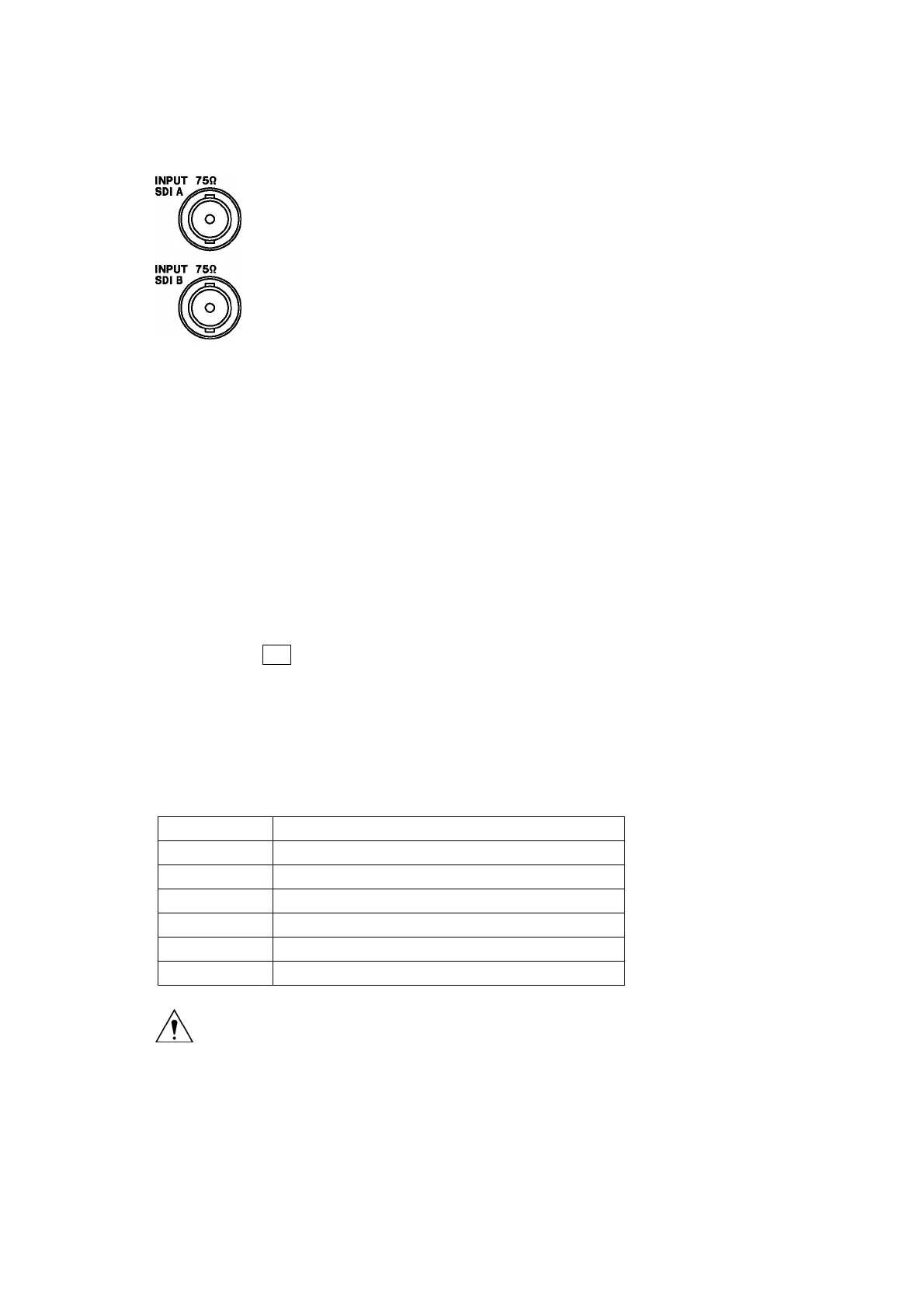
The figure below shows the SDI signal input connectors.
Figure 4-6 SDI input connectors
• The SDI input connectors (INPUT SDI A and INPUT SDI B) are for component SDI (serial
digital interface) signals only. Do not apply analog video signals, composite SDI signals, or
any other kind of signal besides component SDI.
• The SDI input connectors (INPUT SDI A and INPUT SDI B) are terminated internally at 75 Ω.
You do not need to attach a terminator. Connect each of the SDI input connectors to a cable
with a characteristic impedance of 75 Ω.
• Make sure that the SDI input signal strength is 800 mVp-p ± 10 % at the input signal source
BNC output connector. An SDI signal that is outside of this range may not be received
properly.
• You can press SDI on the front panel to switch from measuring the signal being applied to
one connector to measuring the signal being applied to the other connector.
• The LV 5330 supports the formats listed in the table below. The input format is detected
automatically by default. To set the input format manually, see section
5.1, “Setting the Input
Format.”
Table 4-2 Supported formats
Scanning Frame or Field Rates
1080i 60, 59.94, 50
1080PsF 30, 29.97, 25, 24, 23.98
1080p 30, 29.97, 25, 24, 23.98
720p 60, 59.94, 50, 30, 29.97, 25, 24, 23.98
525i 59.94
625i 50
The maximum allowable voltage of the SDI input connectors is ±2 V. Do not apply excessive
voltage to the connectors. Doing so may damage the instrument or lead to injury.
CAUTION



 To Next Page