11. Video Signal Waveform Display
11-2
11.2 Display Position Settings
You can adjust the display position of a video signal waveform using V POS and H POS.
11.2.1 Setting the Vertical Position
Turn V POS to set the video signal waveform’s vertical position.
Pressing V POS will return the vertical display position to its default location.
11.2.2 Setting the Horizontal Position
Turn H POS to set the video signal waveform’s horizontal position.
Pressing H POS will return the horizontal display position to its default location.
11.3 Intensity Settings
To configure the intensity settings, press F•1 INTEN in the video signal waveform menu. You
can set the video signal waveform and scale intensities.
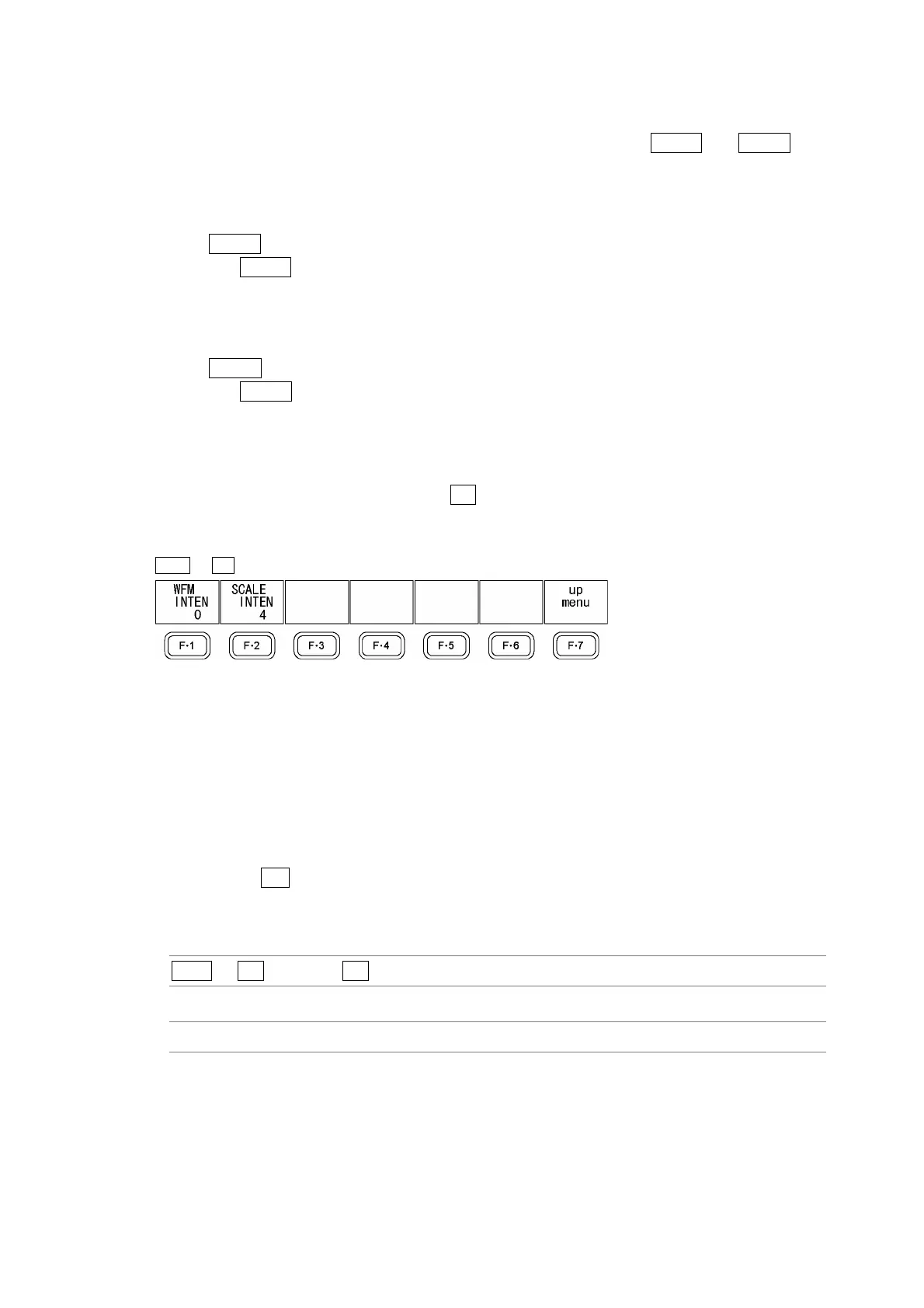
WFM → F•1 INTEN →
Figure 11-2 INTEN menu
11.3.1 Setting the Video Signal Waveform Intensity
To set the video signal waveform intensity, follow the procedure below. Regardless of this
setting, in the multi-screen display, waveforms are displayed using the intensity that MULTI
WFM is set to. The WFM INTEN value set using MULTI WFM and the VECTOR INTEN
value set using MULTI VEC are the same.
If you press F•D, the intensity will be reset to its default value of 0.
Reference: MULTI WFM → Section 16.2, “Setting Each Measurement Mode”
Procedure
WFM → F•1 INTEN → F•1 WFM INTEN
Settings
Selectable range: –128 to 127 (The default value is 0.)



 To Next Page