8. Picture Display
8-5
8.4 Line Selection Settings
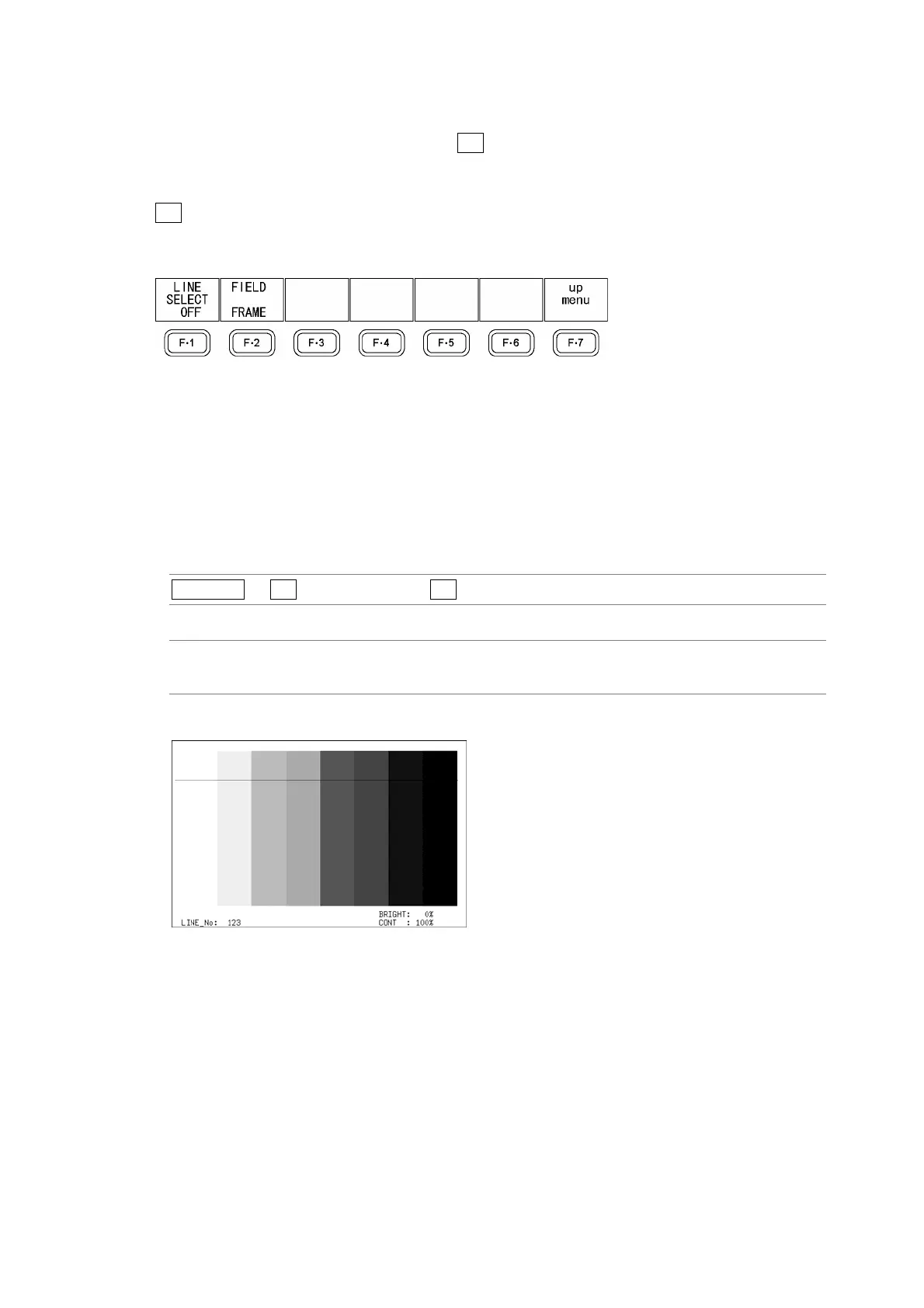
To configure line selection settings, press F•2 LINE SELECT in the picture menu. The line
selection feature allows you to display a marker on the selected line.
The markers that you set here do not appear in the CINELITE or CINEZONE display.
F•2 LINE SELECT appears when SIZE is set to FIT.
Reference: SIZE → Section 8.5, “Selecting the Picture Display Size”
Figure 8-5 LINE SELECT menu
8.4.1 Displaying a Marker on the Selected Line
To display a marker on the selected line, follow the procedure below.
Changing this setting will also change the video signal waveform display and vector display
line selection settings.
Procedure
PICTURE → F•2 LINE SELECT → F•1 LINE SELECT
Settings
ON: A marker appears on the selected line.
OFF: A marker does not appear on the selected line. This is the default setting.
LINE SELECT = ON
Figure 8-6 Line select display



 To Next Page