8. Picture Display
8-7
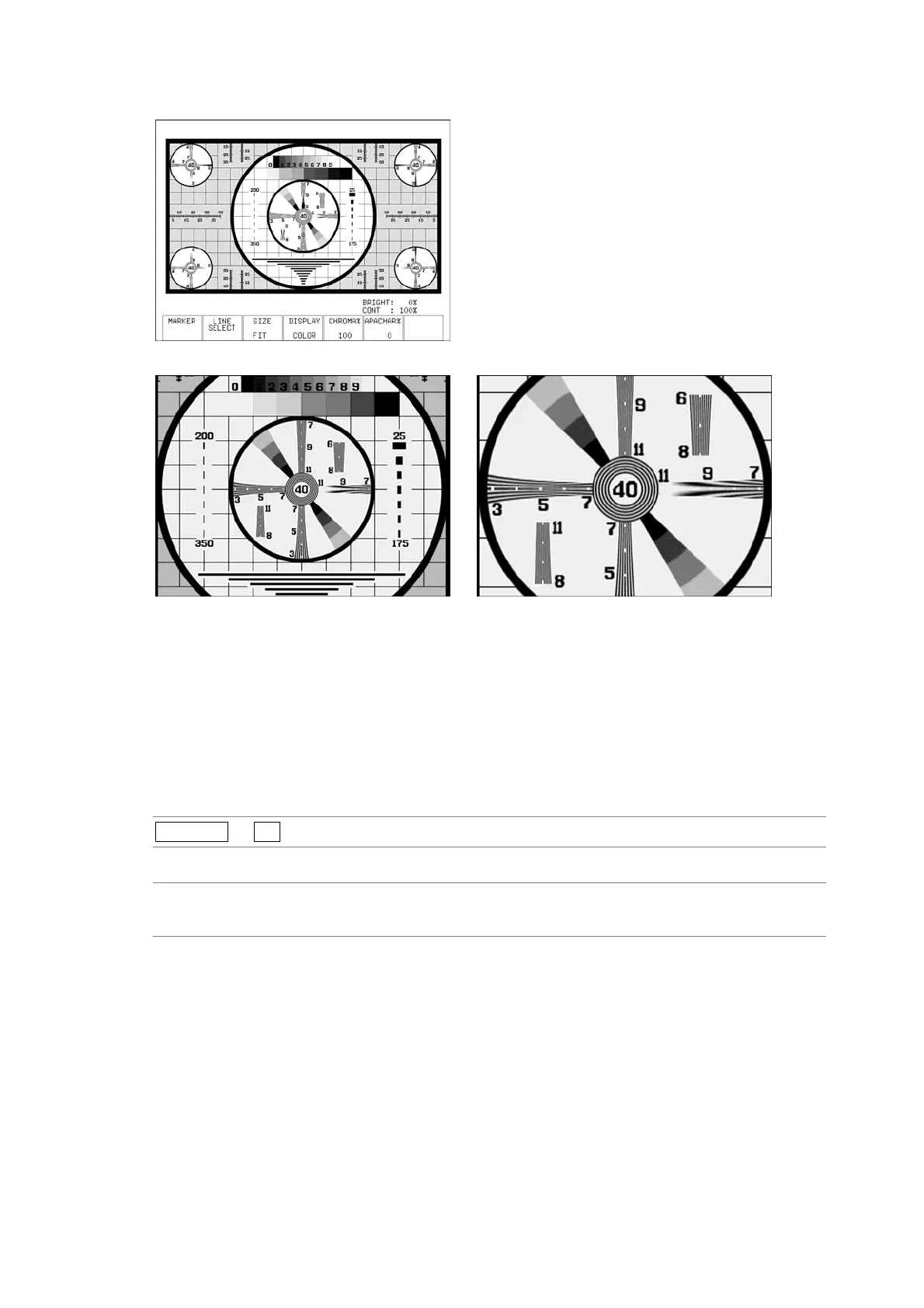
SIZE = FIT
SIZE = x1 SIZE = x2
Figure 8-7 Picture display sizes
8.6 Switching between the Color and Monochrome Displays
To switch between the color and monochrome displays, follow the procedure below.
Regardless of the setting made here, the picture is displayed using the COLOR setting in the
CINELITE, CINEZONE, and multi-screen displays.
Procedure
PICTURE → F•4 DISPLAY
Settings
COLOR: The picture is displayed in color. This is the default setting.
MONOCHRO: The picture is displayed in monochrome.



 To Next Page