4. Before You Begin Measuring
4-5
4.6 Applying an External Sync Signal
You can use an external sync signal for in the video signal waveform and vector displays.
Apply a tri-level sync signal or an NTSC/PAL black burst signal to the external reference input
connectors. The LV 5330 determines the sync signal format automatically.
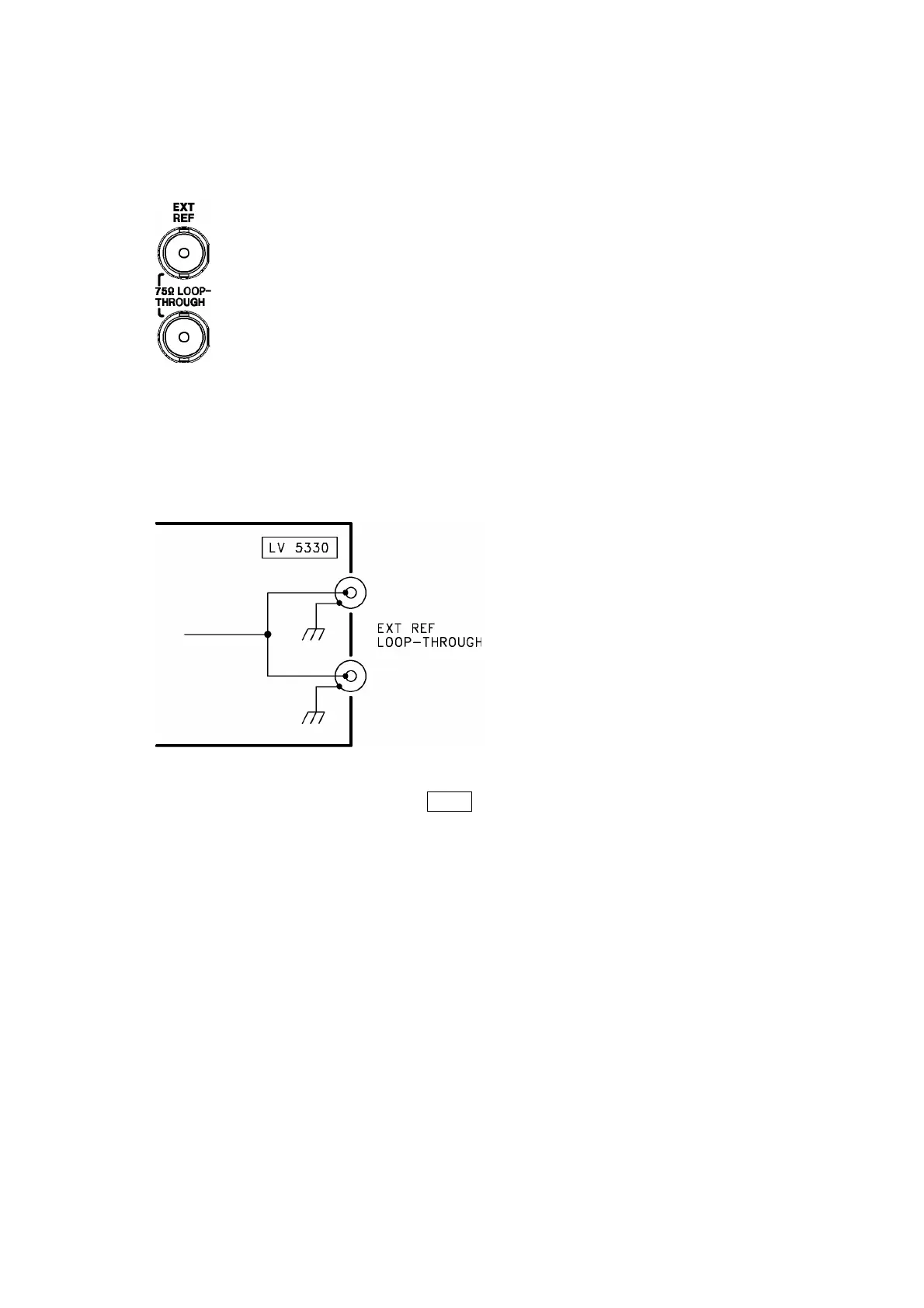
Figure 4-9 External reference input connectors
• As shown in the figure below, the external reference input connectors are loop-through. Apply
the input signal to one of the two connectors, and terminate the other connector at 75 Ω, or
connect it to another 75 Ω device. If you connect to another device, be sure to terminate the
device’s connector at 75 Ω. Connect each of the external reference input connectors to a
cable with a characteristic impedance of 75 Ω.
Figure 4-10 Loop-through
• To use an external sync signal, press REFE on the front panel to select EXT.
Regardless of this setting, the picture, audio, and status displays all use the internal sync
signal.
• If the video signal waveform or phase difference is displayed using an external sync signal as
a reference, the waveform phase one clock before or after an SDI signal is inserted or the
power is turned on is indefinite.
• If you are going to apply a tri-level sync signal, be sure to use one that has the same frame
and line rates as the HD signal.
• The formats in which waveforms can be displayed while using a black burst signal as the
sync signal are listed below. If the external sync signal is an NTSC black burst signal with an
embedded 10-field ID and the SDI signal is 1080PsF/23.98 or 1080p/23.98, the LV 5330
automatically recognizes the 10-field ID.
525i/59.94 black burst signal
1080i/59.94
1080p/29.97
1080PsF/29.97
1080PsF/23.98 (The black burst signal must have a 10-field ID.)


 To Next Page