5. System Settings
5-1
5. System Settings
You can configure general LV 5330 settings in the system menu.
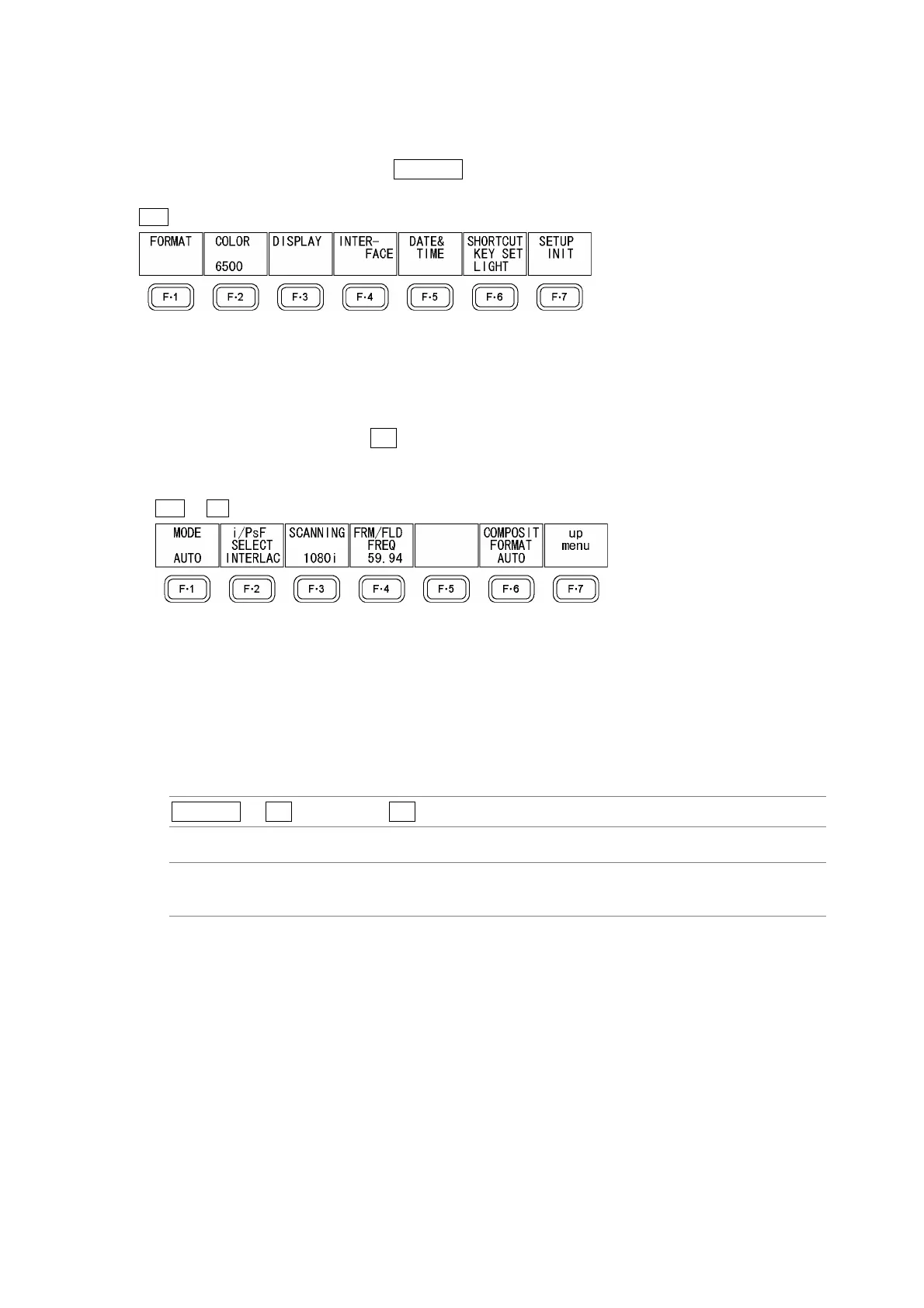
To display the system menu, press SYSTEM.
SYS →
Figure 5-1 System menu
5.1 Setting the Input Format
To set the input format, press F•1 FORMAT in the system menu. A menu for setting the input
format and the composite display format appears.
SYS → F•1 FORMAT →
Figure 5-2 FORMAT menu
5.1.1 Setting the Input Format Detection Method
To select whether to detect the input format automatically or to set it manually, follow the
procedure below.
Procedure
SYSTEM → F•1 FORMAT → F•1 MODE
Settings
AUTO: The input format is detected automatically (this is the default setting).
MANUAL: The input format must be set manually.



 To Next Page