Hardware Installation Manual of Easy Servo
14
Rotating the Easy Servo Motor by Motion Controller
Now everything is ready. You can start the controller or pulse generator to rotate the motor. Actually,
any device which gives high-to-low or low-to-high level changes can be used to move the motor. If it
is your first time installation, it is recommended to disconnect the motor shaft from the load in case
of accident. You can start from low pulse frequency then going to high. One triggered edge of the
pulse makes the motor move one micro angle. There is no minimum speed limit for ES servo however
the maximum running speed will be determined by the input voltage and current setting.
Rotating the ES Motor in PC Software
There is a simple emulating controller that is used for self-test in the ES drive. It is not a full
functionality controller but it do eliminates the troubles to setup a real motion controller when you
want to test the ES drives or verify the connection in case of problem. However, the performance in
the emulating controller of the PC software CAN NOT represent the actual motion controller.
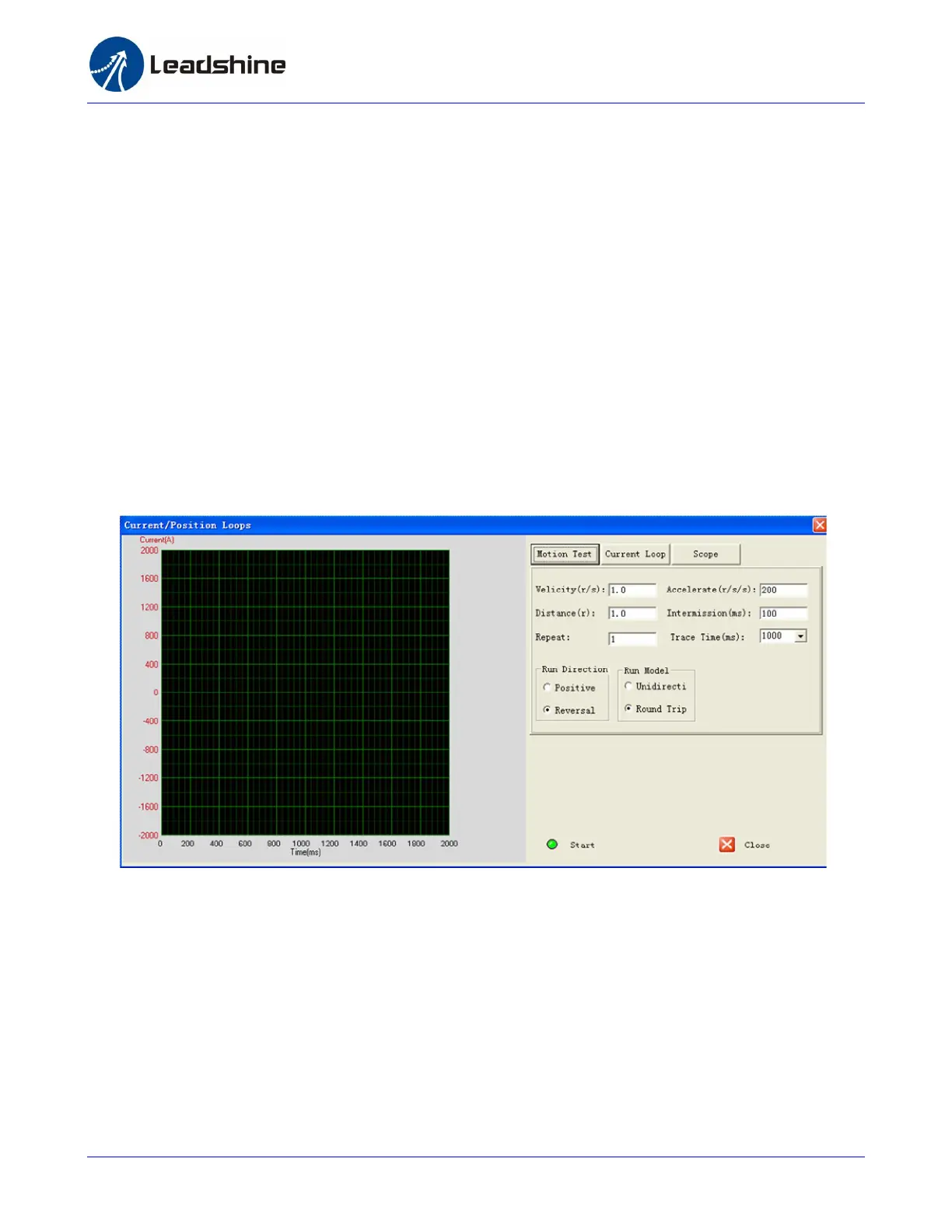
Click Drive Setting->Current Loop / Motion Test to open the test window. Then click the Motion Test
tab to open the emulating controller. Edit the trapezoid velocity profile and click the Start button to
issue the motion.



 To Next Page