Hybrid Servo Hardware Installation Manual
7
By default, the HBS86 and HBS86H are configured according to the 86HSXX-EC-XXXX on 60VDC. The
HBS57 is configured automatically at power-up according to the connected motor and supply voltage.
For other HBS motors, it is recommended to modify these settings to get the optimizing performance
as shown in the following tables.
Recommended Holding / Close-loop Current Percentage
573S09-EC
573S20-EC
57HS10-EC
57HS20-EC
86HS40-EC
86HS80-EC
Holding
Current (%)
60% 60% 40% 60% 60% 60%
Close-loop
Current Limit (%)
100% 100% 100% 100% 100% 100%
HBS Drive
HBS57 HBS57 HBS86 HBS86 HBS86 HBS86
Recommended Current Loop Kp / Ki of Different Supply Voltage
HBS Motor HBS Drive 24VDC 36VDC 48VDC 60VDC
57HS10-EC-XXXX HBS86 1500 / 200 1000 / 300 800 / 250 N/A
57HS20-EC-XXXX HBS86 3700 / 200 2000 / 300 1500 / 200 N/A
86HS40-EC-XXXX HBS86(H) N/A 4400 / 200 3000 / 200 2300 / 200
86HS80-EC-XXXX HBS86(H) N/A 4400 / 200 3000 / 200 2300 / 200
There are possible two methods to configure the HBS drive as follows, depending on the specific
drive.
Configuring HBS Drive by DIP Switches
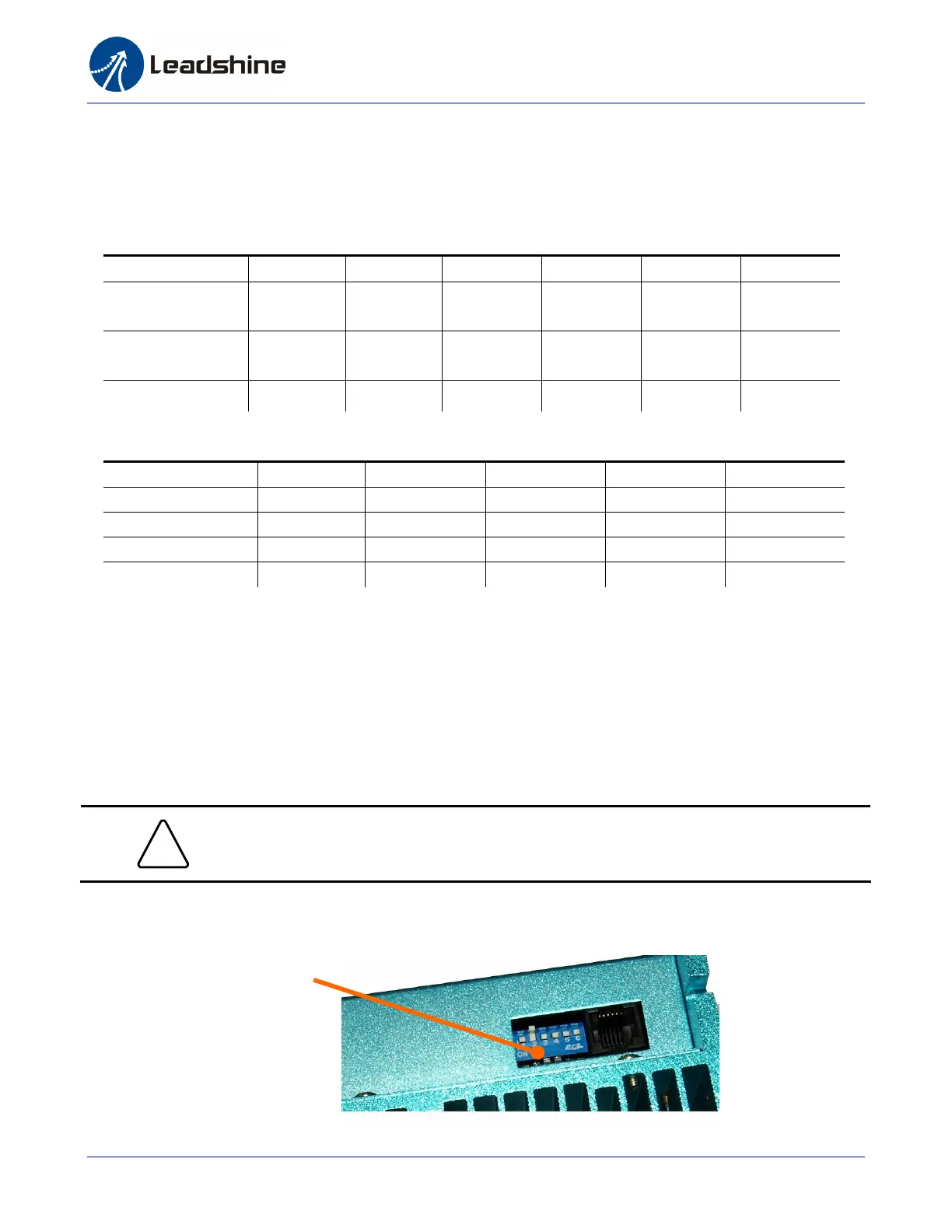
There are 6 bits DIP switches in the HBS86 and HBS86H drive. SW1 to SW4 are used to set the micro
step resolution and SW5 are used to set the direction polarity.
!
Notice
1) The 2-bit DIP switch in the HBS57 drive is not used. Ignore it.
2) The SW6 in HBS86 and HBS86H has no used.
6-bit DIP Switches in HBS86/HBS86H



 To Next Page