Hybrid Servo Hardware Installation Manual
3
Connecting Encoder
As the HBS drive works in close-loop mode, it must know the actual motor position. The encoder
mounted in the motor offers such information. Note that the HBS drive will not work without
encoder feedback.
For HBS86 or HBS86H, as the encoder output of the motor is a HDD15 (High Density D-Sub 15-pin
connector) but the drive’s encoder input is a screw terminal, you need one more
extension/conversion cable for the encoder signal connection between drive and motor. One end of
this extension/conversion cable is a HDD15 socket and the other end is 6 flying wires with the cable
shielding. For HBS57, the encoder output can be connected to HBS drive directly.
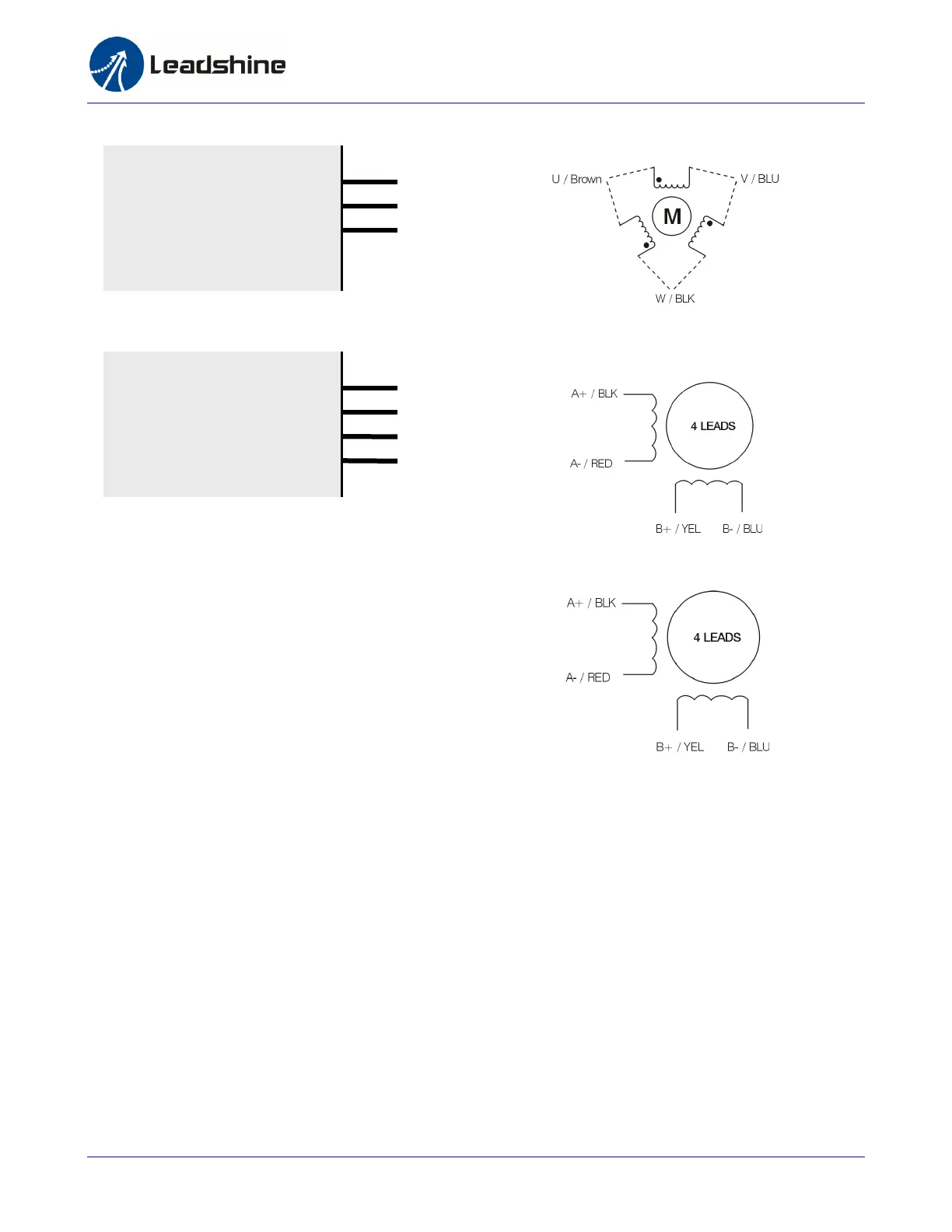
Please refer to the HBS motors datasheet for the HDD15 connector pin out the extension/conversion
cable wire color definition.
A+
A-
B+
B-
HBS86
A+
A-
B+
B-
U
V
W
HBS57
U
V
W



 To Next Page