Action
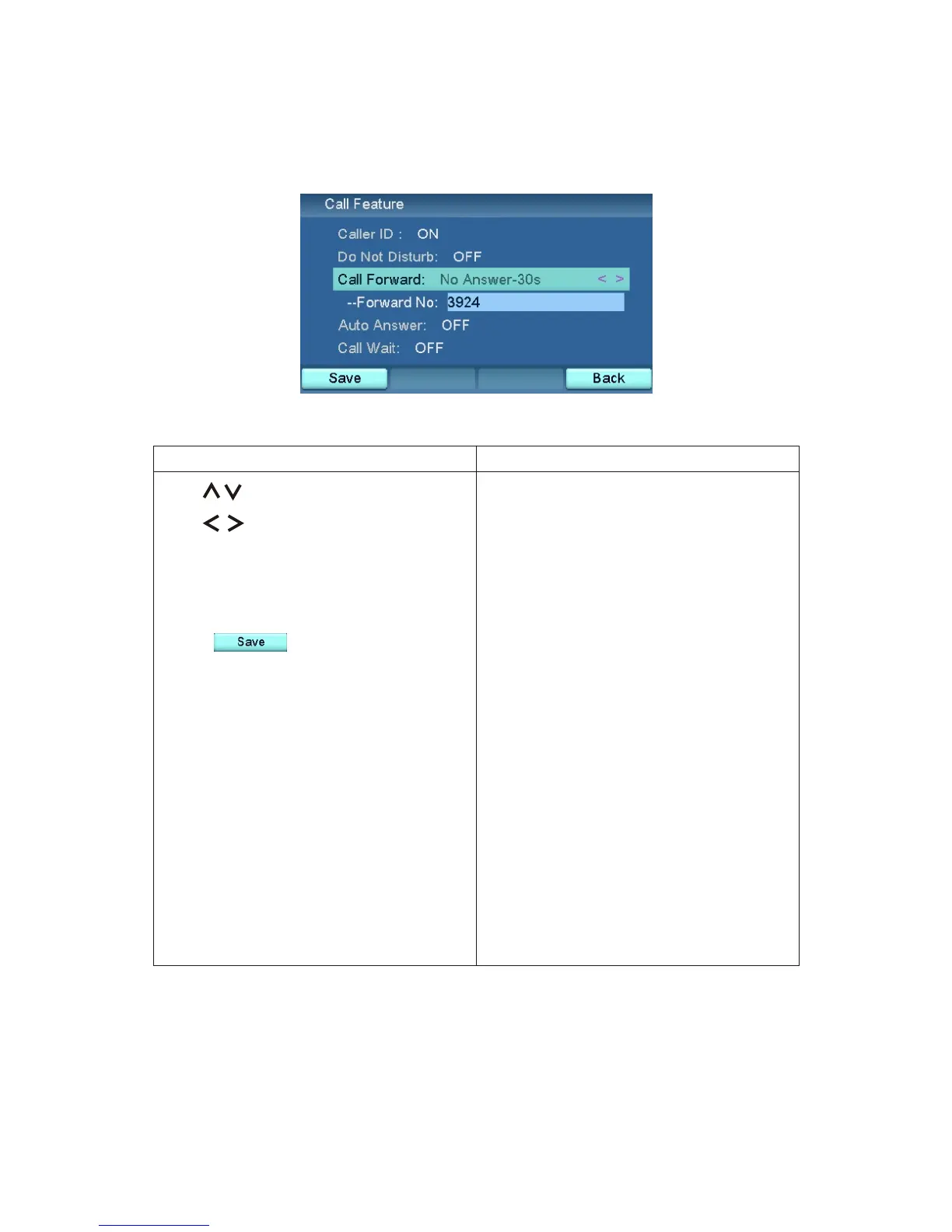
Use to select Call Forward.
Use to select No ringing / Busy
/ Time out / OFF.
Use numeric keys to set forward
number.
Press .
No ringing: Forward call to the
number you assign directly.
Busy: Forward call to the number
you assign when videophone is busy.
Time-Out: Forward call to the
number you assign if there is no
answer.
OFF: Disables call forwarding
function.
Result
Call forwarding enabled.
Call Forward
40



 To Next Page