Use to choose "ON" or "OFF".
Press .
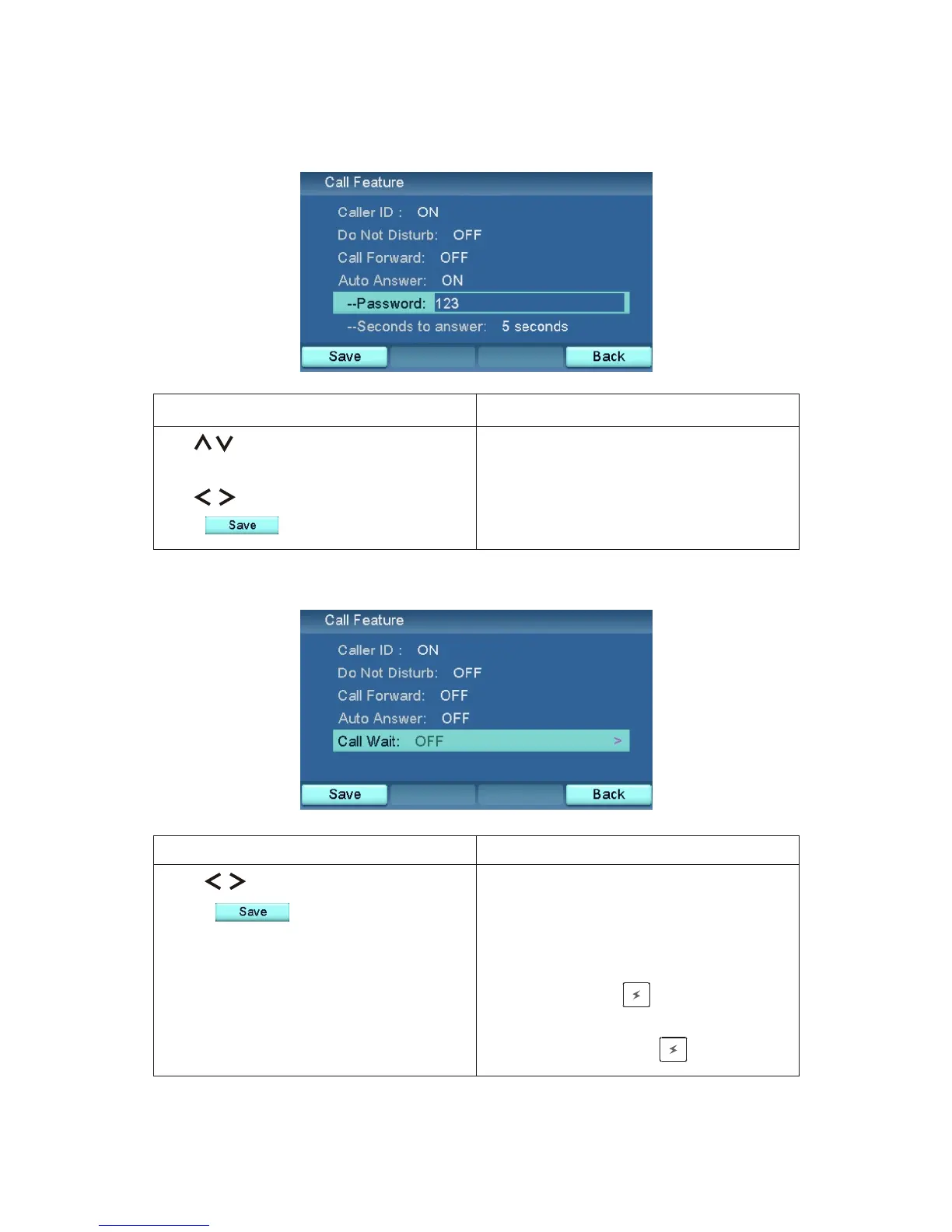
Auto Answer
Use to select Auto answer.
Use numeric keys to set password.
Use to choose seconds to answer.
Press .
Call Wait
Call Wait enabled if you choose
"ON".
During a call, you will see a message
on the screen when another call
comes in. Press to answer the
second call and then switch between
these two calls with .
Auto Answer enabled.
ResultAction
ResultAction
XTP8886 User's Manual 41



 To Next Page