CS10/CS15 & GS Sensors, Operation
40
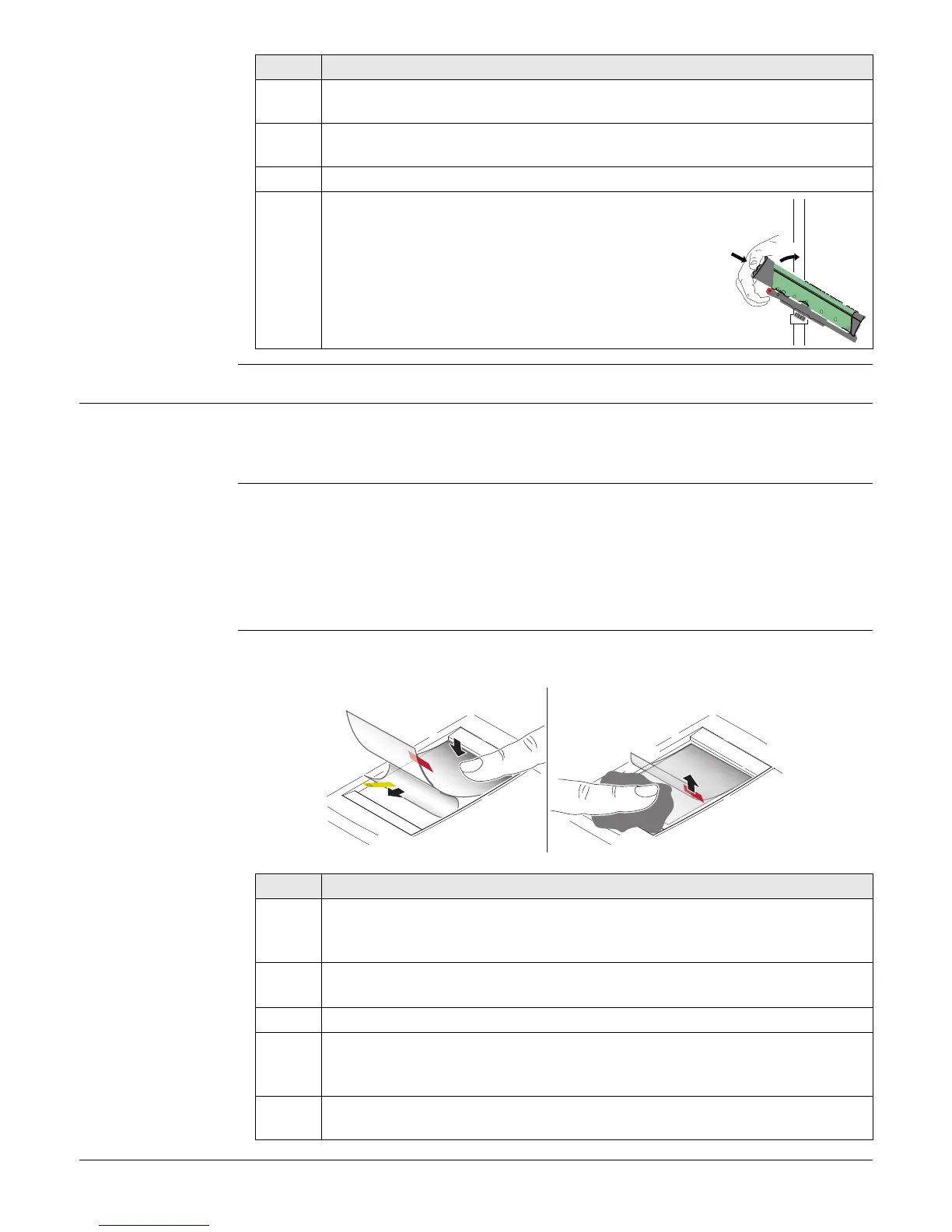
Detaching the field
controller from a
pole step-by-step
4.1.6 Fixing the Display Foil to the CS
We strongly recommend to use the display foil to protect the display against scratches
and dirt and to guarantee a trouble-free function of the touchscreen in extreme and
humid weather conditions.
Preparation • Ensure that the display is free of dust and grease.
• Use the provided microfibre cloth to clean the display.
• Look for a dust free and dry atmosphere surrounding while fixing the display foil.
The recommended conditions are:
Fixing the display
foil step-by-step
The display foil lies between two thin carrier foils. The display foil has a silver-coloured
sticker to peel away the carrier foil from the actual display foil.
Step Description
1. Unlock the locking pin by pushing the locking pin to the left of the mounting
plate.
2. Place palm over the top of the field controller until fingers grip the bar of
the holder underneath.
3. Push from the top of the field controller toward the bar of the holder.
4. While in this position, lift the top of the field
controller from the holder.
TS_057
1
2
Temperature: approx. 21°C
Humidity: < 55%
Step Description
1. Touch the yellow-coloured sticker with two fingers and pull it slowly
upwards. The carrier foil is peeling away.
Do not peel the carrier foil more than 2 cm - 3 cm away.
2. Fix the adhesive underside of the display foil on the display edge.
Peel away the carrier foil slowly and smooth it out gently onto the display.
3. Remove the additional layer foil which has a red-coloured sticker.
4. Potential air bubbles between display and display foil have to be smoothed
out using the included microfibre cloth.
Do not use sharp objects!
5. In case of remaining dust or grease under the display foil or the need to
replace the display foil, lift it again with some adhesive tape.
004510_001
1
2
3
4



 To Next Page