Indicates the connection status to the GNSS antenna. Refer to But-
ton GNSS active for details.
If a GNSS antenna is used, it should be green and not crossed-out
throughout the entire acquisition.
☞
Note, in the acquisition screen, the button only indicates
the status of GNSS connection. To set up the GNSS
antenna, go to the Home screen for the wizard and open
the project/draft to continue the scan.
Indicates the connection status to the TPS antenna. Refer to 6.4.2
TPS Systems for details.
If a TPS antenna is used, it should be green and not crossed-out
throughout the entire acquisition.
☞
Note, in the acquisition screen, the button only indicates
the status of TPS connection. To set up the TPS antenna,
go to the Home screen for the wizard and open the
project/draft to continue the scan.
Indicates the battery level of the DSX utility detection system. Fully
charge the battery before going out for a scan to avoid action ter-
mination due to insufcient DSX battery.
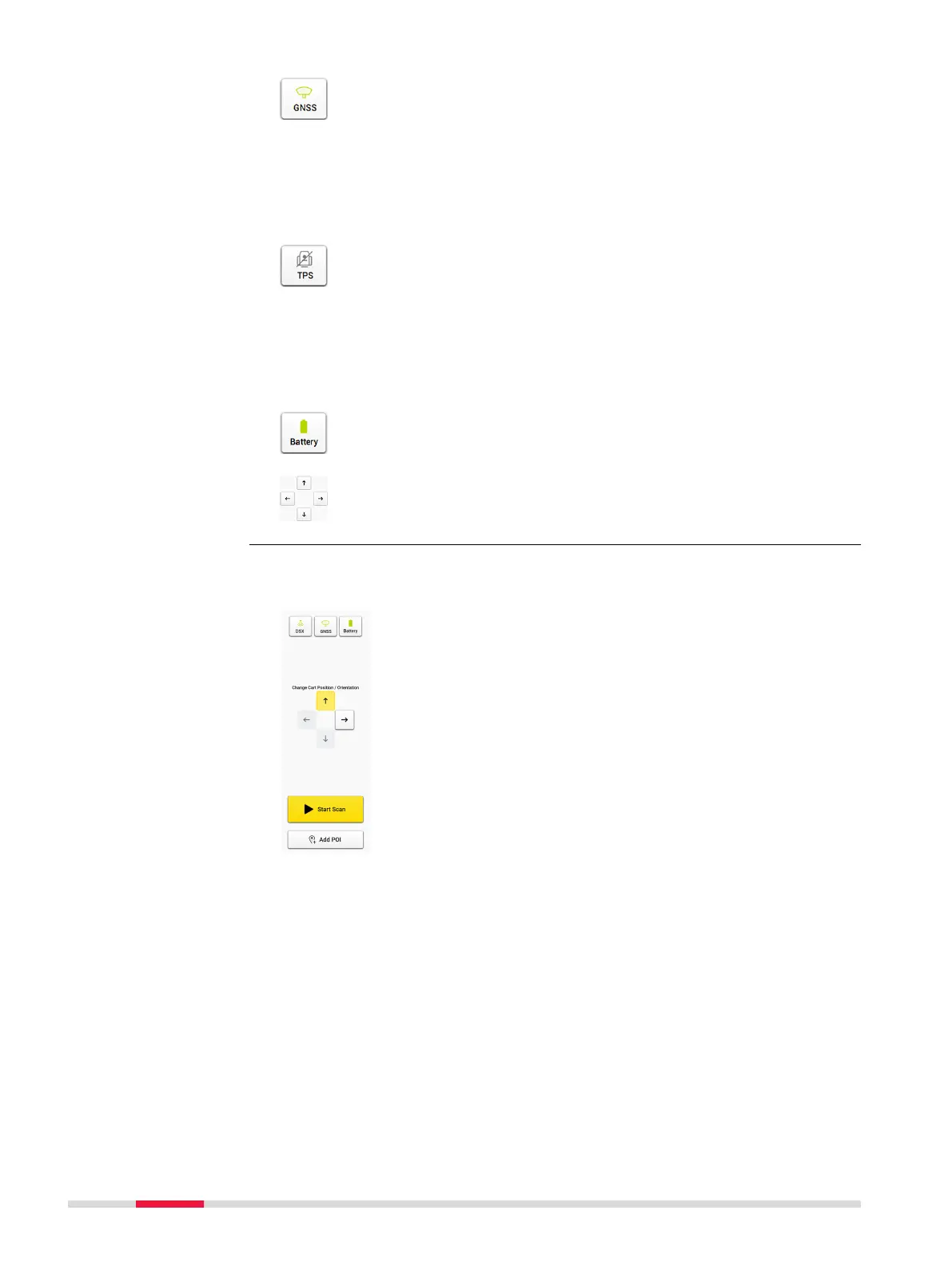
Use Arrow buttons to move the cart position and change the ori-
entation before a scan line starts.
While the DSX cart is moving, the orientation or position cannot be changed.
The remaining distance of the scan line is displayed.
Acquisition
30 DXplore Software



 To Next Page