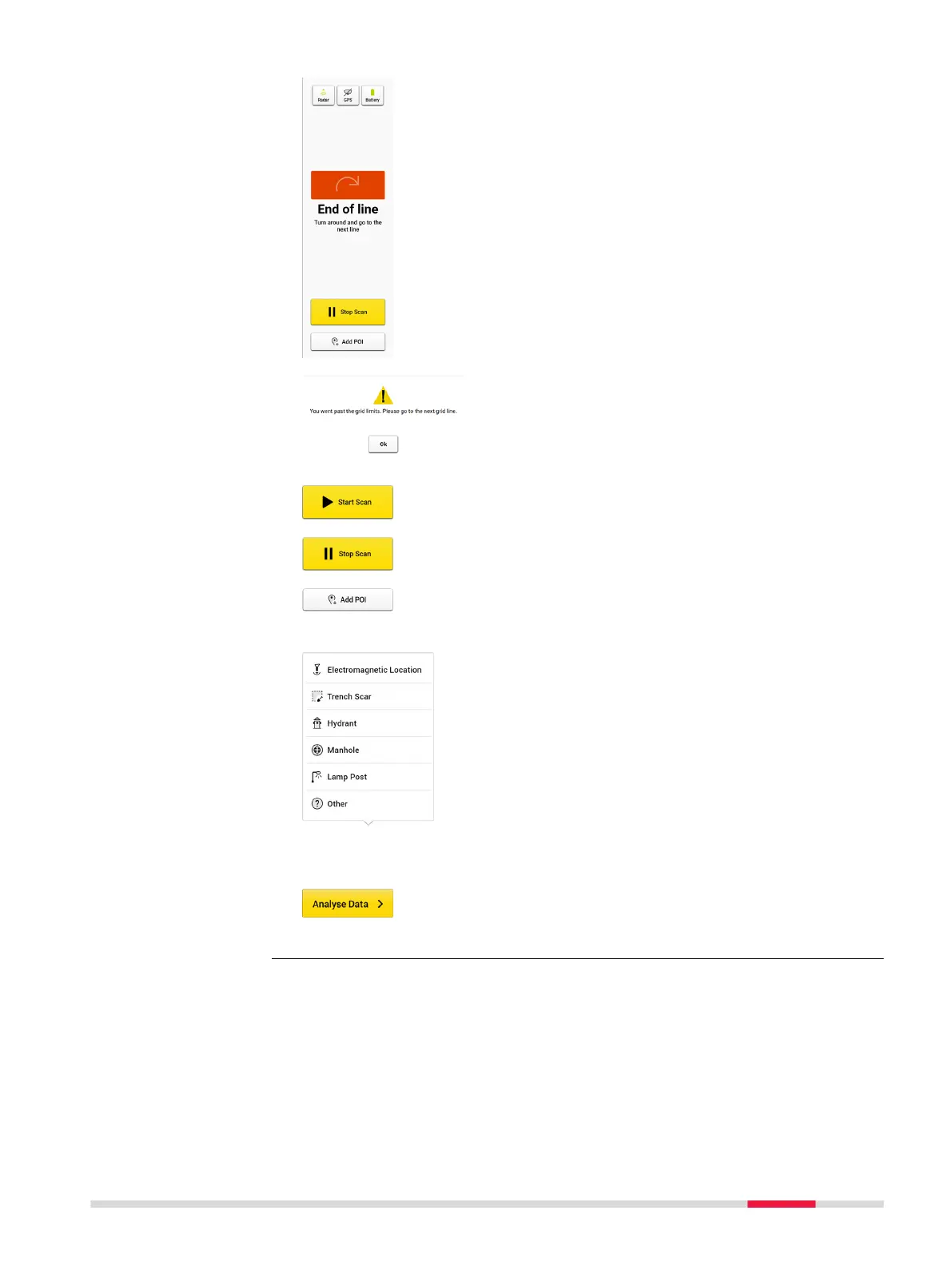
Once the cart goes beyond the end point of the
scan line, the remaining distance becomes a warn-
ing.
If exceeding a certain distance and if the Stop Scan
button is not tapped, the software forces a stop to
avoid distance calculation errors.
Tap Start Scan before starting a new line.
Tap Stop Scan once the line is completed.
Tap Add POI to add points of interest of the area while
still on site. Following options are available in the cur-
rent POI list:
•
Electromagnetic Location is used to mark the
positions where the cable locator detects signals.
•
Trench Scar is used to mark where the road surface
has been opened and covered. This option gives
ideas where utilities may be buried.
•
Hydrant is used for giving additional information on
water pipes.
•
Manhole is used for giving additional information
on water, sewer or drainage.
•
Lamp Post is a great indication of power cables.
•
Other: Add POIs which do not belong to the listed
types.
Once the data acquisition is completed, tap Analyse
Data to process the scan data. The result is displayed
and by default in animation in the next screen.
3D acquisition for
DXplore build
with or without posi-
tioning device
DXplore Software 31



 To Next Page