☞
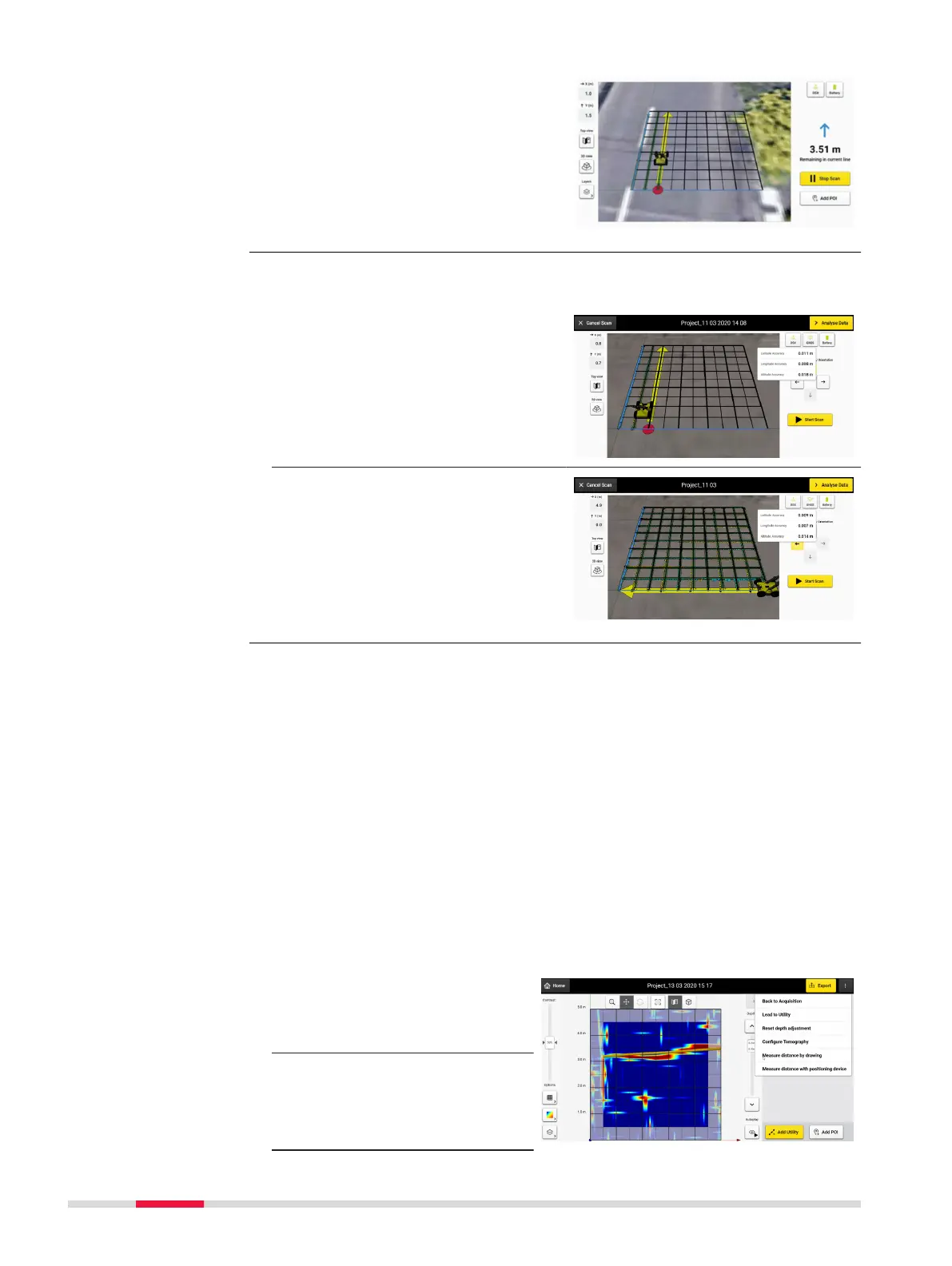
View acquisition in 3D to
allow for straightforward
and interactive data
acquisition. No positioning
device is needed for this
view.
☞
When connected to a positioning device, the acquisition screen can
be viewed in both 2D and 3D views.
When the DSX is connected to a
positioning device, a real-time posi-
tion can be observed in the viewer
area, as well as the scanned path.
Rotate the view by 90° when in 3D
view, clicking on the 3D view button.
The point-to-point distance measuring feature is used to carry out and save
distance measurements in a project. Measuring distance from a reference
point (i.e. acquisition start point, curb, manhole, corner of a building) to a util-
ity or anomaly, allows quick and easy navigation to the underground object
and to that it can be easily marked on the ground. It is particularly useful in
Quick Scan projects, to transfer reection in tomography onto the ground.
☞
For Grid Scan projects, all measurements are stored in the PDF
report assuring comprehensive documentation.
☞
Grid Scan projects: this functionality can be accessed from the
DXplore processing screen, by selecting Measure distance by draw-
ing/Measure distance with positioning device option from the
three-dot button at the top right of the screen. The same functional-
ity can be accessed from the Quick Scan screen.
Measure distance by drawing
1.
Tap on the three dots
on the upper right of
Quick Scan to activate
the dropdown menu.
2. Select Measure dis-
tance by drawing.
Acquisition screen
Point-to-point meas-
urement
32 DXplore Software



 To Next Page