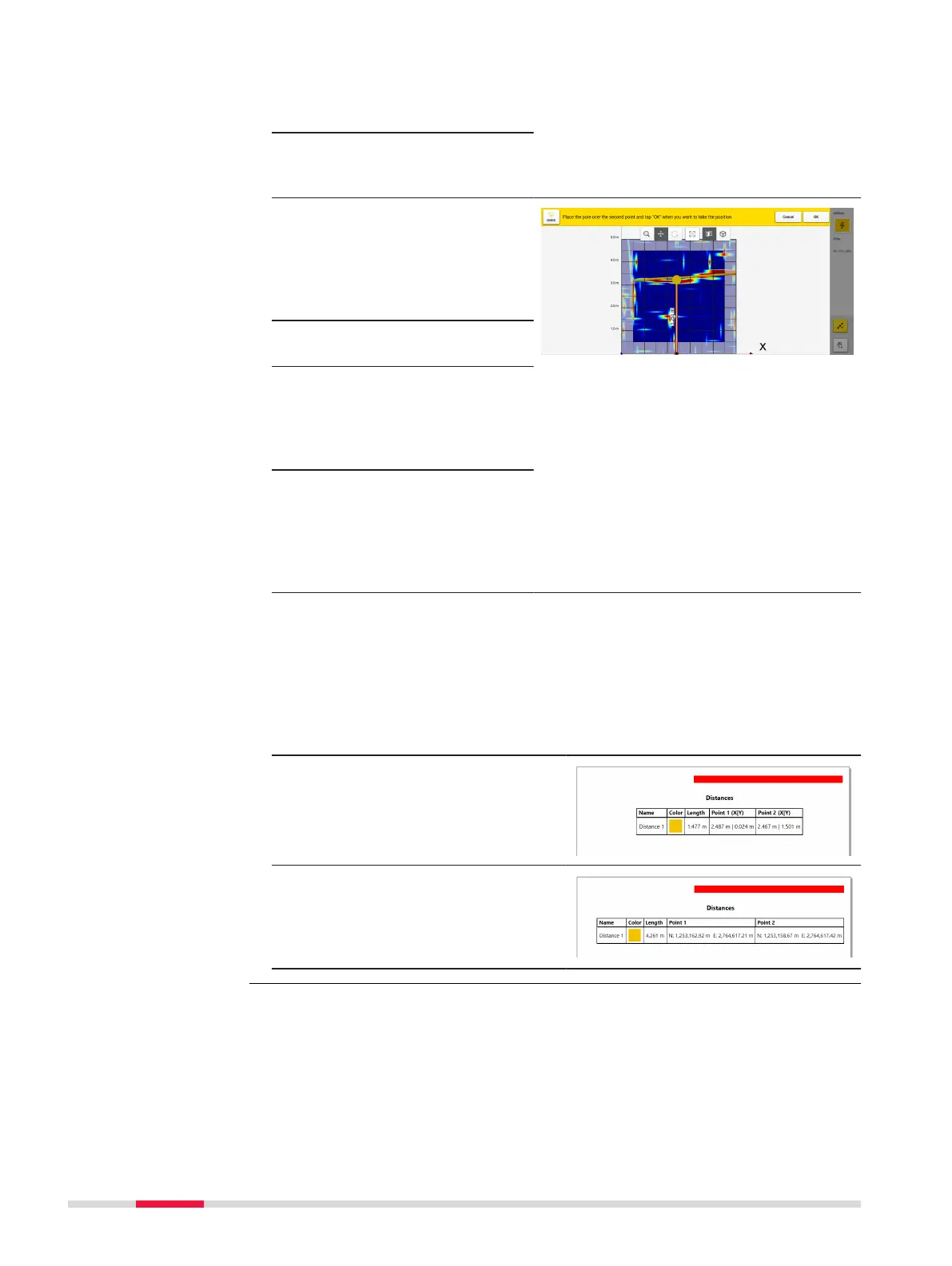
4. Move the cart so that
the pole is directly over
the desired point.
5. Press OK to set the
rst measurement
point.
6. Move the cart to the
second point so that
the antenna pole is dir-
ectly over the desired
end point of the meas-
urement.
7. Press OK to set the
second point.
8. Once the second point
is selected, the distance
between the two points
will automatacally
appear.
9. The option to save the
distance will be
provided and the dis-
tance will appear on the
resulting measurement
line.
☞
See Image.
Measured distances in PDF report
☞
Grid Scan projects: A complete overview of the saved distances,
along with their start and end point coordinates is avalable by gener-
ating a PDF report on the processing screen.
Sample of table showing X Y
coordinates for the distance points,
when no positioning device was
used.
Sample of table showing distance
points, including easting and north-
ing coordnates, when using a posi-
tioning device and a local coordinate
system.
DXplore Survey provides an acquisition view mode to assist in evaluating the
cart position, accuracy and alignment, while connected to a positioning sys-
tem.
When the physical cart gets moved to this spot to start the scan, a parallel
view mode will open up on the right side of the screen.
This view mode zooms in to the cart, demonstrating its accurate position in
relation to the dened scan starting point.
Acquisition view
mode
34 DXplore Software



 To Next Page