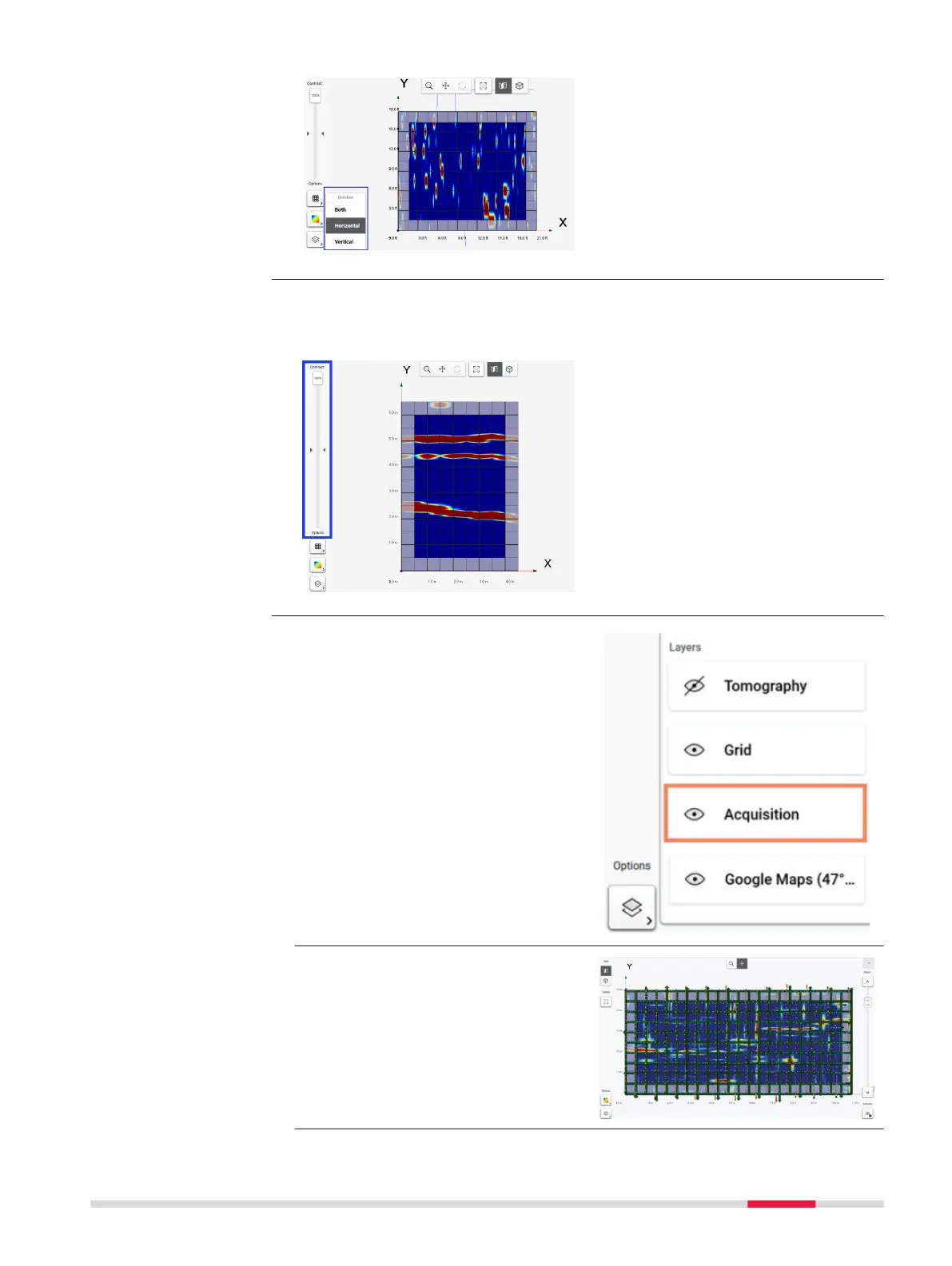
Use the contrast slider, placed at the left side of the processing screen, to
adjust the contrast of the tomography for a more enhanced, or a more
subtle, visualisation.
The acquisition line scan can be
viewed in the results screen under
Layers icon. To access this, click on
the Acquisition button.
☞
For acquisition completed
using GNSS/TPS, the
scanned path is displayed
as yellow/blue points and
the direction that the scan
was completed will be dis-
played as green arrows.
Contrast slider for
viewing tomography
GNSS/TPS scanning
path in results screen
DXplore Software 39



 To Next Page