☞
For acquisition completed
without GNSS/TPS, only
the scanned path will be
displayed as green arrows.
☞
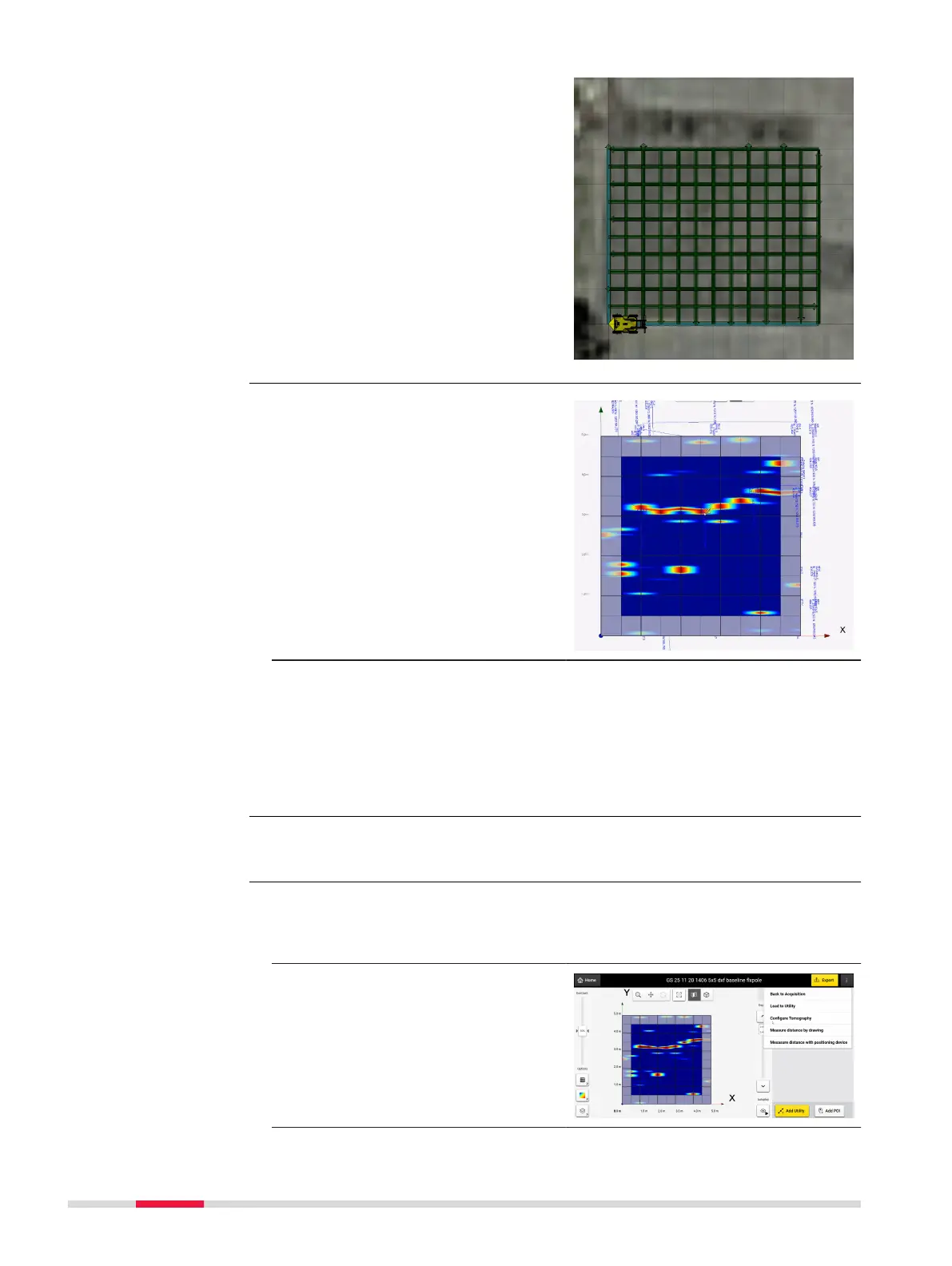
Outer edges of the grid in
results view, in order not
to use them as a reference
when a strong reection is
present in the masked
area.
The outer edges of the grid are not
fully representative in interpretation
because of edging and other effects.
They are still however representative
and helpful when a reection is vis-
ible across the tomography area and
continuous to the masked area.
☞
POI’s and detected utilities can be exported in ESRI shapele. Outputs
can be viewed in any GIS platform.
It is possible to adjust the tomography depth slices which adds additional ex-
ibility in visualizing the underground utilities as the view depth is varied using
the depth slider bar.
The feature is available for both
Grid
Scan and Quick Scan projects and
can be accessed from the Quick
Scan screen or processing screen, by
selecting the option Congure
Tomography on the top right.
Masking of grid edges
Export in ESRI
shapele format
Congure tomography
slices
40 DXplore Software



 To Next Page