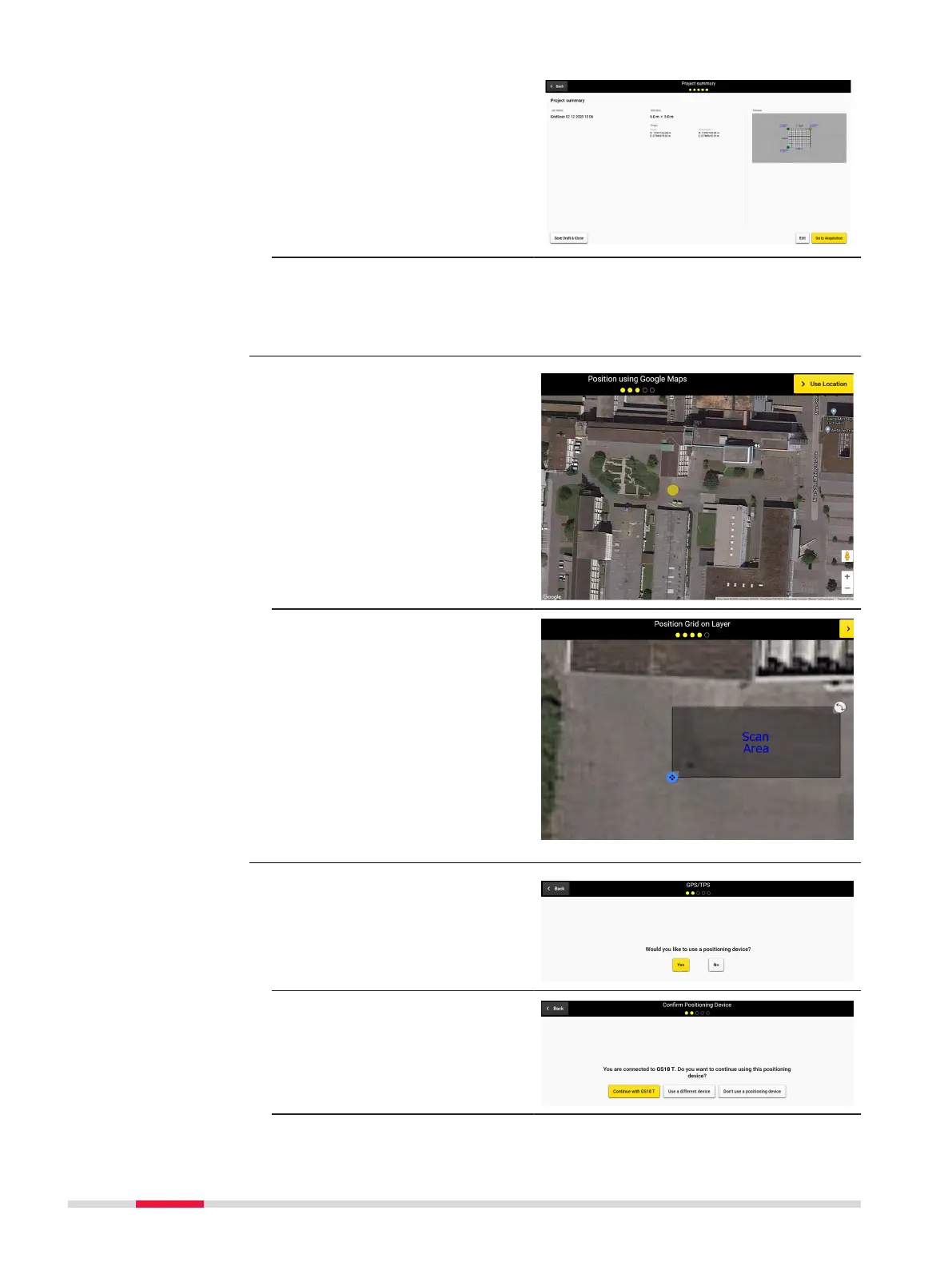
18. Conrm the information
of the project summary.
Save and close the
draft for further scan or
proceed to scanning by
tapping Go to Acquisi-
tion.
19. DXplore receives the
streamed coordinates
and uses them during
radar data processing.
1. Select the approximate
location of the grid on
the map by picking a
point directly on the
Google Map Layer.
2. Final adjustmetns to
the grid origin, orienta-
tion and size, can be
done via the respective
buttons and touch
icons.
1. Select the positioning
device.
2. Proceed with the con-
nected positioning
device or select an
alternative workow.
Google Maps location
selection
Step-by-step
Project setup and grid
denition workow
Step-by-step
72 Procedures for Working with the DSX



 To Next Page