53
Leica IP S
Operation 5
1
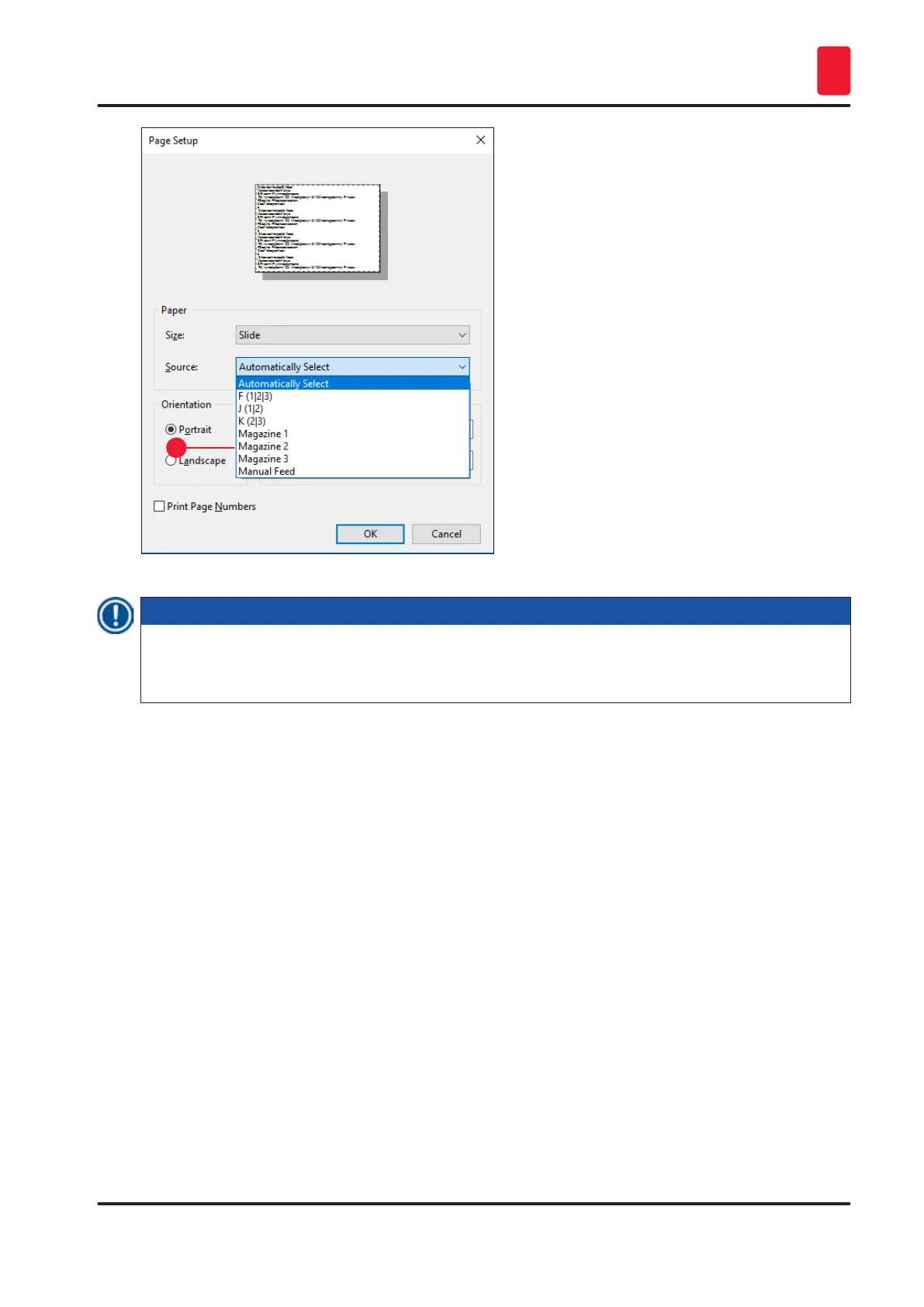
Fig. 43
Note
Working with magazine groups is useful for printing large jobs requiring more slides than fit into one
magazine or when several magazines have been filled with slides of the same type (e.g. same color).
The magazines will be processed in the indicated order.
Accessing the Advanced Options dialog box
1. To select advanced parameters, click File > Print… to access the Print dialog box.
2. Click on Preferences… to enter the Printing Preferences dialog box.
3. Click Advanced… to access the Advanced Options dialog box.
The Advanced Options dialog box (→ "Fig. 44")
Clicking onto the individual menu items opens up a pull-down menu to their right, where you can select
the desired parameters.
Any menu items not described here are of no importance for the printer. Therefore, the standard
settings of all menu items not described here should remain unchanged.



 To Next Page