58
Version 2.0, Revision I
Cleaning and Maintenance
6
1
Fig. 50
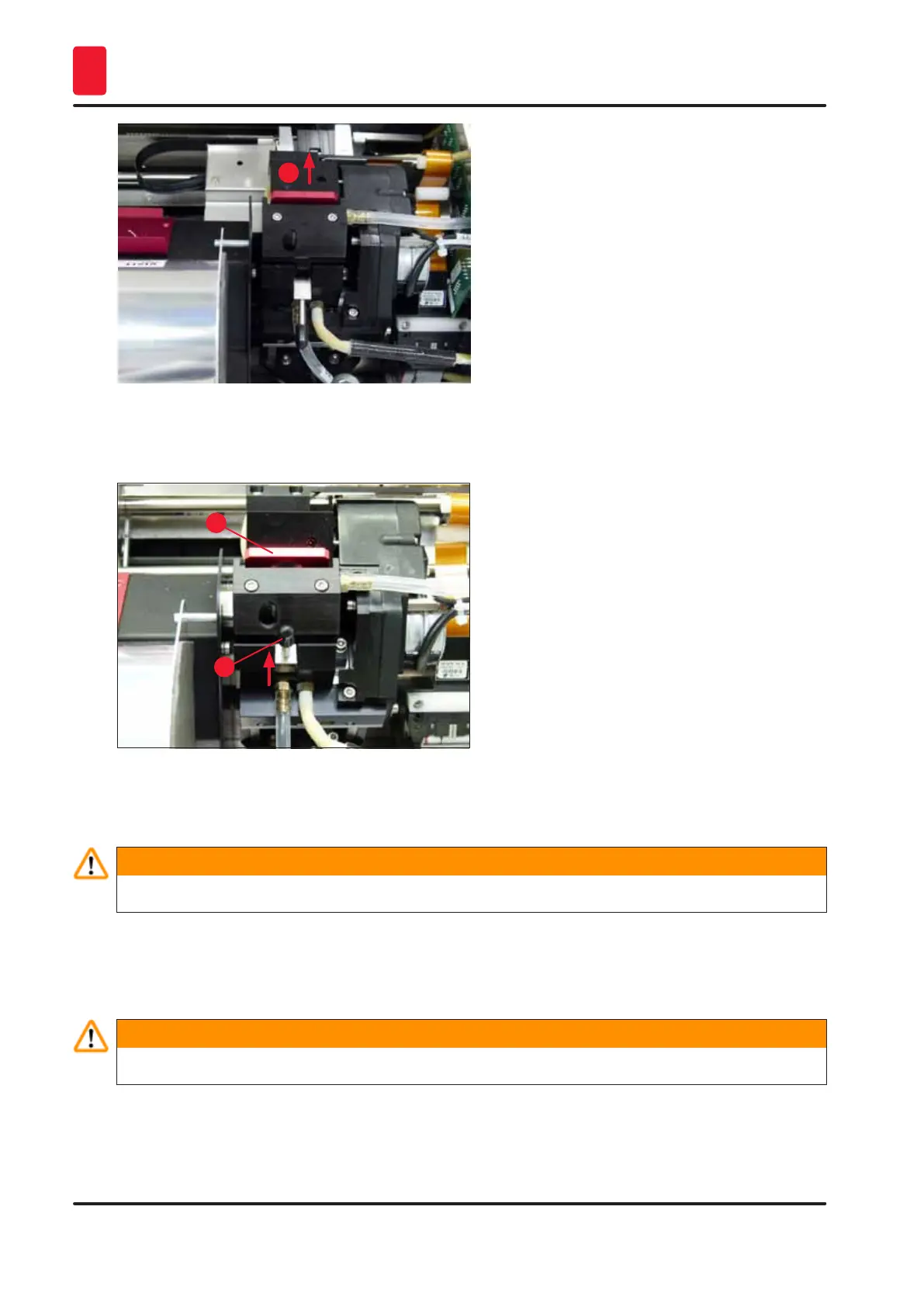
3. Push the lever (→ "Fig. 51-1") upwards, then remove the red replacement plate (→ "Fig. 51-2")
with the sealing lip.
1
2
Fig. 51
4. Moisten one of the foam swabs supplied with the instrument (→ "Fig. 52-1") with some alcohol.
Be sure not to use too much alcohol – no alcohol may drip into the instrument.
Warning
Never use acetone or xylene! Only use 95 % or 100 % alcohol for cleaning purposes.
5. Carefully insert the swab into the gap under the print head (→ "Fig. 52"). Apply light pressure
upwards (on the print head) and move the foam swab back and forth (approx. 10 times). This
procedure removes dried ink residues.
Warning
Never rotate the swab – this can damage the nozzle plate of the print head.



 To Next Page