59
Leica IP S
Cleaning and Maintenance 6
Fig. 52
1
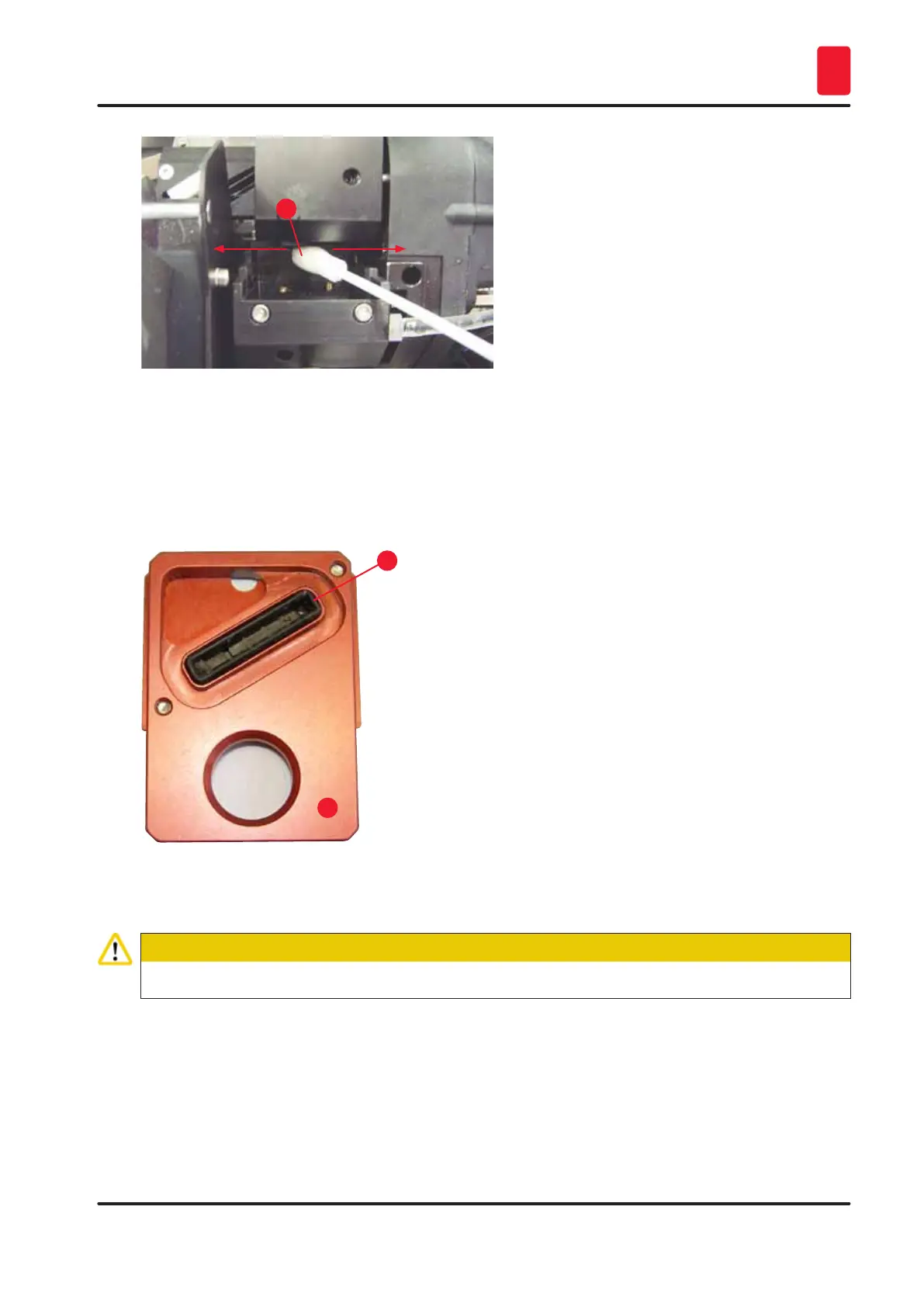
6. Also clean the replacement plate (→ "Fig. 53-1") and sealing lip with (clean) alcohol. The
sealing lip (→ "Fig. 53-2") must be completely free of ink residue. Check the sealing lip for
damage. Replace the replacement plate if the sealing lip is damaged.
Replacement plate
1
2
Fig. 53
7. Reinsert the replacement plate (→ "Fig. 53-1").
Caution
The replacement plate must be completely dry.
8. When the cleaning process is finished, press any key of the control panel to confirm.
9. The print head moves back to the rest position; the message 15 disappears from the display.



 To Next Page