IFU-0026 Lenire User Manual Version 2.0
Page 23
19.7 - I only received one Charger in the box, is that correct?
Yes. The same Charger may be used to charge the Controller and the Headphones.
See Chapter 10 for details.
19.8 - What should I do if I miss a treatment session?
To maximise the eectiveness of the treatment, it is important to adhere to the treatment regimen
prescribed by your clinician. If you miss a treatment session on any particular day, it is advisable
that you continue treatment as normal the following day.
19.9 - My Headphones won’t connect, even though the light on the Headphones indicates that
it is connected.
It is possible that another device, such as a mobile phone or a personal computer, is connecting
to your Headphones thereby preventing the Controller from connecting to them. Try either
• Turning o any mobile phones, or other computer devices that are close by.
• Moving to a dierent location, away from any computer devices.
If none of these steps xes the problem, please contact Customer Support (see Section F).
Chapter 20 - Bluetooth Pairing / Un-Pairing
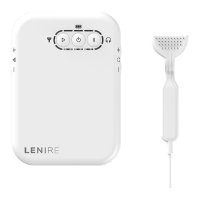
The Controller sends audio to the Headphones wirelessly using Bluetooth, and for this to work,
the Controller and the Headphones need to be ‘paired’, allowing the two devices to connect
automatically henceforth.
20.1 - Pairing Headphones to the Controller
The rst time you try to use the Controller and Headphones together you may need to pair the
devices as follows:
• Put the Headphones into Pairing Mode (see Lenire Headphone Handbook at www.lenire.com/
product-support for headphone specic details).
• Switch on the Controller by pressing the Power Button for 2 seconds.
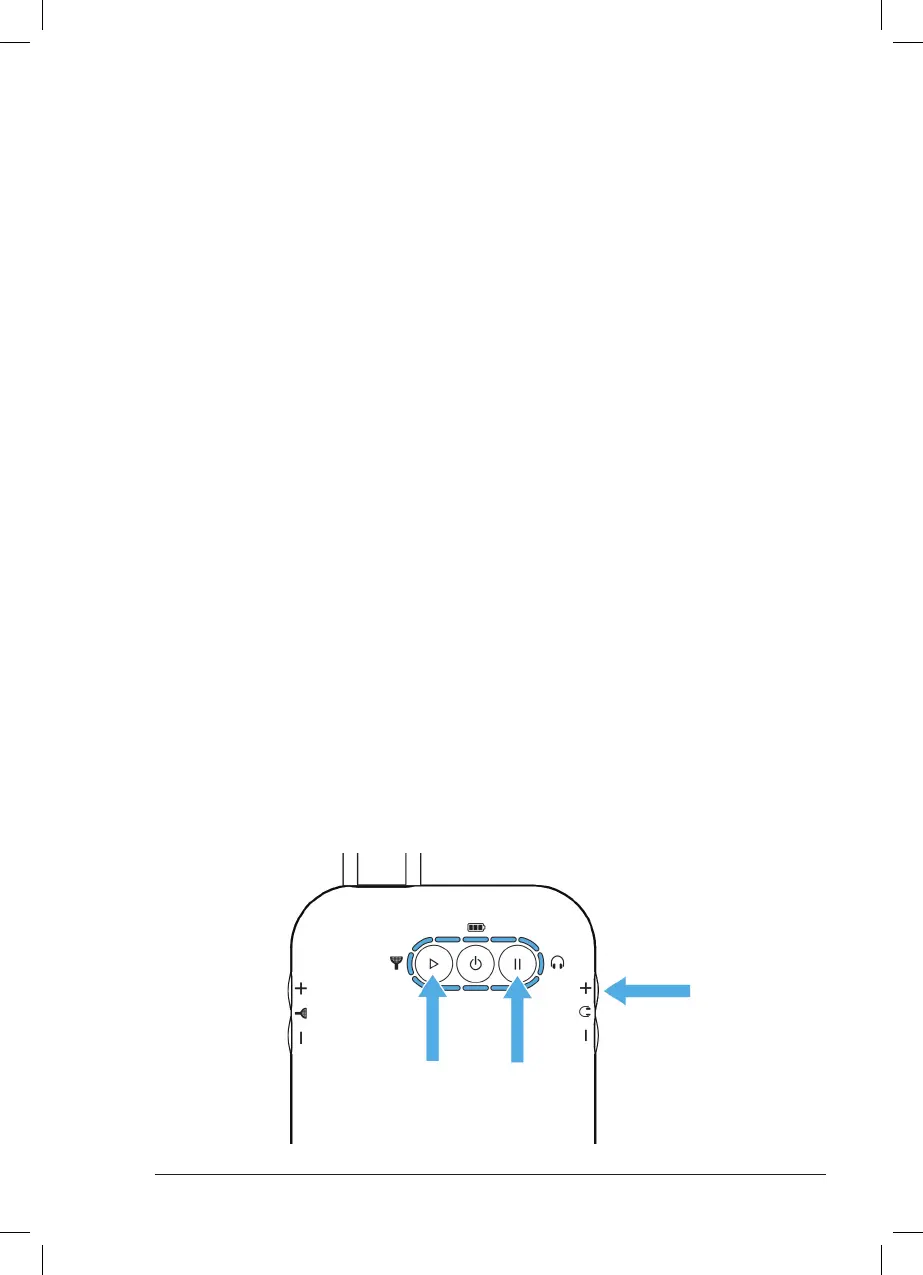
• Place the Controller into Pairing Mode by pressing the Play, Pause and Volume + Buttons at the
same time. All indicator lights will ash blue for 2 seconds.



 To Next Page