IFU-0026 Lenire User Manual Version 2.0
Page 7
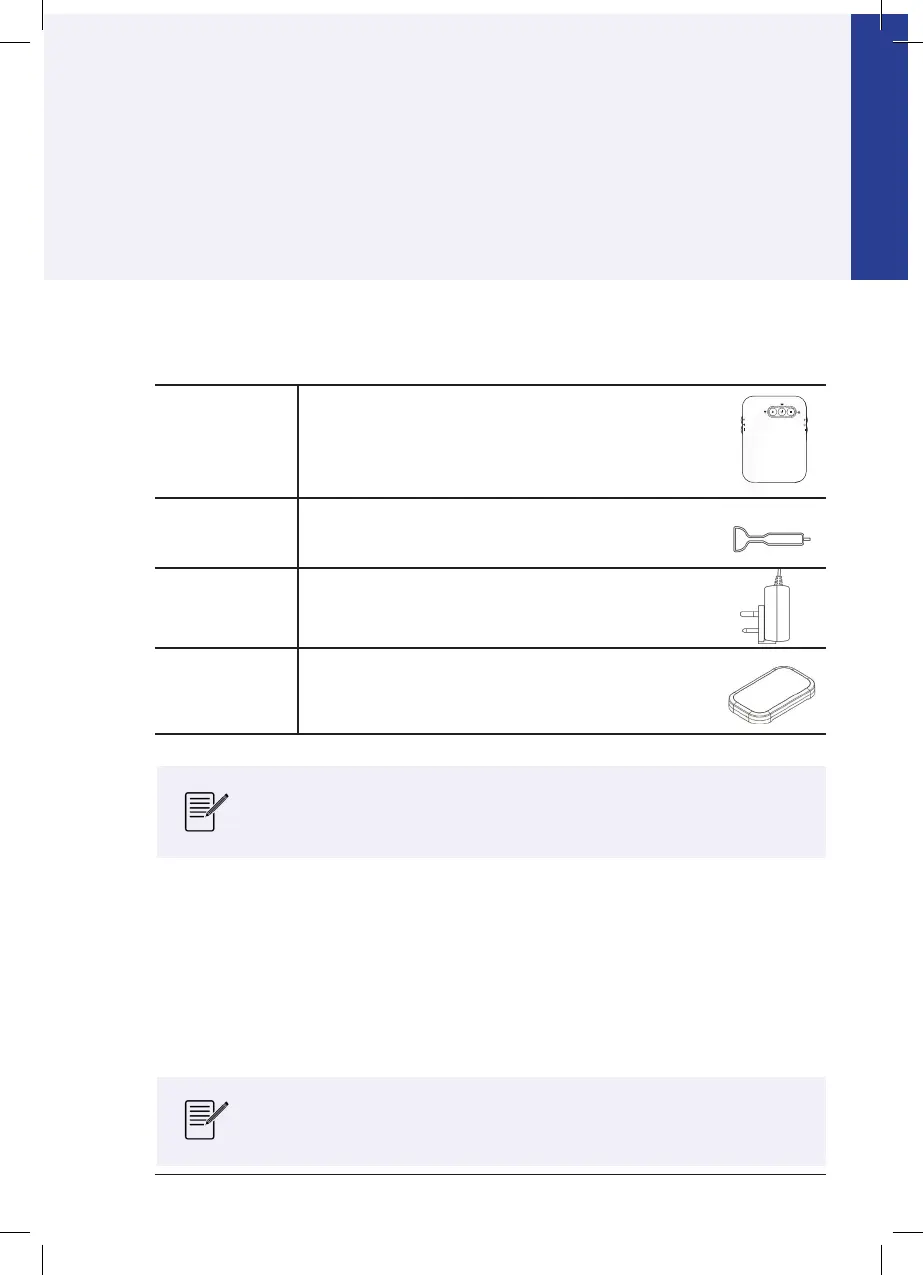
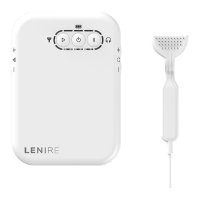
Controller
The Controller (Model Number CR-201) is used to
“control” the treatment session i.e. you can start, pause
and resume the treatment session, adjust the volume of
the sound, adjust the level of the tongue stimulation, and
turn the device on or o.
Tonguetip
The Tonguetip (Model Number TP-101) is a device which
provides gentle, electrical stimulation to the tongue.
Charger
The Charger (XP Power model VEP08US05-XE0767
or ACM06US05W-XZ1663A) is used to charge the
Controller.
Carry Case
The Carry Case (Model Number CE-401) is a portable
case which can be used to store the Controller and
Tonguetip in-between uses.
7.1 - Headphones
Lenire must be used in conjunction with a set of Bluetooth Headphones. For best performance,
it is essential that you use the Headphones provided by your clinician at the time of purchase.
For more information and specific instructions on the Headphones supplied with your
Lenire Device, please visit www.lenire.com/product-support and download the Lenire
Headphone Handbook. A printed version can be requested by contacting Customer
Support (see Section F for details).
The Lenire device box also contains a Quick Start Guide which outlines
the basic steps needed to commence a treatment session.
Lenire is designed to work only with the Headphones listed
in the Lenire Headphone Handbook which can be found at
www.lenire.com/product-support.
Chapter 7 - Product Components & Accessories
In the Lenire device box, you will nd:
Section B
Using Lenire
This section describes the components, controls and indicators of Lenire
and outlines the steps required to prepare for and commence treatment.



 To Next Page