• Damage caused by the improper insertion of a personal-computer card (PC card) or the installation of an
incompatible card
• Improper disc insertion or use of an external optical drive
• Fuses blown by attachment of a non-supported device
• Forgotten computer password (making the computer unusable)
• Sticky keys caused by spilling a liquid onto the keyboard
• Use of an incorrect ac power adapter on laptop products
The following symptoms might indicate damage caused by non-warranted activities:
• Missing parts might be a symptom of unauthorized service or modification.
• Check for obvious damage to a hard disk drive. If the spindle of a hard disk drive becomes noisy, the hard
disk drive might have been dropped or subject to excessive force.
CRU list
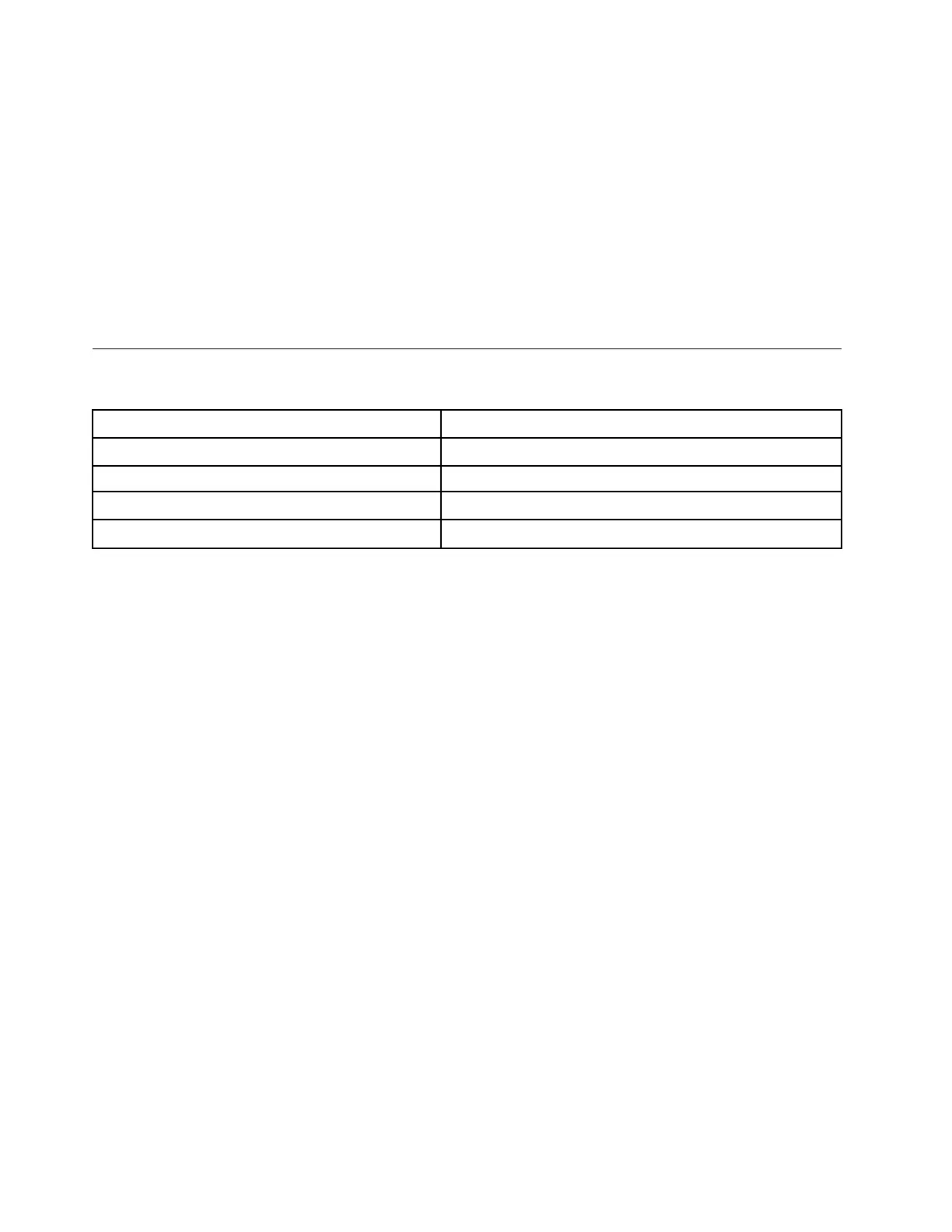
Table 1. Model: Lenovo Flex 7 14IAU7 (MT: 82VC)
CRU
Type
ac power adapter self-service
Power cord self-service
Lenovo Digital Pen* self-service
Lenovo pen holder* self-service
* for selected models
22
Hardware Maintenance Manual






 To Next Page