Replacing hardware 14
CRUs and FRUs locations
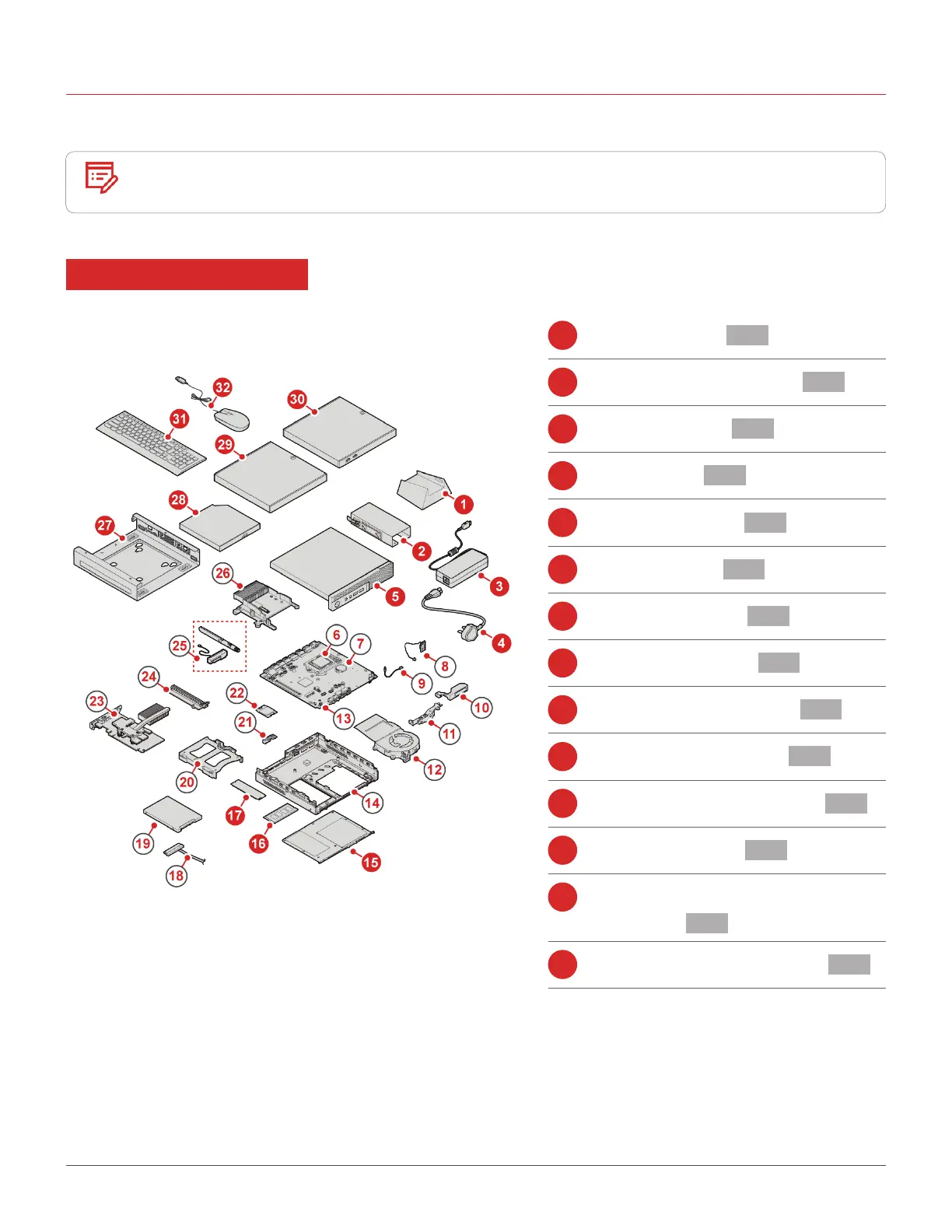
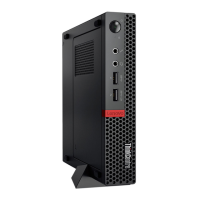
Refer to the following illustrations to check the locations of CRUs and FRUs within the computer.
Note
• Some of the following parts might look different from the one illustrated.
• Some of the following parts are optional on some models.
Self-service CRU
1
Vertical stand p. 23
2
Power adapter bracket p. 27
3
Power adapter p. 22
4
Power cord p. 22
5
Computer cover p. 28
15
Bottom cover p. 37
16
Memory module p. 38
17
M.2 storage drive p. 39
27
VESA® mount bracket p. 24
28
External optical drive p. 25
29
External optical drive box p. 25
30
External I/O box p. 26
31
Keyboard or wireless
keyboard p. 19
32
Mouse or wireless mouse p. 20


 To Next Page